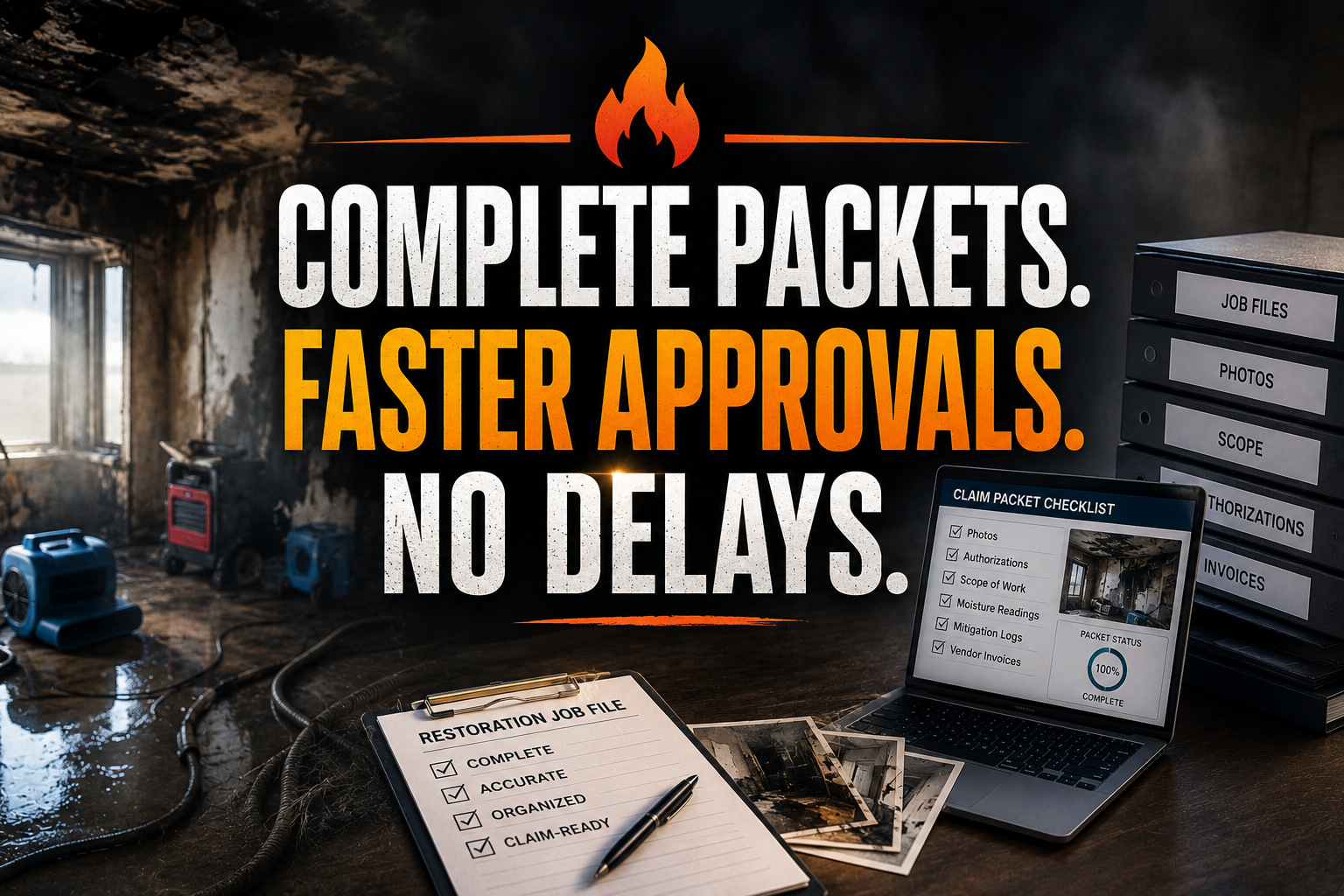
A crew mobilizes after a house fire. The work begins immediately, but the claim packet does not. The carrier desk later rejects the authorization because the policy number, signed work authorization, adjuster details, and pre-mitigation photos are missing. Your team completed urgent work, yet funding now depends on a scramble through phones, inboxes, and half-labeled folders.
Smoke damage creates another expensive problem. A contents team marks furniture and electronics for disposal without enough condition photos, inventory notes, or salvage reasoning. The carrier questions the decision, the homeowner disputes the outcome, and your estimator spends hours rebuilding evidence after the fact.
A restoration virtual assistant gives you a dedicated Fire Damage Claim & Smoke Mitigation Desk. Assign this desk to collect, organize, reconcile, and follow up on every document that supports fire damage cleanup and smoke mitigation.
10 Core Tasks a Restoration Virtual Assistant Handles Daily
- Capture insurance assignment details, loss date, property address, policy number, and claim number.
- Request signed work authorizations, direction-to-pay forms, and customer approvals through DocuSign.
- Record adjuster, carrier, TPA, mortgagee, and homeowner contact information.
- Assemble claim packets in Dropbox or Google Workspace using consistent folder names.
- Check room-by-room photos, soot notes, measurements, odor observations, and safety records.
- Track contents cleaning, storage, salvage, disposal, and replacement decisions.
- Match field documentation to Xactimate scope items and estimate narratives.
- Prepare supplement support with missing photos, invoices, measurements, and explanations.
- Maintain adjuster communication logs and follow up on outstanding approvals.
- Send post-mitigation customer check-ins and collect completion documents.
SOPs to Keep Fire Claims Funded
Build the Five-Evidence Claim Packet
Goal: Create a complete file before documentation gaps slow approval.
- Open the claim record with insured, property, loss, policy, and claim identifiers.
- Add authorization, assignment, adjuster, and coverage-related documents.
- Organize field evidence, including photos, videos, measurements, soot mapping, and safety clearance.
- Add contents evidence, including inventory, condition, salvageability, disposal reasoning, and storage status.
- Add financial evidence, including estimates, invoices, equipment logs, and supplements.
- Mark each evidence group complete, missing, or awaiting review by the project manager.
Control Authorization Before Mobilization
Goal: Reduce disputes over who approved the work.
- Confirm the customer’s identity and loss address.
- Send the approved work authorization and direction-to-pay forms.
- Track delivery, signature, date, and document version.
- Escalate unsigned forms to the restoration manager.
- Store the signed files beside the claim assignment.
- Permit field work according to your company’s approved authorization policy.
Never allow a VA to interpret coverage, promise payment, or approve technical work. Route those decisions to your project manager or designated insurance professional.
Document Smoke and Soot Mitigation
Goal: Connect every mitigation action to visible conditions and job dates.
- Collect initial photos from consistent room angles.
- Record affected surfaces, residue type, odor observations, and material conditions.
- Log air scrubbers, hydroxyl units, cleaning products, locations, and operating periods.
- Request daily progress photos and technician notes.
- Match cleaning and deodorization actions to the scope narrative.
- Flag missing evidence before estimate submission.
Use ANSI/IICRC standards guidance as a reference point. Fire and smoke work now has ANSI/IICRC S700, while S500 applies to water damage from suppression activities. Confirm technical requirements with qualified restoration personnel.
Track Clean, Salvage, or Dispose Decisions
Goal: Defend contents decisions with organized evidence.
- Create one inventory record per item or logical group.
- Attach pre-cleaning photos and condition notes.
- Record the proposed action: clean, restore, store, replace, or dispose.
- Add customer or project-manager review where required.
- Match disposal records to estimate lines and supporting photos.
- Track pack-back or replacement status through completion.
Run the Three-Way Reconciliation
Goal: Prevent mismatches between what happened, what was estimated, and what was billed.
- Compare the field record with the Xactimate scope.
- Compare the Xactimate scope with invoices and equipment logs.
- Compare invoices with authorization and approved change orders.
- Highlight unsupported line items or missing documents.
- Send technical questions to the estimator or project manager.
- Submit a clean packet only after the three records agree.
Maintain the Compliance Desk
Goal: Keep required documents visible during every project phase.
- Create a checklist for intake, mitigation, contents, supplements, and completion.
- Set due dates for photos, readings, forms, estimates, and customer updates.
- Use Google Workspace or Dropbox permissions approved by your company.
- Log every carrier, TPA, adjuster, and customer communication.
- Escalate safety, coverage, legal, or technical questions immediately.
- Archive the final packet according to your retention policy.
Roll Out the Desk in 30 Days
Goal: Launch a repeatable fire claim process without disrupting active jobs.
- Days 1–5: Map your current intake, authorization, and documentation flow.
- Days 6–10: Build packet templates and folder standards.
- Days 11–15: Train the VA on software, terminology, escalation rules, and privacy controls.
- Days 16–20: Pilot the process on two active or recently closed fire claims.
- Days 21–25: Review missing-document rates and adjust the checklist.
- Days 26–30: Move every new fire job into the standardized desk.
Assign responsibility clearly. The VA owns collection, indexing, reminders, and status reporting. The technician owns field observations. The estimator owns scope and pricing. The project manager owns technical approval. The customer and authorized decision-makers own signatures and coverage decisions.
Two Fire Restoration Results
Case Study 1: Restoration contractor in Texas.
The company had 18 open fire claims and inconsistent authorization files. A Virtual Nexgen Solutions VA reviewed each record, collected 31 missing documents, and created a common packet structure. Within 45 days, the team reduced average adjuster follow-up time from 52 minutes to 18 minutes per claim and recovered $24,600 in previously delayed approved billings.
Case Study 2: Smoke mitigation contractor in Florida.
The contractor struggled to defend contents disposal decisions. The VA indexed 1,140 item records, matched photos to inventory lines, and tracked 74 customer approvals. The company cut weekly documentation rework from 22 hours to 9 hours and shortened final packet assembly from six business days to two.
Industry Software Mastered by Our Virtual Assistants
- Xactimate: Organize estimates, narratives, supplements, and evidence references.
- Encircle: Index room photos, measurements, contents records, and field notes.
- Jobber and ServiceTitan: Update customer records, job stages, appointments, and follow-ups.
- DASH: Maintain restoration job status, documentation, and internal task queues.
- Google Workspace: Manage shared checklists, claim logs, email, and reporting.
- DocuSign: Send and track authorizations and customer approvals.
- Dropbox: Maintain secure, searchable claim packet folders.
Why Restoration Companies Choose Virtual Nexgen Solutions
Virtual Nexgen Solutions assigns trained support around your actual restoration workflow. Your VA can work inside the systems your team already uses, follow your escalation rules, and keep fire, smoke, water, mold, and biohazard files moving without taking technical decisions away from your licensed or certified personnel.
At $8 per hour, 160 hours of monthly support costs about $15,360 annually. Compare that with the roughly $45,000–$60,000 salary often budgeted for an in-house restoration office or project administrator, before benefits, recruiting, equipment, and leave. The right comparison is not simply labor cost. Measure recovered billings, faster packet completion, fewer documentation disputes, and hours returned to estimators and project managers.
Position the consultation around a fire-claim file review. Show prospects how to identify missing authorizations, unsupported contents decisions, weak smoke documentation, and reconciliation gaps. Present the VA desk as an administrative support layer, not a replacement for technical restoration judgment.
FAQ
What is a fire damage claim packet?
A fire damage claim packet is an organized file containing claim identifiers, authorizations, adjuster contacts, photos, scope documentation, contents records, invoices, supplements, and completion evidence. It gives the carrier and adjuster a clear record of the work performed and the costs being requested.
What does a restoration virtual assistant do for fire claims?
A restoration virtual assistant collects and indexes claim documents, tracks signatures, organizes smoke mitigation evidence, updates software records, follows up with adjusters, and prepares packet checklists. The VA supports administration while your estimator, project manager, technician, and insurance professionals retain technical authority.
How should smoke damage restoration be documented?
Document pre-mitigation conditions, room-by-room soot and odor observations, affected materials, cleaning actions, equipment use, progress photos, and final results. Match the evidence to the estimate narrative and preserve communication records. Follow applicable IICRC guidance and your company’s technical procedures.
Can a virtual assistant work in Xactimate and Encircle?
Yes. A trained VA can organize Xactimate estimate support, narratives, supplements, photo references, Encircle records, measurements, contents inventories, and missing-document checklists. Give the VA role-based access and require an estimator or project manager to approve scope, pricing, and technical conclusions.
How does a VA handle contents cleaning versus disposal?
The VA records each item, attaches condition photos, logs the proposed action, tracks customer or manager approval, and matches the decision to the estimate and disposal documentation. The VA does not decide whether an item is technically salvageable or covered.
How much does a restoration virtual assistant cost?
Virtual Nexgen Solutions provides VA support at $8 per hour. At 160 hours per month, the annual labor cost is approximately $15,360. An in-house restoration office or project administrator may cost about $45,000–$60,000 in salary before benefits and overhead.
Who approves fire mitigation work and insurance coverage?
Your designated project manager, estimator, qualified technician, insurance professional, carrier, and policyholder approve decisions within their assigned roles. A VA may collect signatures, record communications, and escalate questions, but should never interpret coverage or approve technical restoration work.
How quickly can a fire claim desk be implemented?
You can establish a basic desk in 30 days by mapping the current workflow, creating packet templates, training the VA, piloting two files, reviewing missing-document rates, and revising the checklist. Expand only after the process works reliably on active claims.
Protect the funding process behind every fire and smoke mitigation job. Book a 30-minute consultation with Virtual Nexgen Solutions to review your claim packet workflow, software stack, and administrative support needs.