A technician finishes a difficult drain repair in Phoenix. The homeowner is thrilled. The invoice is paid. Then the crew drives to the next call, and nobody asks for a review.
That single missed follow-up creates a quiet revenue leak. Your best customer experiences disappear while competitors collect fresh reviews, answer complaints quickly, and keep their Google Business Profiles active. Your call volume may stall even when your technicians deliver excellent work.
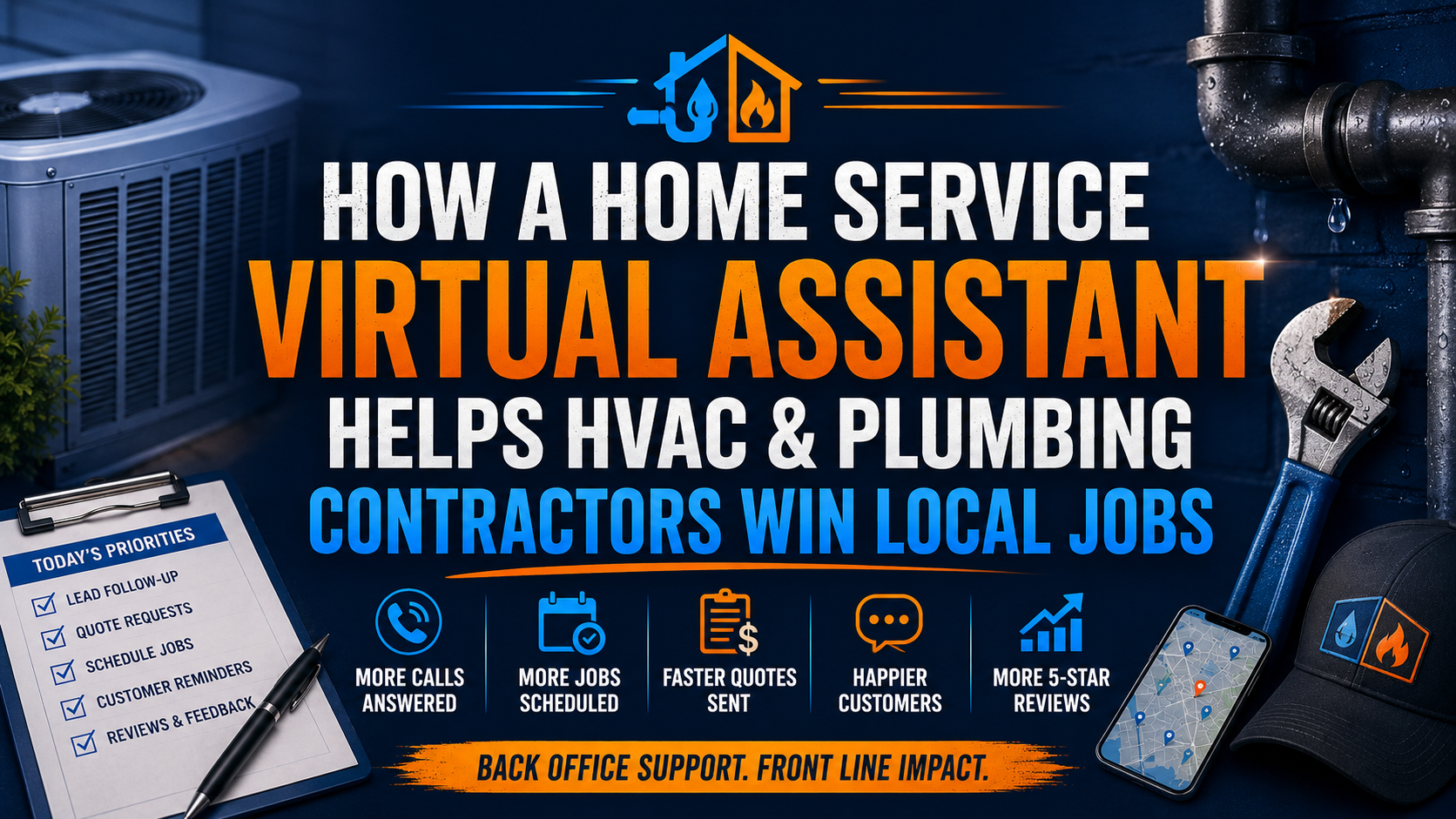
A home service virtual assistant gives you a dedicated review reputation desk. The VA requests honest feedback through approved channels, drafts thoughtful responses, monitors Google Business Profile Q&A, curates job photos, and sends a weekly dashboard. You keep control of approvals while your team stops carrying another unfinished task.
What does a home service virtual assistant manage every day?
10 Core Tasks a HVAC and Plumbing Virtual Assistant Handles Daily
- Send post-job review requests through approved email or SMS channels.
- Track which completed jobs received a request and which need follow-up.
- Draft personalized replies to five-star, neutral, and negative reviews.
- Monitor Google Business Profile questions and route technical issues.
- Organize before-and-after photos from HVAC and plumbing projects.
- Confirm that photos include customer permission before publication.
- Maintain a review response log with dates, owners, and status.
- Escalate complaints involving safety, billing, warranty, or service quality.
- Review mentions across approved platforms such as Birdeye or Podium.
- Prepare a weekly reputation dashboard showing review velocity, response time, Q&A activity, and call trends.
Why does review velocity matter for local contractors?
A strong reputation is not only about your average rating. It also depends on whether recent customers continue to share genuine experiences. A profile with older reviews can look inactive, even when your field team is busy.
Instruct your VA to request feedback after a completed and paid job. Do not offer discounts or gifts in exchange for reviews. Google states that reviews must reflect genuine customer experiences and prohibits incentives tied to posting, changing, or removing reviews. Follow its official review guidance.
Give your VA approved response guidelines. Keep replies short, polite, relevant, and private when a complaint contains customer details. Ask the customer to contact your office directly when the issue requires account investigation.
What does the reputation desk workflow look like?
Use five evidence groups to keep the process accurate:
- Completed job record
- Customer contact and consent status
- Invoice or payment status
- Technician notes and before-and-after photos
- Published review, response, or unresolved complaint
Apply a simple compliance-desk workflow. The VA checks the job record, confirms that the request is appropriate, sends the approved message, records the result, and escalates exceptions. Never ask only satisfied customers for reviews. Invite genuine feedback consistently.
Perform a three-way reconciliation every week. Match the completed-job list against the review-request log and the published-review record. Investigate gaps. This prevents missed customers, duplicate requests, and unsupported claims in your dashboard.
How should you delegate reputation work without losing control?
Assign responsibilities clearly:
- Technician: Add accurate job notes and approved photos.
- Dispatcher: Mark the job complete and confirm customer details.
- Virtual assistant: Send requests, monitor platforms, draft replies, and report exceptions.
- Owner or manager: Approve sensitive replies and resolve escalated complaints.
Consider a 30-day rollout. Use week one to document your review policy and response tone. Use week two to connect the VA to your approved systems. Use week three to test requests, responses, and escalation rules. Use week four to review the dashboard and refine the process.
What does this service cost compared with hiring in-house?
Virtual Nexgen Solutions provides specialized virtual assistant support at $8 per hour. At 40 hours per week, that equals about $16,640 in direct annual hourly cost before selecting your preferred schedule.
By comparison, the Bureau of Labor Statistics reports a 2024 median annual wage of $47,460 for secretaries and administrative assistants. Recruiting, payroll taxes, benefits, equipment, leave, and management time can push a fully loaded in-house role toward $50,000–$60,000 annually.
Use a VA when you need consistent coverage without committing to a full-time office position. Review your actual workload first, then choose part-time or dedicated support based on completed jobs, locations, and platform volume.
Case study: Texas HVAC contractor. A six-technician company had strong customer satisfaction but inconsistent review requests. After a VA reconciled completed jobs with requests and drafted responses, the contractor increased the percentage of eligible jobs receiving a request from 18% to 82% over 90 days. The company also reduced average review response time from four days to one business day.
Case study: North Carolina plumbing contractor. The owner personally handled complaints, photo uploads, and Google Q&A after evening dispatch work. A VA introduced an approval queue and weekly dashboard. Within eight weeks, unanswered Q&A items fell from 14 to zero, before-and-after photo publishing became consistent, and the owner recovered approximately six hours per week for estimates and field sales.
Which software can a home service VA support?
Your VA can work inside the systems you already use, including:
- Google Business Profile: Reviews, Q&A, photos, and profile updates.
- ServiceTitan: Completed jobs, customer records, technician notes, and reporting.
- Housecall Pro: Job status, invoices, customer messaging, and follow-up lists.
- Jobber: Client records, visit history, requests, and team notes.
- Salesforce: Customer records, service cases, and reputation escalations.
- GoHighLevel: Approved follow-up campaigns and lead records.
- Birdeye and Podium: Review monitoring, response queues, and reporting.
Why do HVAC and plumbing companies choose Virtual Nexgen Solutions?
You do not need another generic assistant who needs to learn the difference between a service call, maintenance agreement, estimate, and emergency dispatch. You need a trained operator who follows your approval rules, understands customer privacy, and works inside your service software.
FAQ
What is a home service virtual assistant?
A home service virtual assistant is a remote professional trained to support HVAC, plumbing, and other contractors with administrative workflows. The VA can manage review requests, customer follow-up, Google Business Profile activity, scheduling support, documentation, and reporting while your technicians focus on field work.
How can a virtual assistant help an HVAC company get more reviews?
A VA can review completed-job records, send approved requests through email or SMS, track responses, and follow up according to your policy. The VA should invite genuine feedback from eligible customers without offering incentives or selectively excluding unhappy customers.
Can a virtual assistant manage Google Business Profile reviews?
Yes. With proper access and approval rules, a VA can monitor new reviews, draft personalized replies, flag policy violations, escalate sensitive complaints, and maintain a response log. Your owner or manager can approve replies involving billing, safety, warranties, or disputes.
What does a virtual assistant for plumbers do?
A virtual assistant for plumbers can manage post-job review requests, customer records, photo organization, Google Business Profile Q&A, estimate follow-up, scheduling support, invoice tracking, and complaint escalation. Assign technical decisions to licensed staff and keep the VA focused on administrative execution.
How much does a home service virtual assistant cost?
Virtual Nexgen Solutions offers virtual assistant support at $8 per hour. Your total monthly cost depends on the schedule, software access, number of locations, job volume, and responsibilities assigned to the VA.
Can a VA use ServiceTitan, Housecall Pro, or Jobber?
Yes. A trained VA can work within ServiceTitan, Housecall Pro, Jobber, Salesforce, GoHighLevel, Birdeye, or Podium when you provide appropriate permissions, documented procedures, and escalation rules. Limit access to the records and functions required for the assigned work.
Should HVAC contractors respond to negative reviews?
Yes. Respond professionally, acknowledge the concern when appropriate, protect customer privacy, and invite the reviewer to continue the conversation privately. Never argue publicly or reveal account details. Escalate safety, billing, warranty, and legal concerns to management.
Does review management guarantee better Google rankings?
No. Consistent, honest review management does not guarantee rankings, review counts, or call volume. It helps you maintain an active customer-feedback process, respond professionally, and present useful information to people comparing local HVAC and plumbing providers.
Ready to build a review reputation desk without adding a $50,000–$60,000 in-house role? Book a 30-minute consultation with Virtual Nexgen Solutions and review the tasks, software, approvals, and coverage your HVAC or plumbing business needs.