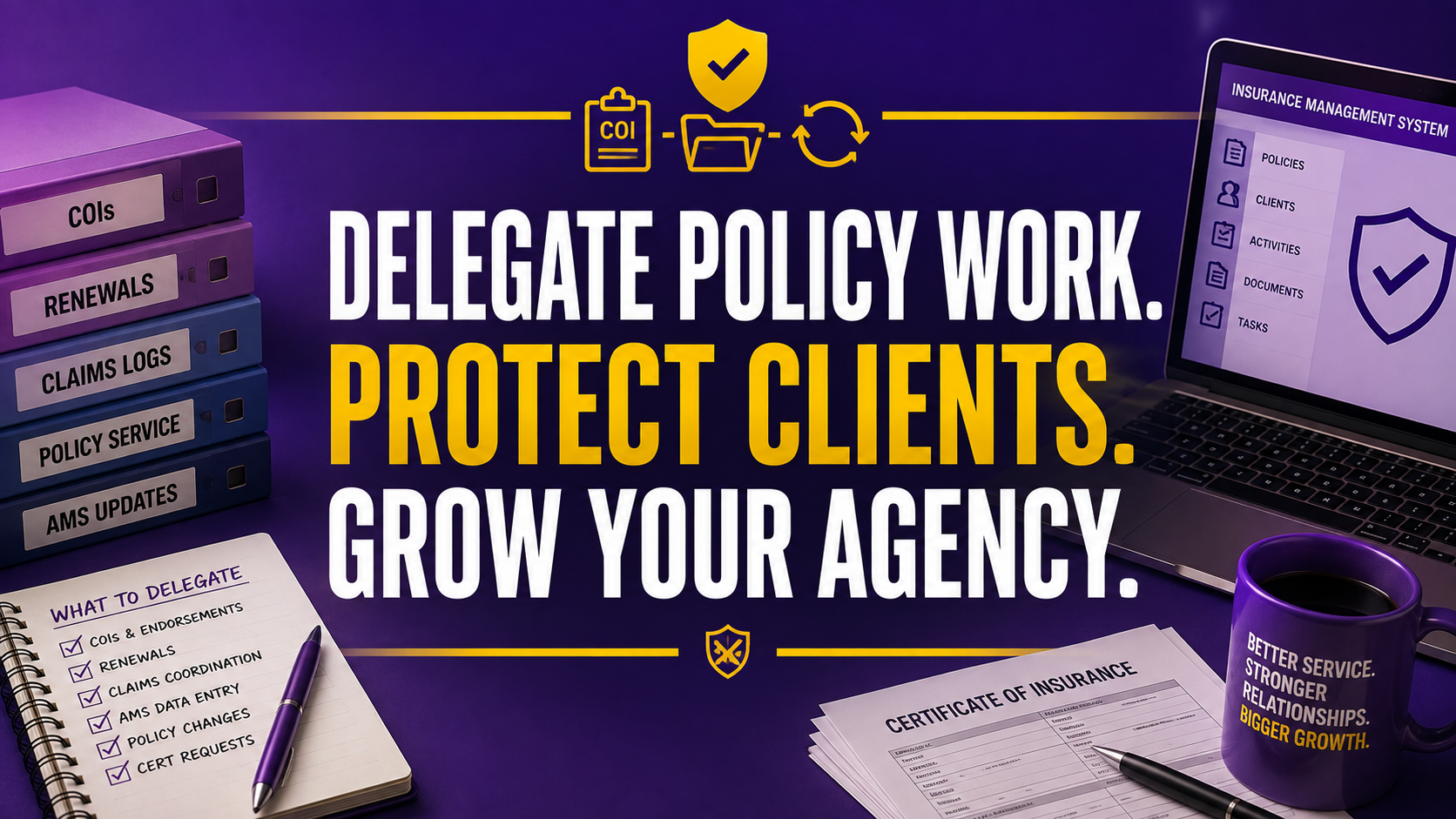
Insurance agency owners rarely lose productive hours in one dramatic event. The loss happens in small pieces: a renewal reminder that sits in an inbox, a carrier download that waits for review, a certificate request that interrupts a producer, or a claims note that never reaches the right file.
That administrative drag creates more than inconvenience. It can delay service, frustrate policyholders, increase errors and omissions exposure, and pull licensed professionals away from new business. Your team may be working hard while your backlog quietly grows.
An insurance virtual assistant gives you a practical way to separate routine operational work from licensed judgment. At Virtual Nexgen Solutions, specialized support can help your agency handle recurring workflows at $8 per hour, while your producers and licensed staff focus on advice, relationships, complex accounts, and growth.
What Does an Insurance Virtual Assistant Actually Do?
An insurance agency virtual assistant is a remote professional trained to support the operational side of an agency. The role is not limited to generic data entry. A properly scoped VA can work inside your agency management system, follow your procedures, document every action, and escalate exceptions to the right licensed employee.
Typical responsibilities include:
- Process certificate of insurance requests using your approved checklist.
- Prepare ACORD 25 certificates for review and delivery according to agency procedures.
- Download policies, endorsements, declarations pages, and billing documents from carrier portals.
- Enter policy, client, activity, and document information into the AMS.
- Review renewal lists and identify missing applications, loss runs, signatures, or payment information.
- Log first-notice-of-loss details and route claims to the carrier, adjuster, or licensed team member.
- Track endorsements, address changes, vehicle changes, mortgagee updates, and named-insured requests.
- Reconcile routine billing records and flag unmatched items for review.
- Organize policy files, email correspondence, attachments, and supporting documentation.
- Prepare quote summaries, submission packets, renewal packets, and client follow-up lists.
For COIs, maintain a strict control point. ACORD identifies ACORD 25 as the Certificate of Liability Insurance form, but a certificate is informational and does not amend or extend coverage. Your VA should follow written instructions and escalate unusual wording, coverage questions, additional insured requests, or contractual concerns.
Use Virtual Nexgen Solutions’ insurance support service when you need specialized help across policy administration, claims support, renewals, and agency documentation.
Which Insurance Tasks Should You Delegate First?
Start with work that is repetitive, rules-based, measurable, and easy to review. Do not begin by handing over every process in the agency. Build trust through a controlled sequence.
1. Begin with COI processing
Create a COI intake checklist. Require the client name, policy number, certificate holder, requested wording, delivery email, and deadline. Let the VA prepare the certificate, compare it with the policy record, and route exceptions to a licensed reviewer.
2. Assign document indexing
Give your VA responsibility for downloading, naming, indexing, and filing policy documents. Set a naming convention such as client, policy type, effective date, and document type. Require same-day filing for new documents.
3. Move routine AMS updates
Delegate contact updates, activity notes, policy number entry, expiration dates, document uploads, and task creation. Restrict permissions and use individual logins. Never share credentials.
4. Add renewal preparation
Have the VA create renewal worklists, identify missing information, send approved collection emails, and update follow-up tasks. Keep coverage recommendations, remarketing strategy, and final client advice with licensed professionals.
5. Add carrier portal downloads
Give the VA a carrier-by-carrier download procedure. Require them to record the download date, policy number, document type, and filing status. Escalate mismatches instead of guessing.
6. Introduce claims logging
Let the VA collect basic facts, record the first notice of loss, attach documents, and route the matter. Keep coverage interpretation, claim negotiation, and claim decisions with the appropriate licensed or carrier professional.
7. Add billing reconciliation support
A VA can compare agency records, carrier statements, invoices, and payment entries. Require a daily exception list. Let your accounting or licensed team resolve disputed balances and coverage-impacting issues.
What Should Stay With the Licensed Agent?
Do not confuse administrative support with insurance advice. Licensing rules vary by state, line of business, and activity. Review your procedures with qualified compliance counsel or your state regulator before assigning regulated work.
Keep these responsibilities with licensed staff or designated decision-makers:
- Recommend coverage or limits.
- Explain policy interpretation in a way that influences a client’s decision.
- Bind, issue, or approve coverage when licensing or carrier authority is required.
- Negotiate coverage terms with a carrier.
- Make coverage determinations.
- Advise on exclusions, endorsements, or risk transfer.
- Handle complex claims discussions that require professional judgment.
- Approve unusual COI wording or contractual insurance requirements.
- Make final underwriting, placement, or remarketing decisions.
Use a simple escalation rule: If the task requires judgment about coverage, authority, eligibility, or legal effect, stop and escalate.
The NAIC producer licensing resources provide useful regulatory context, but state requirements control. Your agency should maintain a written responsibility matrix for every recurring task.
How Much Does an Insurance Virtual Assistant Cost?
Virtual Nexgen Solutions charges $8 per hour for virtual assistant support. That gives you a flexible way to start with a defined workload instead of immediately committing to a full-time employee.
At 20 hours per week, the direct annual VA cost is approximately $8,320, before any agency-specific tools or access requirements. At 40 hours per week, the direct annual cost is approximately $16,640.
By comparison, many U.S. agencies budget approximately $50,000 to $60,000 per year for an in-house CSR or administrative employee before considering benefits, payroll taxes, recruiting time, paid leave, equipment, office space, and management overhead. Actual costs vary by market, experience, and role complexity.
The Bureau of Labor Statistics profile for insurance sales agents reports a 2024 median annual wage of $60,370 for that occupation. Do not treat that number as a direct CSR benchmark. Use it as context for the value of protecting licensed professionals’ time.
Calculate your own business case with three numbers:
- Count the weekly hours your producers and licensed staff spend on routine administration.
- Estimate the revenue or client service work they could perform with those hours returned.
- Compare the cost of a defined VA schedule with the fully loaded cost of an in-house role.
Do not measure savings only by headcount. Measure the effect on renewal completion, policy turnaround, COI response, producer capacity, and service consistency.
How Does Outsourcing Compare With Local Hiring?
Local hiring gives you a nearby employee who may understand your community and work in person. It can also bring a larger fixed commitment, a longer recruiting cycle, payroll obligations, benefits, office costs, and the risk of losing the employee after training.
A freelance hire may offer flexibility, but you must handle screening, onboarding, quality control, time tracking, access management, and replacement planning yourself.
Managed outsourcing gives you a structured support model. Virtual Nexgen Solutions analyzes your workflow, assigns a suitable VA, supports onboarding, and helps optimize the process over time. The best model depends on your workload, compliance controls, communication needs, and desired schedule.
Choose part-time support when you have a defined backlog, seasonal renewal spikes, or a few workflows such as COIs and document indexing. Choose full-time support when your agency has a steady workload across renewals, policy service, downloads, claims logs, billing support, and customer follow-up.
Which Insurance Software Can a VA Use?
Train your VA in the systems your agency already uses. Do not force your staff to create duplicate records in a separate platform unless there is a clear operational reason.
Applied Systems and Applied Epic
An Applied Systems virtual assistant can support policy downloads, activity creation, document indexing, renewal worklists, client record updates, and task routing. Require a written procedure for each transaction type and a quality review during the first few weeks.
AMS360
An AMS360 virtual assistant can help with policy data entry, client and account maintenance, document filing, renewal tracking, carrier correspondence, and activity notes. Use role-based permissions and require a daily exception report.
EZLynx
An EZLynx virtual assistant can support data entry, quote packet preparation, renewal follow-up, document organization, and client record maintenance. Keep rating decisions, recommendations, and final submissions with authorized agency staff.
HawkSoft
A HawkSoft VA can assist with policy updates, downloads, certificate workflows, renewal lists, activities, and file documentation. Build screen-recorded procedures around your exact HawkSoft setup because agency configurations differ.
QQ Catalyst
Use a QQ Catalyst virtual assistant for client records, task management, policy documentation, service follow-ups, and renewal preparation. Define what the VA may change and what requires approval.
Salesforce Financial Services Cloud
A VA can update contacts, opportunities, activities, tasks, campaign lists, and service notes in Salesforce. Keep strategic sales decisions, sensitive client conversations, and permission changes with your internal administrator.
Provide access through unique user accounts, multifactor authentication, least-privilege permissions, approved devices, and documented offboarding. Your insurance department overview can help you identify the operational areas that need support first.
How Do You Train and Manage the VA?
Give your VA a workflow, not a vague job description. Start with five documents:
- Task inventory: List every recurring activity, volume, owner, deadline, and escalation point.
- SOP library: Explain the exact sequence, required fields, quality checks, and approved client language.
- Responsibility matrix: Mark each task as VA-owned, licensed-review, manager-approved, or prohibited.
- Escalation guide: Define when to stop, who to contact, and how to document the issue.
- Scorecard: Track speed, accuracy, backlog, completed work, and exception handling.
Train one workflow at a time. Demonstrate the task, provide a sample, watch the VA complete it, review the result, and then authorize independent processing with quality checks.
Hold a short daily check-in during the first two weeks. Move to weekly reviews after the process stabilizes. Use a shared queue with clear status labels such as New, In Progress, Waiting on Client, Licensed Review, Completed, and Escalated.
Protect client information with confidentiality agreements, secure access, device controls, password policies, and documented permissions. The NAIC data privacy and security resources provide useful background for designing your agency’s information safeguards.
How Should You Measure Performance?
Track measures that connect administrative work to agency outcomes.
- Policy turnaround: Measure the time from document receipt to accurate AMS filing.
- COI response time: Track the time from complete request to approved delivery.
- Renewal readiness: Count renewal files with required documents before the internal deadline.
- Download backlog: Measure open carrier documents by age and policy type.
- Claims logging time: Track the time from first notice to complete internal record.
- Billing exception rate: Count unmatched or incomplete items requiring correction.
- Accuracy rate: Review a sample of completed tasks for missing fields, incorrect dates, or filing errors.
- Producer hours reclaimed: Ask producers to record administrative hours before and after implementation.
- Retention indicators: Monitor renewal completion and service complaints, but avoid attributing every change to one support role.
Set baseline numbers before the VA starts. Review the baseline after 30, 60, and 90 days. Improve the SOP when errors repeat. Do not simply tell the VA to work faster when the procedure itself is unclear.
Two Operational Case Studies
P&C agency in Texas: The agency had a 20-hour weekly backlog across COIs, policy downloads, and renewal document collection. An insurance VA worked a 20-hour schedule using the agency’s AMS and carrier portals. Within eight weeks, average COI preparation time fell from approximately two business days to under four business hours for complete requests. The renewal team increased files marked “ready for licensed review” from 41 to 78 per month. The agency also reported approximately 11 producer hours reclaimed each week. These results reflect one anonymized operational example, not a guaranteed outcome.
Independent commercial agency in Florida: The agency had 84 unmatched billing and policy-document items at the start of the engagement, along with an 11-day carrier download backlog. A VA handled document downloads, file indexing, activity notes, and an exception queue for 30 hours per week. After 12 weeks, unmatched items fell to 19, the download backlog reached two business days, and producers reported approximately 14 hours per week returned to client and sales work. Licensed staff continued to approve coverage-related exceptions and complex billing matters.
What Mistakes Should You Avoid?
Avoid hiring a generalist without insurance workflow training. Avoid giving broad system access before documenting the role. Avoid assigning coverage advice to an unlicensed worker. Avoid measuring only hours worked. Avoid moving a broken process offshore without first clarifying ownership and quality standards.
Do not expect a VA to succeed with scattered instructions across email, chat, and memory. Centralize SOPs. Use examples. Create a review queue. Define success before the first task begins.
For additional context on independent agency operations, consult the Big “I” agency resources, including technology, E&O, customer service, and management materials.
Frequently Asked Questions
What is an insurance virtual assistant?
An insurance virtual assistant is a remote professional who supports insurance agencies with administrative and policy-service workflows. A VA may handle COIs, AMS data entry, policy downloads, renewal preparation, claims logging, document indexing, billing reconciliation, and client follow-up while licensed staff retain coverage advice and binding decisions.
How much does an insurance virtual assistant cost?
Virtual Nexgen Solutions provides insurance virtual assistant support at $8 per hour. Your total cost depends on hours, workflow complexity, software access, training, and the level of licensed review required. Compare the schedule you need with the fully loaded cost of an in-house CSR or administrative employee.
What tasks can an insurance virtual assistant handle?
An insurance virtual assistant can handle COI preparation, policy document downloads, AMS updates, renewal checklists, claims intake logging, document filing, billing exception lists, client follow-up, quote packet preparation, and routine policy-service administration when the work follows written procedures.
Can an insurance virtual assistant work in Applied Epic or AMS360?
Yes. A trained VA can work in Applied Epic, AMS360, EZLynx, HawkSoft, QQ Catalyst, and Salesforce when you provide secure access, role-based permissions, clear SOPs, and quality controls. Train the VA on your agency’s specific configuration rather than relying on generic software knowledge.
Does an insurance virtual assistant need a license?
A VA may not need an insurance producer license for strictly administrative tasks, but requirements vary by state and activity. Do not assign coverage advice, solicitation, binding, or other regulated duties without confirming the applicable rules and your agency’s compliance requirements.
How do I protect client data when outsourcing insurance administration?
Use individual logins, multifactor authentication, least-privilege permissions, confidentiality agreements, approved devices, secure file handling, written retention rules, and immediate offboarding procedures. Review your carrier contracts, agency policies, state requirements, and privacy obligations before granting access.
Should I hire a part-time or full-time insurance virtual assistant?
Choose part-time support when you have a defined backlog, seasonal workload, or a small number of repeatable workflows. Choose full-time support when your agency has a steady volume across renewals, downloads, policy service, claims logs, and client administration. Start with measurable tasks and expand after quality stabilizes.
How do I measure an insurance virtual assistant’s performance?
Measure COI response time, policy turnaround, renewal readiness, download backlog, claims logging time, billing exception rate, accuracy, completed tasks, and producer hours reclaimed. Establish a baseline before onboarding and review performance at 30, 60, and 90 days.
Ready to remove routine administrative drag from your agency? Define the first three workflows you want to delegate, then book a consultation with Virtual Nexgen Solutions to discuss a practical insurance support plan at $8 per hour.