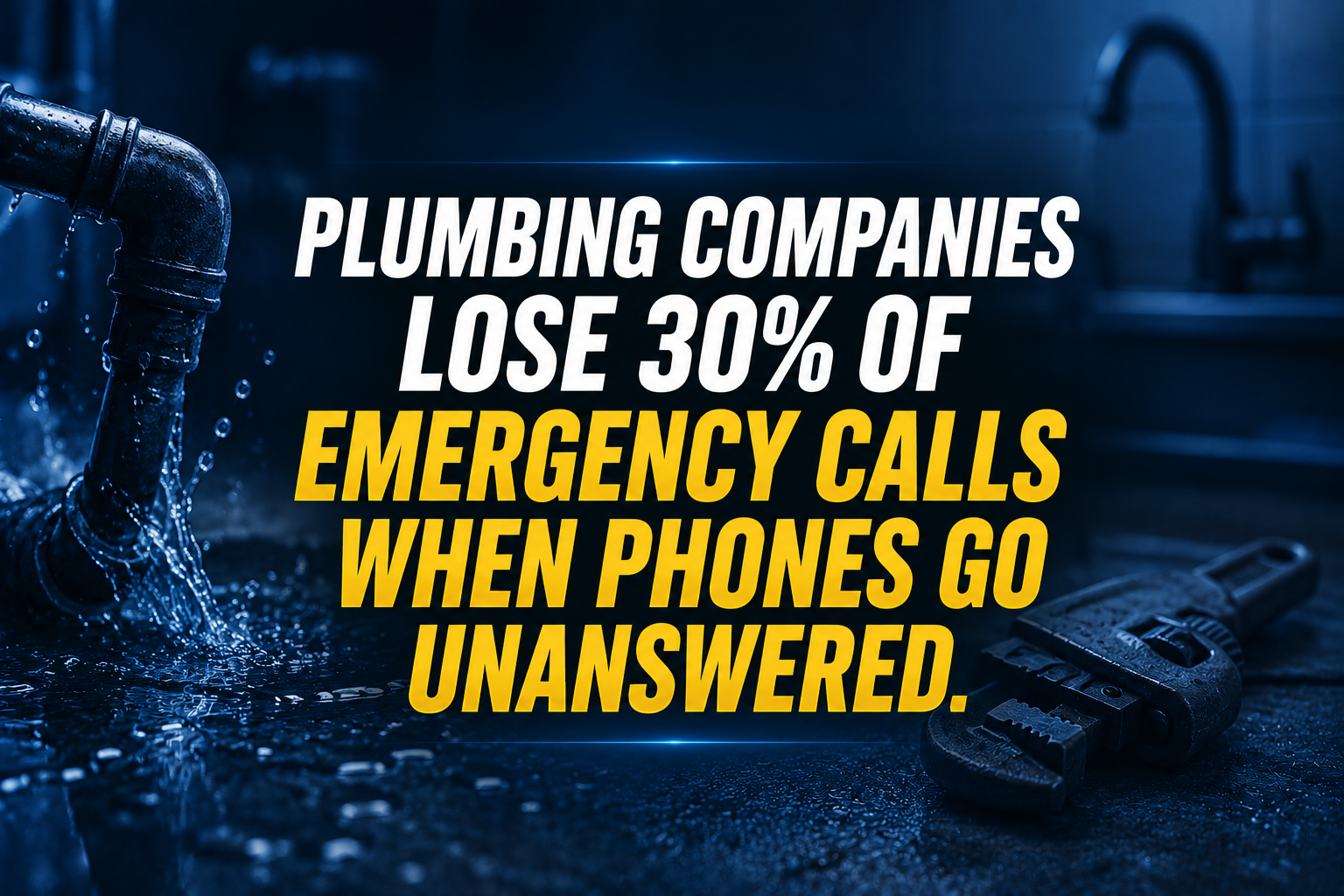
A burst pipe at two in the morning does not wait for normal business hours. When an anxious homeowner calls your plumbing business in a panic, every second you leave them listening to voicemail increases the chance they will hang up and dial your nearest competitor. In the fast-paced world of residential and commercial plumbing services, missed calls directly translate to lost revenue, unbooked jobs, and damaged customer trust.
Most plumbing business owners find themselves trapped between skyrocketing overhead costs and the physical impossibility of answering phones 24 hours a day. Hiring full-time dispatchers or night-shift receptionists can easily drain sixty thousand dollars or more per year in salary, benefits, and payroll taxes, a heavy burden for growing companies trying to protect their profit margins. When your team spends peak hours juggling frantic emergency calls instead of focusing on profitable field repairs, overall operational efficiency plummets.
Partnering with a trained plumbing virtual assistant changes this dynamic completely. At just $8 per hour, dedicated remote professionals integrate directly into your dispatch workflow to answer incoming emergency calls, pre-qualify leads, schedule technicians, and manage customer communications around the clock. By delegating repetitive front-office tasks to skilled virtual staff, you secure every emergency lead, protect your profit margins, and free up your time to focus on scaling your service empire.
10 Core Tasks a Plumbing Virtual Assistant Handles Daily
- Emergency Call Triage: Answer incoming after-hours and weekend distress calls, assessing the severity of pipe leaks, sewer backups, and water heater failures.
- Field Technician Dispatching: Assign emergency work orders to the nearest available plumber based on live geographic routing and skill sets.
- Customer Appointment Booking: Schedule standard maintenance, installations, and repairs directly into your scheduling software without scheduling conflicts.
- Customer Pre-Qualification: Screen inbound inquiries to verify property ownership, exact issue descriptions, and service coverage areas before dispatching.
- Estimate and Quote Follow-Up: Reach out to pending estimate recipients via phone and email to answer questions and secure job approvals.
- Invoicing and Payment Collection: Send digital invoices immediately upon job completion and follow up politely on outstanding customer balances.
- Parts and Supplier Coordination: Order replacement fixtures, valves, and piping materials through supplier portals based on technician specifications.
- Customer Review Generation: Send automated text review requests immediately following successful service calls to boost your local Google rankings.
- Dispatch Board Management: Monitor daily job progress in real time, communicating delays or schedule adjustments to waiting clients.
- Permit and License Tracking: Maintain and renew local municipal plumbing licenses, vehicle registrations, and job permits across operating counties.
The Technical Fixer: 7 SOPs to Master Emergency Plumbing Dispatch & Call Triage
SOP 1: Immediate After-Hours Emergency Triage
-
- Monitor the dedicated emergency phone line through your cloud-based telephony system during night and weekend shifts.
- Greet the caller with empathy, gathering the customer's full name, property address, and callback number immediately.
- Assess the emergency criteria by asking specific triage questions regarding active flooding, gas smells, or sewage backups.
- Access the live dispatch software to locate the on-call plumber scheduled for that specific geographic zone.
- Contact the on-call technician via direct phone call and instant messaging to relay job details and urgency level.
- Send a detailed confirmation text message to the homeowner with the technician's name and estimated arrival window.
SOP 2: Live Dispatch Board Management and Routing
-
- Open the primary scheduling platform at the start of each morning shift to review all assigned jobs and technician locations.
- Cross-reference incoming service requests with active technician GPS locations to minimize driving time between appointments.
- Reassign urgent priority calls to the closest available technician when emergency jobs arise during standard business hours.
- Contact upcoming customers thirty minutes prior to technician arrival to confirm property access and adult presence.
- Log all schedule updates, technician notes, and status changes directly into the customer file.
- Escalate any scheduling bottlenecks or technician delays immediately to the service manager.
SOP 3: Lead Pre-Qualification and Estimate Tracking
-
- Review new inbound lead notifications from website contact forms and missed call logs every fifteen minutes.
- Call the prospective client back promptly, using a standardized script to establish rapport and uncover plumbing needs.
- Determine the scope of work, asking whether the job is a residential repair, commercial remodel, or emergency fix.
- Check service area zip codes and dispatch fee agreements before locking in the appointment time.
- Enter all lead details, property notes, and preferred contact times into the CRM database.
- Follow up on outstanding estimates sent by field technicians every forty-eight hours until closed or declined.
SOP 4: Parts Order Coordination and Supplier Communication
-
- Review technician parts requests submitted at the end of the previous business day for specialty valves, pumps, and pipes.
- Log into regional plumbing supply partner portals to check inventory availability and wholesale pricing.
- Place purchase orders for required materials, selecting local branch pickup or direct job-site delivery.
- Confirm pickup times with supplier counter staff and notify the respective technician via messaging.
- Track order delivery receipts and attach digital invoice copies to the corresponding customer work order in the software.
- Reconcile monthly supplier statements against internal job cost records for accuracy.
SOP 5: Post-Service Quality Control and Review Generation
-
- Filter completed work orders in the dispatch software for jobs marked finished on the previous day.
- Review technician notes and customer sign-off statuses to ensure job satisfaction.
- Send a personalized text message thanking the homeowner and requesting feedback via your Google Business review link.
- Flag any negative or neutral customer feedback immediately and forward details to the operations manager for resolution.
- Log customer review metrics and feedback scores into the monthly performance spreadsheet.
- Respond publicly to positive online reviews within forty-eight hours with a professional, branded message.
SOP 6: Invoice Follow-Up and Outstanding Balance Collection
-
- Run the daily accounts receivable aging report in your billing and invoicing software.
- Identify invoices that remain unpaid three days after the initial service date.
- Send a polite digital payment reminder via email and SMS containing a secure payment link.
- Call clients with invoices past thirty days overdue to discuss payment options and collect credit card details over the phone.
- Document all payment collection conversations, promises to pay, and agreed dates in the client ledger.
- Escalate severely delinquent accounts to management for potential collection action.
SOP 7: Permit Tracking and Municipal Compliance
-
- Review new permitted job orders generated by field technicians each week.
- Access municipal building department portals to submit permit applications with required project specifications.
- Pay permit application fees using company payment credentials and download digital permit certificates.
- Upload permit documents to the customer job file and email a copy to the homeowner.
- Schedule mandatory municipal inspections with city officials upon job completion.
- Follow up on inspection results, archiving final signed permits in the permanent digital record.
Industry Software Mastered by Our Virtual Assistants
- ServiceTitan: Complete mastery of dispatch boards, phone booking, customer profiles, pricebook items, and invoicing modules.
- Housecall Pro: Efficient handling of online booking, customer messaging, dispatch scheduling, and automated review collection.
- Jobber: Seamless management of quoting, job scheduling, client communication, and mobile invoicing workflows.
- FieldEdge: Expert navigation of flat-rate pricing, customer agreements, equipment tracking, and technician dispatching.
- Google Workspace & Microsoft 365: Professional email management, shared calendar coordination, and digital document archiving.
Why Plumbing Companies Choose Virtual Nexgen Solutions
Running a successful plumbing business requires keeping your trucks on the road and your technicians focused on complex installations and repairs. When your office staff is overwhelmed by ringing phones, missed emergency calls, and endless paperwork, your entire operation suffers from profit leakage and employee burnout. Hiring full-time local administrative staff often strains your budget with high salaries and overhead costs. Virtual Nexgen Solutions provides a smarter, highly cost-effective alternative with specialized plumbing virtual assistants at just $8 per hour.
Since 2016, we have partnered with plumbing contractors, HVAC specialists, and home service providers across the United States to transform their front-office operations. Our virtual assistants arrive fully trained in industry-leading software like ServiceTitan, Housecall Pro, and Jobber, enabling them to step into your daily workflow from day one. We analyze your specific dispatch bottlenecks, implement customized scheduling SOPs, and provide 24/7 reliability so you never miss another emergency call. Trust Virtual Nexgen Solutions to handle your administrative engine while you focus on growing your service empire.
Frequently Asked Questions
What does a plumbing virtual assistant do?
A plumbing virtual assistant handles inbound call triage, emergency dispatching, appointment scheduling, estimate follow-ups, invoicing, and supplier coordination using industry platforms like ServiceTitan and Housecall Pro.
How much does a plumbing virtual assistant cost?
Our plumbing virtual assistants at Virtual Nexgen Solutions cost $8 per hour, providing a high-ROI alternative to full-time in-house administrative staff who often exceed sixty thousand dollars annually.
Can a virtual assistant handle after-hours emergency plumbing calls?
Yes, our virtual assistants manage 24/7 call triage to capture emergency pipe leaks, water heater failures, and sewer backups, immediately alerting your on-call technicians.
What software do your plumbing virtual assistants use?
Our virtual assistants are fully trained in top industry platforms including ServiceTitan, Housecall Pro, Jobber, and FieldEdge, ensuring zero learning curve for your business.
How quickly can a plumbing virtual assistant start working?
After analyzing your specific workflow needs and scheduling requirements, our trained virtual assistants can integrate into your operations within a few business days.
Do plumbing virtual assistants handle customer review generation?
Yes, your virtual assistant automates post-service text and email follow-ups to request customer reviews immediately after a job is successfully completed.
How do virtual assistants manage field technician schedules?
Virtual assistants monitor live GPS dispatch boards, match emergency calls with the closest available plumber, and update schedules in real time to optimize route efficiency.
Will the virtual assistant work during weekends and holidays?
We provide flexible scheduling and 24/7 coverage options, ensuring your plumbing business maintains round-the-clock responsiveness every day of the year.
Ready to capture every emergency call and eliminate dispatch backlogs? Partner with Virtual Nexgen Solutions today to hire an expert plumbing virtual assistant for only $8/hr. Streamline your operations, protect your profit margins, and scale your business effortlessly. Contact Virtual Nexgen Solutions today to schedule your workflow consultation and get started!