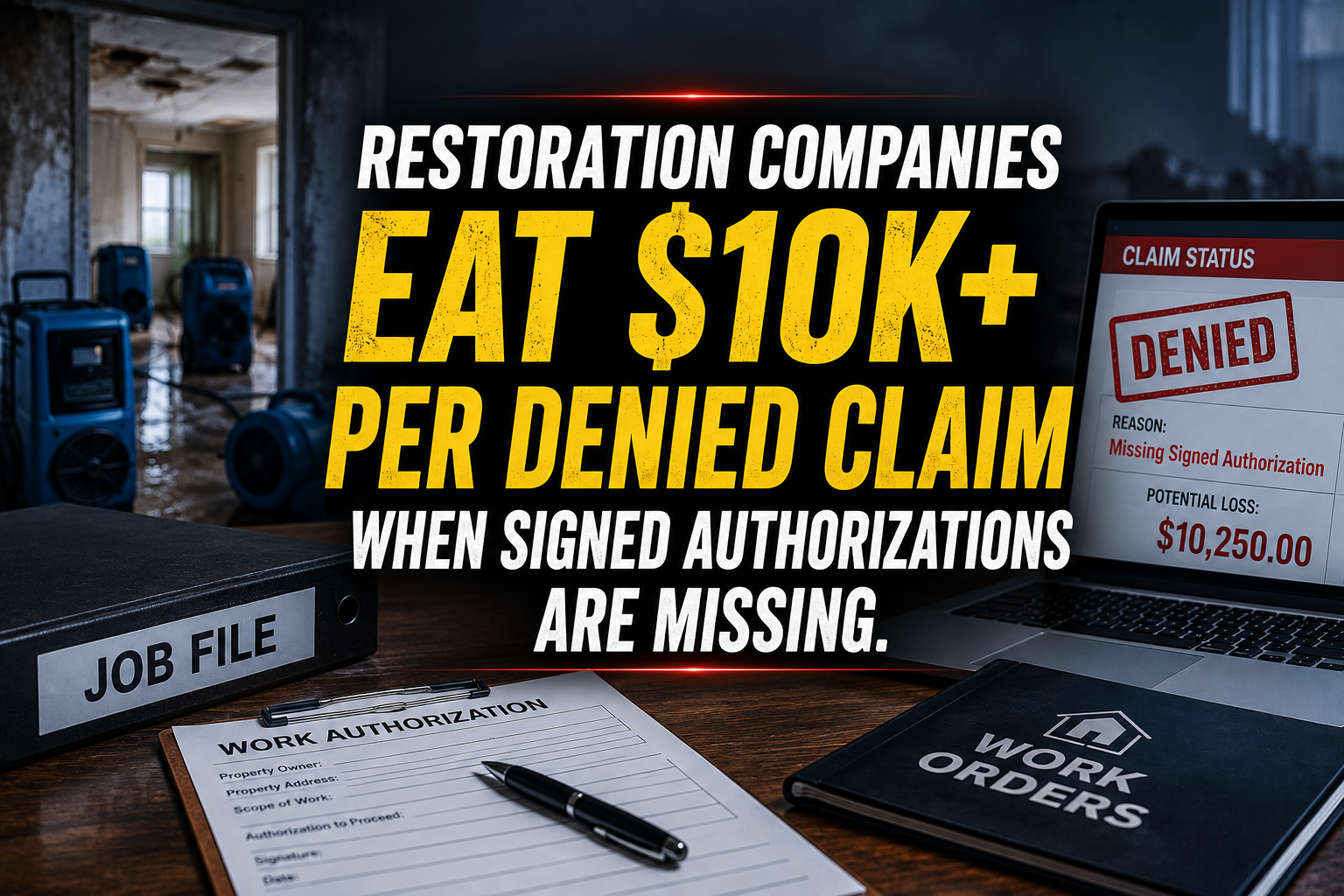
When a pipe bursts at midnight or a kitchen fire destroys a commercial storefront, your mitigation crews need to roll immediately. You dispatch trucks, set up air movers, and begin extraction within the hour. But while your technicians are busy pulling water from hardwood floors, a ticking time bomb is sitting in your office file queue: the missing homeowner work authorization, unsigned emergency service agreement, or unassigned carrier loss paperwork.
When your team mobilizes without a fully executed work order and signed assignment of benefits, insurance carriers pounce. They delay payments, dispute emergency mitigation scope, or deny the claim outright, leaving your restoration company to absorb ten thousand dollars or more in unpaid labor and equipment rentals. You cannot afford to let administrative friction sabotage your cash flow while your crews are out in the field saving properties.
Partnering with a specialized restoration virtual assistant at just $8 per hour gives your office the dedicated horsepower required to secure every signature, audit every document, and lock down compliance before your trucks even leave the yard. Let's explore how a dedicated remote professional transforms your mitigation paperwork pipeline.
10 Core Tasks a Restoration Virtual Assistant Handles Daily
- Emergency Work Authorization Collection: Reaching out to frantic homeowners via phone, SMS, and secure e-signature links to ensure work authorizations are signed before mitigation crews arrive on-site.
- Carrier Loss Intake & Policy Verification: Collecting policy numbers, deductible details, and adjuster contact info from insurance carriers within minutes of initial loss notification.
- DASH & Encircle Log Auditing: Reviewing daily drying logs, psychrometric readings, and moisture maps uploaded by field techs to ensure complete compliance before report submission.
- Xactimate Line Item Preparation: Organizing field notes and photo logs into structured line-item drafts for project managers to review and finalize.
- CompanyCam Photo Organization: Tagging, sorting, and labeling job site photo streams by room, moisture reading, and demolition phase to build an airtight audit trail.
- MICA & Jobber Scheduling Coordination: Dispatching technicians based on geographic proximity, equipment availability, and emergency severity levels.
- Subcontractor COI Tracking: Collecting and verifying current certificates of insurance from plumbers, electricians, and mold remediators before dispatching them to losses.
- Accounts Receivable & Deductible Collection: Following up with property owners regarding deductible payments and direct insurance disbursements before closing out completed files.
- Material & Equipment Tracking: Monitoring inventory logs for air movers, dehumidifiers, and hydroxyl generators deployed across active drying sites.
- Customer Communication & Status Updates: Providing empathetic, timely updates to stressed homeowners regarding drying milestones, equipment pickups, and rebuild timelines.
The Technical Fixer: 7 SOPs to Prevent Denied Claims
SOP 1: Emergency Work Authorization Capture Pipeline
- Monitor incoming emergency dispatch leads in DASH or Jobber in real-time.
- Initiate immediate outreach via SMS and secure e-signature platform (DocuSign or Adobe Sign) while the technician is en route.
- Contact the homeowner by phone to explain the authorization clauses and answer urgent questions.
- Verify that all liability waivers and direct payment authorizations are fully executed.
- Upload completed execution files directly into the active DASH customer folder.
- Notify the project manager and dispatch crew leader that the project is legally cleared for mitigation.
SOP 2: Carrier Assignment & Policy Verification Audit
- Contact the insurance carrier's claim intake department using the policyholder's declarations page.
- Confirm active policy status, deductible amounts, and applicable sub-limits for water or fire damage.
- Request and log the direct adjuster assignment and file number.
- Check whether the carrier participates in managed repair networks requiring specific billing formats.
- Record all verified details into MICA and flag any coverage discrepancies for management review.
- Issue a confirmation summary email to the property owner and internal estimating team.
SOP 3: Daily Drying Log Compliance Verification
- Pull daily field logs uploaded by technicians in Encircle or CompanyCam.
- Cross-reference atmospheric temperature, relative humidity, and grain depression numbers against acceptable drying standards.
- Flag missing moisture readings, incomplete equipment counts, or uncalibrated meter entries.
- Contact field technicians immediately to collect missing data points before the shift ends.
- Compile validated logs into a clean summary packet for insurance adjuster review.
- Archive the verified logs in DASH with timestamped audit trails.
SOP 4: Photo Documentation & Chain of Custody Audit
- Review incoming CompanyCam project uploads at the end of each morning and afternoon shift.
- Sort photos into standardized categories: pre-loss condition, emergency mitigation, demolition, and equipment setup.
- Ensure every damaged asset, affected baseboard, and standing water level has clear scale reference photos.
- Identify missing vantage points (such as exterior containment or crawlspace inspections) and request retakes from field crews.
- Watermark and organize image files according to specific carrier submission guidelines.
- Attach the finalized photo package to the master estimate file.
SOP 5: Subcontractor Compliance & COI Verification
- Maintain an active database of preferred local subcontractors in Jobber and MICA.
- Request updated Certificates of Insurance (COIs) listing your restoration firm as an additional insured thirty days prior to expiration.
- Verify general liability and workers' compensation policy limits against corporate risk thresholds.
- File verified COIs in the compliance management dashboard and flag any non-compliant vendors.
- Block dispatch of unverified subcontractors until valid paperwork is received.
- Generate monthly compliance reports for executive leadership.
SOP 6: Equipment Recovery and Shrinkage Control
- Track active equipment deployment dates and estimated pick-up milestones inside DASH.
- Coordinate with field technicians to schedule equipment pickup runs as soon as psychrometric logs confirm dry standard achievement.
- Contact property owners 24 hours prior to equipment retrieval to confirm site access.
- Reconcile returned equipment counts against initial deployment manifests upon crew return.
- Log any missing or damaged units and initiate homeowner or insurance reimbursement claims immediately.
- Update inventory stock levels across all warehouse storage bays.
SOP 7: Deductible Collection & Final Invoice Reconciliation
- Review final Xactimate scope approval and carrier payout statements upon claim settlement.
- Calculate the exact homeowner responsibility amount based on policy deductibles and betterment charges.
- Issue an itemized deductible invoice to the property owner via secure payment gateways.
- Follow up with payment reminder calls and SMS notifications on a strict 3-day cadence.
- Confirm funds clearance before issuing the Certificate of Satisfaction and final warranties.
- Close out the completed project file in DASH and archive financial records.
Industry Software Mastered by Our Virtual Assistants
- DASH: Complete restoration project management, job tracking, and document archiving.
- Encircle: Field documentation, sketching, and real-time drying log management.
- Xactimate: Industry-standard estimating, scoping, and line-item adjustment tracking.
- Jobber: Dispatching, routing, client communication, and scheduling coordination.
- MICA: Specialized restoration estimating and business management software.
- CompanyCam: Visual documentation, photo tagging, and job site progression tracking.
Why Restoration Companies Choose Virtual Nexgen Solutions
Running a 24/7 disaster restoration enterprise means your internal staff is constantly stretched between emergency dispatching, field coordination, and relentless insurance carrier follow-ups. When your office team spends hours chasing signatures and sorting photo logs, administrative burnout sets in, and critical paperwork slips through the cracks. At $8 per hour, partnering with Virtual Nexgen Solutions gives you elite, industry-trained remote professionals who know restoration workflows inside and out.
Unlike general administrative agencies, our virtual assistants arrive with hands-on fluency in DASH, Encircle, Xactimate, and CompanyCam. We handle the heavy lifting of document collection, compliance auditing, and carrier coordination so your project managers can focus entirely on mitigating losses and expanding your service territory. With our proven operational framework protecting your bottom line, you scale your mitigation volume without bloating your overhead.
Frequently Asked Questions
What is a restoration virtual assistant?
A restoration virtual assistant is a remote professional trained specifically in water damage, fire mitigation, and mold remediation workflows, handling tasks such as work authorization collection, DASH management, and carrier follow-ups at $8 per hour.
Why do restoration companies need a virtual assistant?
Restoration companies deal with rapid emergency mobilization and intense administrative burdens. A virtual assistant eliminates paperwork bottlenecks, ensures signed work orders are secured before crews roll, and protects profit margins.
How much does a restoration virtual assistant cost?
Our specialized restoration virtual assistants cost $8 per hour, offering a cost-effective alternative to hiring full-time, in-house administrative staff which often exceeds $60,000 annually in salary and overhead.
What restoration software do your virtual assistants use?
Our virtual assistants are fully trained in industry-leading platforms including DASH, Encircle, Xactimate, Jobber, MICA, and CompanyCam.
Can a virtual assistant collect signed work authorizations?
Yes. Our virtual assistants manage outreach via SMS, email, and e-signature platforms to ensure homeowner work authorizations and emergency service agreements are fully executed before crews arrive on-site.
How do virtual assistants help prevent denied insurance claims?
By auditing daily drying logs, organizing CompanyCam photo streams, and verifying carrier requirements instantly, virtual assistants build airtight documentation packages that satisfy insurance adjuster guidelines.
What is the onboarding process for a restoration virtual assistant?
Onboarding involves assessing your current administrative bottlenecks, integrating our VA with your DASH and estimating software systems, and deploying standardized SOPs within 48 hours.
How does Virtual Nexgen Solutions ensure data security?
We maintain strict data privacy protocols, secure encrypted communication channels, and role-based access controls to safeguard your client data and carrier files at all times.
Ready to eliminate administrative bottlenecks, secure every job authorization, and protect your profit margins? Partner with Virtual Nexgen Solutions today to hire expert restoration virtual assistants for just $8/hr. Contact us now to schedule your workflow assessment.