Restoration companies do not have the luxury of waiting for the next business day. A burst pipe, storm, fire, or water-loss emergency can generate calls, documentation, scheduling requirements, customer questions, and insurance-related follow-ups within hours.
At the same time, restoration technicians and project managers need to stay focused on the property and the work in the field.
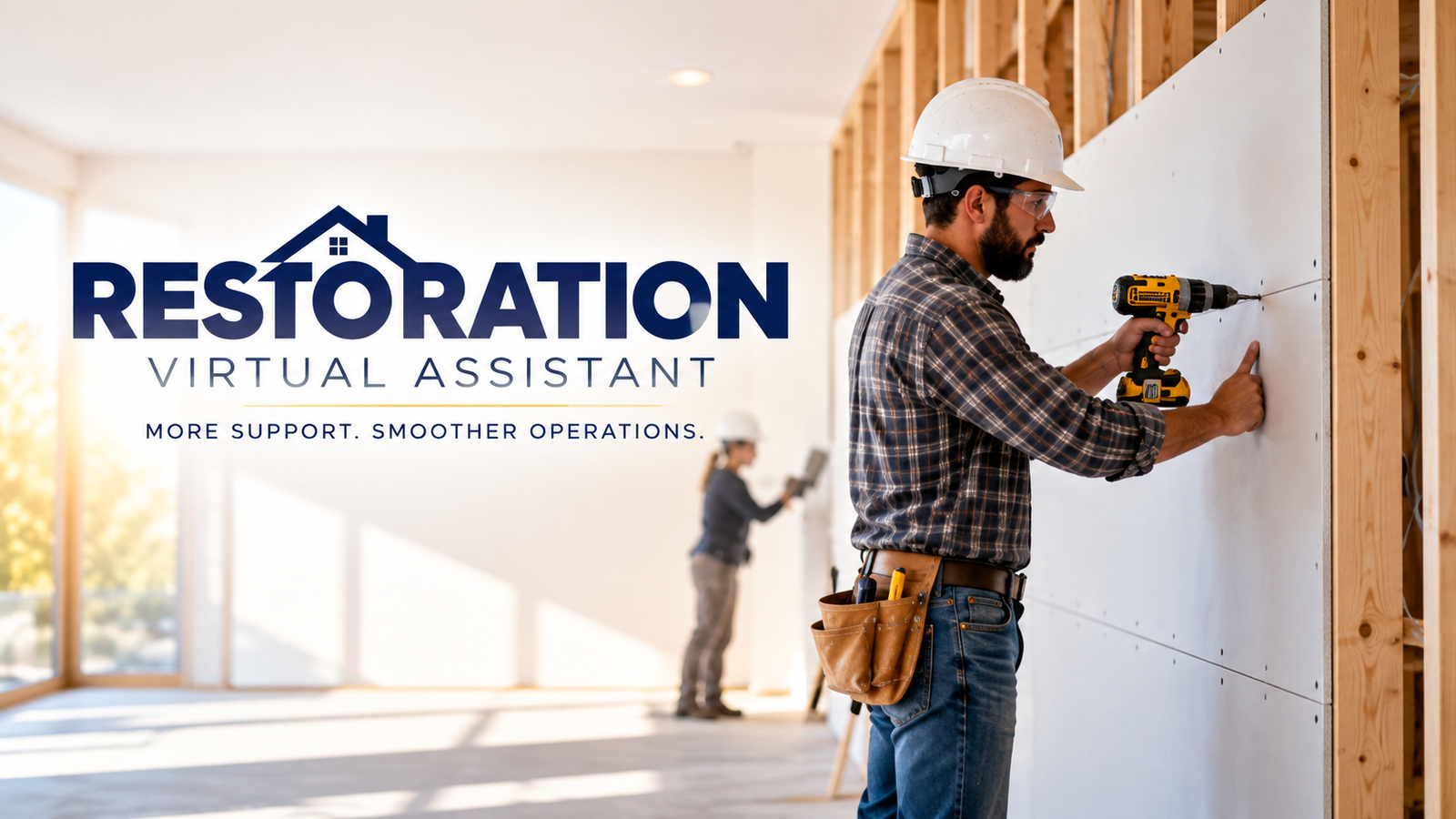
A Restoration Virtual Assistant can provide dedicated administrative support behind the scenes, helping restoration companies keep communication, documentation, scheduling, and follow-ups organized while the field team concentrates on restoration work.
What Does a Restoration Virtual Assistant Do?
A Restoration Virtual Assistant supports the administrative side of restoration operations.
Depending on the company's workflow, a trained VA can handle:
- Emergency call intake.
- Customer information collection.
- Appointment scheduling.
- Dispatch coordination.
- Customer updates.
- Job file organization.
- Photo and document management.
- CRM updates.
- Estimate administration.
- Insurance and adjuster follow-ups.
- Invoice and payment follow-ups.
- Final job documentation.
- General back-office administration.
The VA works according to the company's SOPs, software, communication procedures, and escalation rules.
Why Restoration Companies Need Virtual Assistant Support
Restoration work moves quickly, but the administrative workload can continue long after the crew leaves the property.
Cotality's 2026 restoration industry research identifies cash flow as a significant operational concern and reports that 60–90 day payment delays are now common. The same research identifies residential water work as the leading restoration service category in 2025.
For restoration businesses, this means operational organization matters throughout the entire job lifecycle—from the first call to final documentation and payment.
A dedicated Virtual Assistant can help ensure that administrative tasks do not get lost between emergency response, field production, estimating, insurance communication, and billing.
1. Emergency Call Intake and Lead Response
A restoration emergency can happen at any time.
A Virtual Assistant can support the initial intake process by collecting:
- Customer name.
- Phone number.
- Property address.
- Type of damage.
- Source of loss.
- Insurance information.
- Preferred contact details.
- Access information.
- Emergency circumstances.
The VA can then follow the company's escalation and dispatch procedures.
The role is administrative—not technical. A Virtual Assistant should not independently assess the severity of damage, determine restoration methods, or make technical decisions.
2. Scheduling and Dispatch Coordination
Once a restoration request is received, information needs to reach the appropriate team quickly.
A Restoration VA can help with:
- Scheduling inspections.
- Coordinating technician appointments.
- Confirming arrival windows.
- Updating customers about scheduling changes.
- Maintaining dispatch records.
- Tracking open appointments.
- Communicating administrative information to field teams.
This creates a structured handoff between the customer, office, and field team.
3. Job File and Documentation Management
Restoration jobs can generate significant amounts of documentation.
A Virtual Assistant can help organize:
- Before-and-after photographs.
- Moisture documentation.
- Job notes.
- Customer information.
- Work authorizations.
- Estimates.
- Invoices.
- Insurance documents.
- Completion paperwork.
Consistent file organization makes information easier for authorized team members to locate when they need it.
For water-damage work, timely documentation is especially important. EPA guidance states that water-damaged areas and items should be dried within 24–48 hours to help prevent mold growth.
The VA's role is to support the administrative documentation and coordination surrounding the field team's work.
4. Customer Communication and Updates
Restoration customers are often dealing with stressful property damage. Clear communication can make the administrative side of the experience easier.
A Virtual Assistant can provide approved updates regarding:
- Appointment times.
- Technician arrival windows.
- Documentation requests.
- Next administrative steps.
- Scheduling changes.
- Insurance-related paperwork.
- Outstanding information.
- Follow-up requirements.
The VA can also maintain communication logs so the office has a clear record of previous conversations.
5. Insurance and Adjuster Follow-Ups
Insurance-related administration can create a significant workload for restoration companies.
A Restoration Virtual Assistant can help track and follow up on administrative items involving:
- Insurance carriers.
- Adjusters.
- Claim information.
- Documentation requests.
- Estimate status.
- Supplement follow-ups.
- Approval updates.
- Outstanding paperwork.
The VA does not make coverage decisions or provide insurance advice. Instead, the VA keeps the administrative communication organized and ensures pending items receive appropriate follow-up.
6. Estimate and Supplement Administration
Estimates and supplements can involve multiple documents, updates, and communications.
A trained Restoration VA can support administrative tasks such as:
- Organizing estimate-related files.
- Tracking pending estimates.
- Maintaining follow-up lists.
- Organizing supporting documentation.
- Tracking supplement requests.
- Following up on outstanding administrative responses.
- Updating CRM or project-management systems.
The estimator or restoration professional remains responsible for technical scope, pricing decisions, and professional judgment.
7. Invoicing and Payment Follow-Up
Completing the restoration work is only part of the business process.
Invoices still need to be prepared, submitted, tracked, and followed up.
A Restoration Virtual Assistant can support:
- Invoice preparation according to company procedures.
- Invoice submission.
- Accounts receivable tracking.
- Payment follow-ups.
- Outstanding balance lists.
- Documentation organization.
- Billing-status updates.
A structured follow-up process can help the office maintain visibility over unpaid or pending accounts.
8. CRM and Restoration Software Support
Restoration businesses often rely on specialized software to manage jobs and documentation.
Depending on the company's technology stack, a trained VA can support administrative workflows involving platforms such as:
- Xactimate.
- Encircle.
- DASH.
- Restoration Manager.
- CompanyCam.
- JobNimbus.
- QuickBooks Online.
- CRM and communication platforms.
The exact responsibilities depend on the software, access permissions, training, and company SOPs.
The goal is to keep information organized and ensure administrative tasks are completed consistently.
9. Final Job Closeout Support
The administrative workload does not end when restoration work is completed.
A Virtual Assistant can help with final closeout tasks such as:
- Checking administrative files.
- Organizing final photographs.
- Tracking outstanding documents.
- Following up for required paperwork.
- Preparing invoice documentation.
- Updating job status.
- Organizing customer records.
- Tracking final payment.
A consistent closeout process can help prevent completed jobs from remaining administratively open.
What Should a Restoration Virtual Assistant Not Handle?
A Virtual Assistant should complement restoration professionals rather than replace them.
Technical responsibilities should remain with appropriately qualified personnel, including:
- Damage assessment.
- Restoration methodology.
- Technical inspections.
- Mold remediation decisions.
- Safety decisions.
- Structural decisions.
- Technical estimating judgments.
- Insurance coverage decisions.
- Licensed or regulated work.
Clear SOPs should define when the VA handles a task and when it must be escalated to a project manager, estimator, technician, or other qualified professional.
How to Start Using a Restoration Virtual Assistant
Restoration companies can begin with the administrative tasks that create the biggest bottlenecks.
A practical process is:
- Identify repetitive administrative tasks.
- Document each workflow with an SOP.
- Separate administrative work from technical decisions.
- Define escalation procedures.
- Provide appropriate software access.
- Train the VA using actual company workflows.
- Review performance and expand responsibilities gradually.
Good starting areas include emergency intake, scheduling, documentation, customer updates, insurance follow-ups, CRM management, and billing administration.
Frequently Asked Questions
What is a Restoration Virtual Assistant?
A Restoration Virtual Assistant is a trained remote professional who supports the administrative side of restoration operations, including intake, scheduling, documentation, customer communication, follow-ups, CRM updates, and billing administration.
Can a Restoration VA support water damage companies?
Yes. A trained VA can support administrative workflows surrounding water-damage projects, including customer intake, scheduling, documentation, job records, customer communication, and follow-ups.
Can a Restoration Virtual Assistant work with Xactimate and Encircle?
A trained VA can support approved administrative workflows within restoration software such as Xactimate and Encircle, depending on the company's processes, permissions, and training requirements.
Can a Restoration VA communicate with insurance adjusters?
Yes, for approved administrative communication and follow-ups. Coverage decisions, technical discussions, and professional judgments should remain with the appropriate restoration or insurance professionals.
Can a Restoration Virtual Assistant handle after-hours calls?
Yes. A company can establish after-hours intake procedures so a VA can collect information, document the loss, and follow the company's escalation and dispatch process.
Final Takeaway
Restoration companies need their field teams focused on restoring properties, but the administrative work surrounding each job still needs to be handled carefully.
A dedicated Restoration Virtual Assistant can support emergency intake, scheduling, documentation, customer communication, insurance follow-ups, estimates, CRM management, invoicing, and job closeout.
The result is a more organized administrative workflow supporting the people doing the restoration work.
Virtual Nexgen Solutions provides experienced, industry-focused Virtual Assistants who understand the administrative demands of restoration businesses and can work within established SOPs, software, and communication processes.
Ready to delegate the busywork and give your restoration team more time to focus on the field?