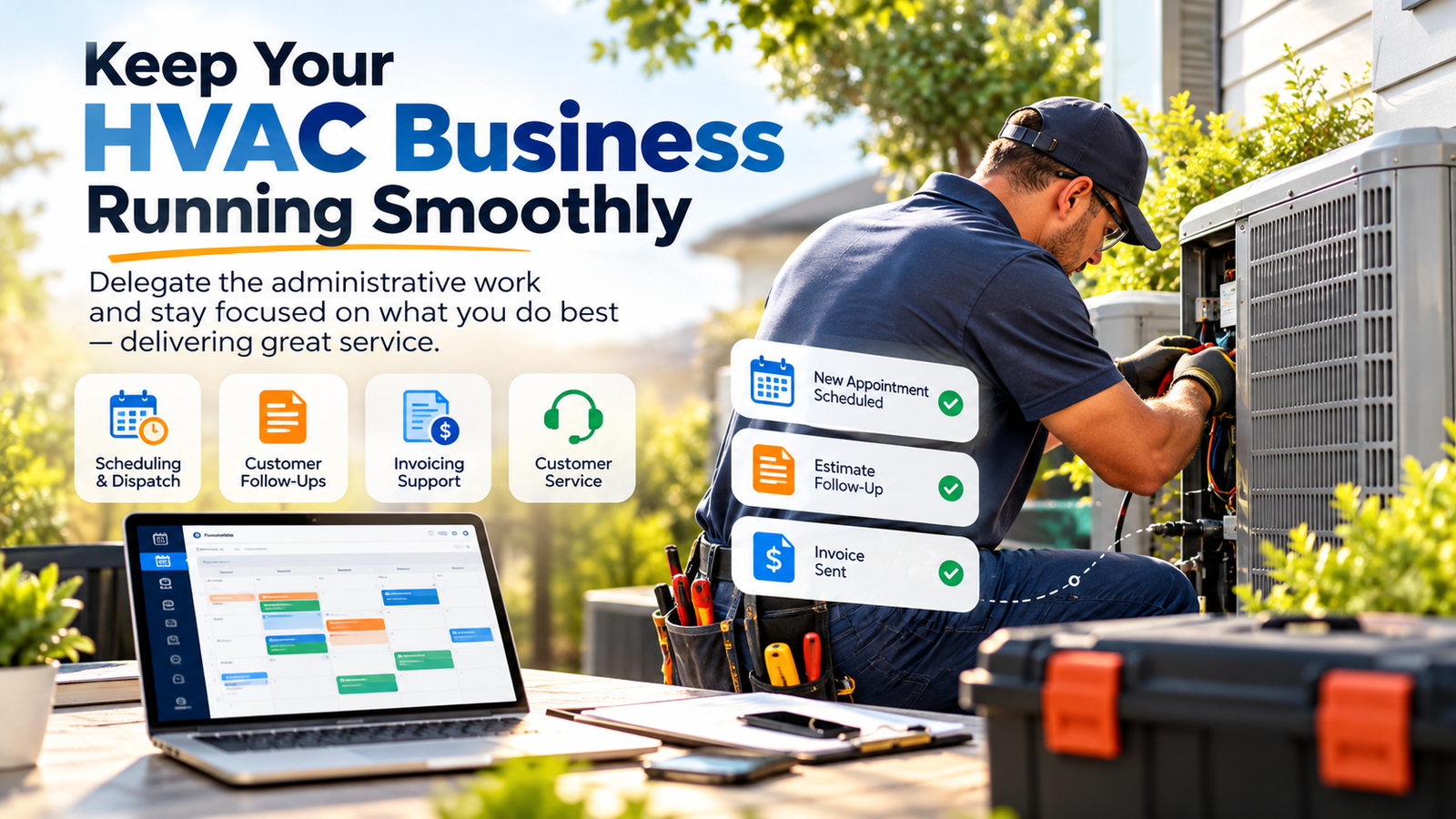
You did it. You pulled the trigger on ServiceTitan. You signed the contract, endured the implementation phase, and started paying that hefty monthly subscription that feels like a second mortgage. It’s the Ferrari of field service management software. It promises seamless dispatching, a robust pricebook, and marketing analytics that would make a Silicon Valley CFO weep with joy.
But three months in, reality hits. Your dispatchers are still yelling across the office. Your pricebook is a cluttered mess of "Custom Task" entries. Your memberships are expiring without a single follow-up call.
In the industry, we call this the ServiceTitan Drag. It’s the phenomenon where a business pays for 100% of the software’s power but only uses about 20% of it because their office staff is too buried in "firefighting" to actually learn the features. You’ve bought a Ferrari, but you’re driving it in a school zone with the parking brake on.
If your $200k-a-year operations are being throttled by administrative bottlenecks, it’s time to stop looking for a "better" software and start looking for a better way to run the one you have.
The Real Cost of the "Software Only" Strategy
ServiceTitan isn't a "set it and forget it" tool. It is an enterprise-grade engine that requires a dedicated operator. Most HVAC, plumbing, and electrical shop owners try to solve this by dumping the workload on their existing CSRs or Dispatchers.
The result? High turnover, "dirty" data, and a massive loss of ROI. When a dispatcher is focused on getting a technician to a leaking water heater, they aren't checking if the "Marketing Pro" emails are firing correctly or if the Pricebook is updated with the latest 15% price hike from the supplier.
6 Daily Pain Points of the ServiceTitan Shop Owner
If you’re running a home services business in 2026, these six headaches probably keep you up at night:
- The "Custom Task" Trap: Technicians get lazy and use "Custom Task" for everything instead of the Pricebook, making it impossible to track your margins or inventory.
- Membership Churn: You have hundreds of "Club Members" whose credit cards expired six months ago, and no one has had the time to call them.
- The Dispatching Maze: Your board looks like a game of Tetris gone wrong. Technicians are crisscrossing the city, wasting fuel and time while "Priority 1" calls sit in the unassigned bucket.
- Zombie Estimates: Thousands of dollars in open estimates are sitting in the system. No one is following up, and your competitors are swooping in.
- Data Pollution: Duplicate customer profiles, misspelled addresses, and missing equipment tags make your reporting look like a total work of fiction.
- Admin Burnout: Your best office person is threatening to quit because they are spending 4 hours a day on manual data entry that the software should be doing for them.
Enter the ServiceTitan Virtual Assistant: The $8/Hour Solution
At Virtual Nexgen Solutions, we don’t believe in just "hiring a body." We provide specialized ServiceTitan Virtual Assistants who act as the administrative engine for your shop. For just $8/hour, you get a dedicated pro who knows the difference between a "sold hour" and a "billable hour."
While your local staff focuses on high-level customer service and in-person management, your VA handles the deep-work "drag" that slows you down.
10 Tasks Your ServiceTitan VA Can Handle Right Now:
- Dynamic Dispatching: Managing the board to ensure the right tech is on the right job based on skill set and location.
- Pricebook Maintenance: Uploading new items, adjusting margins, and ensuring pictures and descriptions are present for every task.
- Membership Renewals: Proactively calling customers to update credit card info and book their seasonal tune-ups.
- Estimate Follow-Up: Systematically calling and emailing customers with open "unsold" estimates to close the deal.
- A/P & A/R Automation: Matching invoices to purchase orders and chasing down unpaid balances.
- Marketing Pro Management: Setting up email audiences and monitoring the ROI of your direct mail campaigns.
- Data Hygiene: Merging duplicate records and ensuring every job has "Equipment Tags" attached.
- Payroll Auditing: Reviewing technician timesheets against GPS data and job logs to ensure accuracy.
- Inventory Tracking: Reconciling truck stock and warehouse levels based on the parts used in the field.
- Reporting & Dashboards: Pulling daily "Pulse" reports so you actually know your numbers before the weekend hits.
The Technical Fixer: Step-by-Step SOPs for a Lean Shop
To get the most out of your ServiceTitan investment, you need standard operating procedures (SOPs). Here is how our VAs execute the most critical tasks to keep your business profitable.
SOP 1: The "Zombie Estimate" Revival
- Step 1: Run a report every morning for "Open Estimates" created 48–72 hours ago.
- Step 2: Filter for high-ticket items (over $2,000).
- Step 3: Send a personalized SMS through ServiceTitan’s integrated texting tool.
- Step 4: Place a "Soft Touch" phone call to ask if they have any technical questions about the quote.
- Step 5: If no answer, schedule a follow-up task for 7 days out.
- Step 6: Update the "Estimate Status" and log all notes in the customer profile.
SOP 2: The Pricebook Margin Audit
- Step 1: Download the latest price files from major suppliers (e.g., Ferguson, Johnstone).
- Step 2: Use the ServiceTitan "Pricebook Excel" tool to cross-reference current costs.
- Step 3: Apply the company’s standard markup percentage to all material items.
- Step 4: Ensure "Labor" is attached to every relevant task to protect gross margins.
- Step 5: Re-upload the file and verify that technician tablets reflect the update.
SOP 3: Membership Retention (The "Leaky Bucket" Fix)
- Step 1: Monthly, pull a list of all memberships set to expire in the next 30 days.
- Step 2: Identify "Expired Payment Methods" in the billing tab.
- Step 3: Call the customer to offer a "Member Loyalty" discount if they update their card today.
- Step 4: Simultaneously schedule their upcoming preventative maintenance appointment.
- Step 5: Tag the customer as "Renewed" and update the billing cycle.
SOP 4: Dispatch Auditing & Technician Accountability
- Step 1: Compare "Arrived" and "Completed" timestamps against the GPS "Breadcrumb" report.
- Step 2: Flag any discrepancies of more than 15 minutes for owner review.
- Step 3: Ensure every job has a "Closing Note" and a signed "Authorization to Perform Work" form.
- Step 4: Check if photos were uploaded for the "Before" and "After" status.
SOP 5: Duplicate Customer Cleanup
- Step 1: Weekly, run the "Duplicate Customer" report.
- Step 2: Verify addresses and phone numbers to ensure they are the same household.
- Step 3: Merge accounts, ensuring the equipment history and previous invoices are consolidated.
- Step 4: Correct any "All Caps" or misspelled entries to maintain professional branding on invoices.
Master of the Trade: Software We Live In
A Virtual Nexgen VA isn't just a ServiceTitan expert. They are trained to work within the entire ecosystem of home services technology. We ensure your data flows smoothly between these platforms:
- ServiceTitan: The core of your operations.
- QuickBooks Online: For seamless accounting and bank reconciliation.
- Procore: For shops that also handle heavy commercial or construction projects.
- CompanyCam: Ensuring job site photos are synced and organized.
- Podium: Managing customer reviews and lead communication.
- FleetSharp: Integrating GPS data for dispatching accuracy.
The Risk of Doing Nothing
Every day you operate with a "messy" ServiceTitan instance, you are losing money. You’re losing it on technicians who take an extra 20 minutes between jobs because dispatch is slow. You’re losing it on $500 repairs that were never billed because a tech used a "Custom Task" and forgot the parts. Most importantly, you’re losing it on your own sanity.
Scaling an HVAC or plumbing business requires a break from the manual grind. You can read more about how VAs help businesses break the plateau and scale past the owner-operator stage.
For a specialized industry like HVAC or plumbing, having an admin who understands your specific workflow is non-negotiable. Whether you need a Trucking Dispatch VA for your logistics arm or a general office admin to handle the phones, the goal is the same: Get you out of the software and back into the field.
Why Virtual Nexgen Solutions?
We aren't a "gig" site. We are a professional office administration firm. Our ServiceTitan Virtual Assistants are vetted, trained, and ready to hit the ground running for $8 per hour.
Stop letting your software run you. Take the wheel back.
Ready to unlock the other 80% of ServiceTitan?
Book a 30-minute strategy call with our team here.
Frequently Asked Questions (FAQs)
1. Does the VA need their own ServiceTitan license?
Yes, usually you will add the VA as an office user. Because our VAs are highly efficient, the ROI on that extra license fee is typically realized within the first week of them cleaning up your Pricebook or closing unsold estimates.
2. Can an $8/hour VA really handle technical Pricebook setups?
Absolutely. Our VAs are trained specifically on the ServiceTitan backend. They understand how margins, markups, and labor rates interact within the system.
3. Is my data secure with a remote assistant?
Security is our top priority. We use secure access protocols, and our VAs are trained in data privacy best practices. For medical-adjacent fields, we even offer HIPAA-compliant VAs.
4. How many hours a day do I need a ServiceTitan VA?
It depends on your call volume. Most shops starting out find that 20 hours a week (4 hours a day) is plenty to keep their data clean and their memberships updated. Larger shops with 15+ trucks usually require a full-time dedicated VA.
5. Do they handle outbound calls to customers?
Yes. Whether it's following up on a quote or scheduling a maintenance visit, our VAs are comfortable on the phone and represent your brand with professional, fluent English.
6. Can they help with Marketing Pro?
Yes, our VAs can assist in segmenting your audiences and ensuring that your automated "Happy Birthday" or "Service Reminder" emails are actually reaching your customers.
7. How long does it take to get started?
We can usually match you with a trained ServiceTitan VA within 3 to 5 business days after your initial consultation.
8. What if I don't use ServiceTitan yet?
If you are considering the switch, a VA can be an invaluable asset during the "Implementation" phase to help move your data over and set up your Pricebook correctly from day one. Check out our about page to see how we support businesses during transitions.