
A high-volume cremation operation can lose hours to incomplete case files, permit follow-ups, unanswered family questions, and routine billing tasks. That administrative drag can leave licensed staff with less time for families and time-sensitive decisions.
A virtual assistant for cremation providers handles defined administrative coordination remotely, so your funeral directors and crematory operators can focus on care, custody, and work requiring their professional judgment. Virtual Nexgen Solutions provides dedicated administrative support for businesses; its administrative support service can be tailored to your workflows, with clear boundaries around regulated responsibilities.
What does a virtual assistant for cremation providers do?
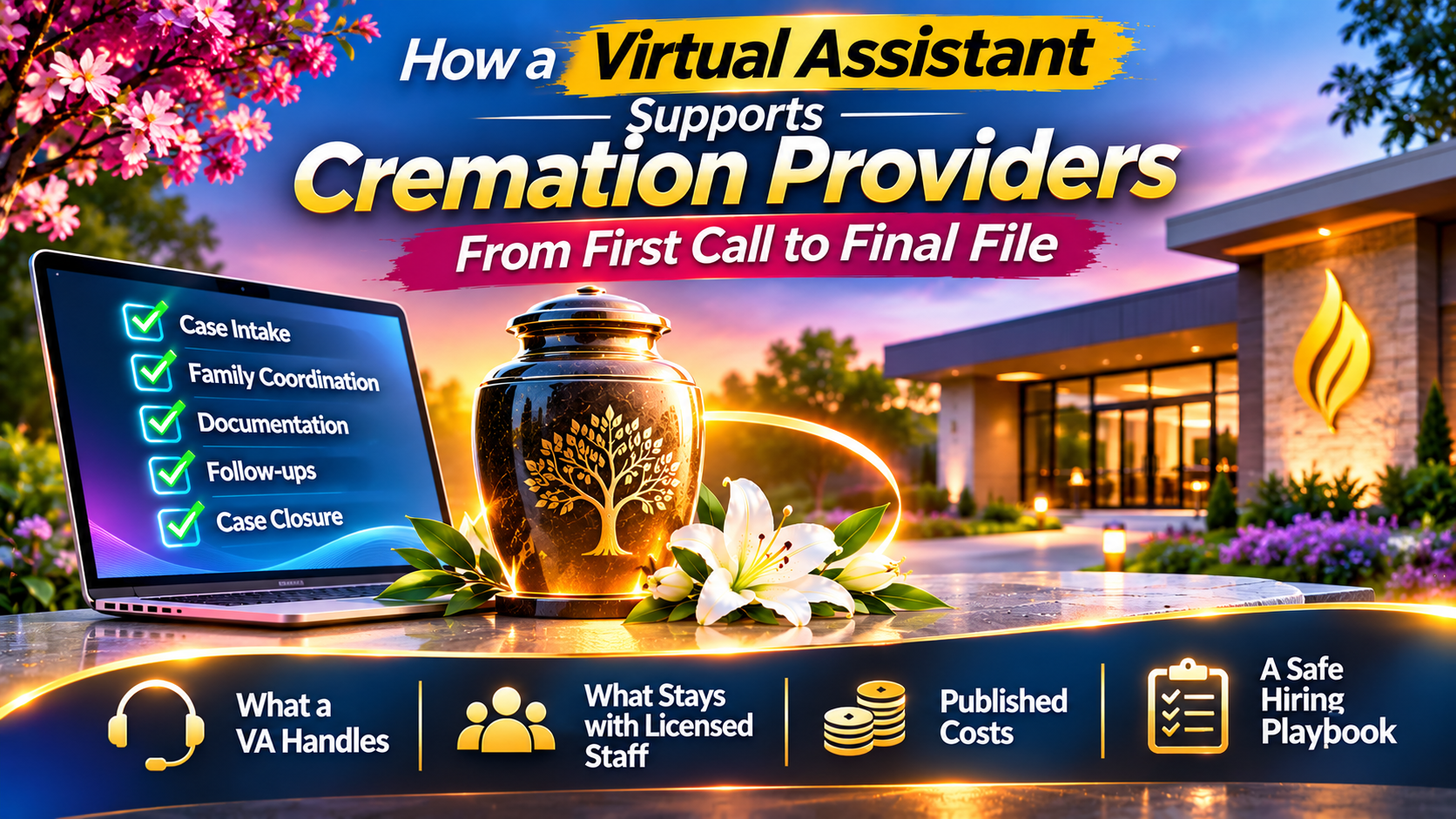
A virtual assistant (VA) supports the administrative work that moves a case from first contact through aftercare. Depending on your procedures, the role may include capturing caller details, tracking paperwork, coordinating schedules, updating case records, following up on insurance assignments, and arranging family communications.
The VA does not replace a licensed funeral director or crematory operator. They provide an organized support layer around those professionals.
This can suit a direct cremation provider handling many cases with a streamlined service model, a funeral home that offers cremation alongside traditional services, or a pet cremation business with its own distinct procedures.
Why does cremation create a different administrative workload?
Cremation providers often coordinate several moving parts for each case: authorizations, death-certificate workflow, required permits or clearances, crematory scheduling, family updates, and final delivery or collection arrangements. The exact steps depend on the jurisdiction and case circumstances.
When those steps live in inboxes, spreadsheets, and staff members’ memories, it becomes harder to see what is complete and what needs attention. A missing signature or delayed follow-up can create extra calls, disrupt schedules, and add stress for families.
A VA can help maintain a clear queue of pending tasks. For example, they might flag a case awaiting a physician’s information, record a crematory booking after confirmation, and schedule a family update, while referring legal or case-specific decisions to your authorized staff.
Which parts of the case-file lifecycle can a VA support?
Start by mapping your current case process. Then assign the VA specific administrative tasks, owners, and escalation points. Common support areas include:
First-call capture and callback coordination. A trained VA can record the caller’s contact details, preferred callback time, and information your approved intake script requests. They can route urgent or sensitive calls to the appropriate staff member rather than trying to resolve them independently.
Authorization paperwork and case tracking. The VA can assemble forms, check whether required fields appear complete, log outstanding items, and request follow-up from the responsible person. They should not decide whether consent is legally valid or sign on anyone’s behalf.
Death-certificate and permit workflow support. A VA can track status, note deadlines provided by your team, and coordinate administrative follow-ups with physicians, medical examiners, registrars, or other parties as your procedures allow. Death certificates and cremation or disposition permits are subject to jurisdiction-specific rules. The licensed professional must verify the applicable requirements and file or sign documents as the law requires.
Crematory scheduling and records. The VA can coordinate proposed time slots, record confirmed bookings, and maintain administrative records associated with your process. Physical custody, identification checks, and chain-of-custody procedures remain the responsibility of trained, authorized on-site personnel.
Family updates and aftercare. A VA may send approved timeline updates, coordinate urn-selection appointments or delivery notifications, and schedule aftercare touchpoints. Calls involving grief, complaints, uncertainty, or unusual circumstances should follow a sensitive script and escalate to a trained staff member.
Other suitable tasks may include obituary and memorial-page administration, invoice follow-up, insurance-assignment tracking, and vendor confirmations. For insurance-related back-office support, see Virtual Nexgen’s insurance virtual assistant guide.
What must stay with licensed or authorized staff?
Define the trust line before delegating. A VA should not make legal decisions about disposition, determine whether a person is authorized to give consent, make medical or cause-of-death judgments, handle remains, or sign documents reserved for licensed or otherwise authorized staff.
In the United States, the FTC Funeral Rule sets consumer-protection requirements for funeral providers, including price disclosures. Your VA may help maintain approved materials or route price questions, but staff responsible for compliance should approve disclosures and decisions. A VA or automated system should never improvise whether a service, container, or fee is legally required.
Build escalation rules for disputed authorization, medical examiner or coroner questions, unclear pricing, urgent removals, complaints, and any situation outside the VA’s written procedures. Rules differ by state and country; have your qualified personnel confirm local requirements and update the checklists when they change.
What software can a cremation-provider VA use?
A VA can work within the case-management and communication tools your business already uses, subject to your security and permission policies. VA Masters’ funeral-home service page names systems including Passare, FrontRunner Professional, SRS Computing, HMIS/Mortware, Osiris, and Halcyon, as well as general tools such as QuickBooks and RingCentral. Treat those as examples, not a guarantee of integration or current compatibility.
For a cloud-based system, define individual accounts, role-based permissions, and an audit trail. If you use an on-premises or legacy platform, the VA may still be able to support approved communications, scheduling, obituary administration, or follow-up tasks without direct access to sensitive case records.
Use unique credentials rather than shared logins. Set rules for secure connections, data handling, retention, and incident reporting, and give the VA access only to the information needed for assigned work.
Should you choose a human VA, AI receptionist, or in-house administrator?
These options solve different problems. AI-receptionist and AI-assistant pages feature prominently in this niche, but automated intake is not the same as ongoing case administration.
A human VA is suited to persistent follow-up, nuanced coordination, writing, and communication that benefits from context and judgment. An AI receptionist may help with routine after-hours inquiries, message capture, or routing, provided it uses approved information and offers a clear path to a person. An in-house administrator may be preferable when the role requires frequent physical presence, direct handling of documents, or close coordination with on-site work.
The right choice depends on your call volume, operating hours, case-management setup, supervision capacity, and the sensitivity of the tasks. Some providers may use a combination: automation for routine routing, a human VA for administrative follow-through, and licensed staff for professional decisions and complex family needs.
How should you hire and onboard a funeral home virtual assistant?
Use a structured process rather than handing over a shared inbox on day one.
- Document the workflow. Map each step from first call through aftercare, including who owns it and what triggers escalation.
- Define the role boundary. List permitted tasks, prohibited actions, approval requirements, and the staff member responsible for review.
- Screen for relevant skills. Assess empathetic communication, careful record-keeping, vendor coordination, writing, discretion, and experience with insurance follow-up.
- Use practical assessments. A paid test task, a first-call role-play, and an obituary-writing sample can show how a candidate follows instructions and communicates with care.
- Grant access gradually. Train the VA on your systems and security expectations, then review work closely before expanding permissions or responsibility.
Invite the VA to appropriate team briefings so they understand changes in procedures and service availability. Review the process regularly, especially when jurisdictional requirements, vendors, or internal policies change.
How much does a cremation-provider VA cost?
Costs vary by provider, employment model, region, experience, hours, and the level of supervision required. VA Masters’ published funeral-home page lists rates of $6.50–$10 per hour and compares them with local hiring figures of $16–$26 per hour and $35,000–$55,000 per year. These are figures published by that vendor, not a universal market benchmark. Confirm what each quote includes, such as recruitment, training, management, coverage, and software costs.
Compare the full operating cost, not just the hourly rate. A lower-cost arrangement may require more internal training or review. A dedicated VA with relevant experience may need less day-to-day direction, but you should validate that through references, work samples, and a clearly defined pilot.
Which metrics show whether the arrangement is working?
Choose a small set of measures that match the work you delegate. Track first-call response and callback times, the status of certificate and permit workflows, completion of insurance follow-ups, time from approved obituary information to publication, and completion of scheduled aftercare touchpoints.
Also review documentation corrections, missed escalations, family feedback, and unresolved task backlogs. Metrics should help you improve the process, not encourage a VA to rush sensitive conversations or make decisions outside their role.
When might a VA not be the right next step?
A VA may not solve the problem if your case volume does not justify the added coordination, your processes are undocumented, or there is no staff member available to supervise sensitive work. Fix unclear ownership and escalation paths first. Do not delegate custody-sensitive tasks without qualified on-site oversight.
How can Virtual Nexgen support your operation?
Virtual Nexgen Solutions provides dedicated, one-on-one virtual assistants with industry-focused training, privacy-first workflows, and structured onboarding and quality assurance. The onboarding process is designed to clarify responsibilities, train against your procedures, and review work before the VA takes on broader tasks.
Our operational goals include reducing administrative workload by up to 60% and helping businesses increase capacity by up to 3x; results depend on your workflows, delegation scope, and implementation. To discuss which tasks may fit your operation, book a 30-minute conversation.
Frequently asked questions
What does a virtual assistant for cremation providers do?
A VA handles defined administrative tasks such as intake coordination, case tracking, scheduling, family updates, billing follow-up, and aftercare administration. Licensed or authorized staff retain responsibility for regulated decisions and actions.
Can a VA handle death certificates and cremation permits?
A VA can help prepare and track paperwork or coordinate administrative follow-ups under your procedures. Requirements vary by jurisdiction, and authorized staff must confirm what needs to be filed or signed and who is legally responsible.
Can a VA answer calls from grieving families?
Yes, if they are trained, follow approved scripts, respect family preferences, and know when to transfer a call. They should provide administrative support, not counseling or unapproved legal or medical guidance.
What software can a funeral home virtual assistant use?
That depends on your systems, permissions, and provider capabilities. Confirm experience and compatibility with your case-management platform and general tools before granting access.
Is a VA better than an AI receptionist?
They are not interchangeable. AI may support routine intake and routing; a human VA can manage follow-up and coordination that requires context. Your licensed team should handle professional judgment and sensitive exceptions.
How do I protect family information?
Use individual accounts, least-privilege access, secure connections, documented handling rules, and regular permission reviews. Confirm that your vendor’s privacy and security practices fit your obligations before sharing sensitive information.
Work With Virtual Nexgen Solutions
If your business needs dependable virtual assistant support, Virtual Nexgen Solutions can provide support around your existing workflow. Book a discovery call today.
Get in Touch Now!