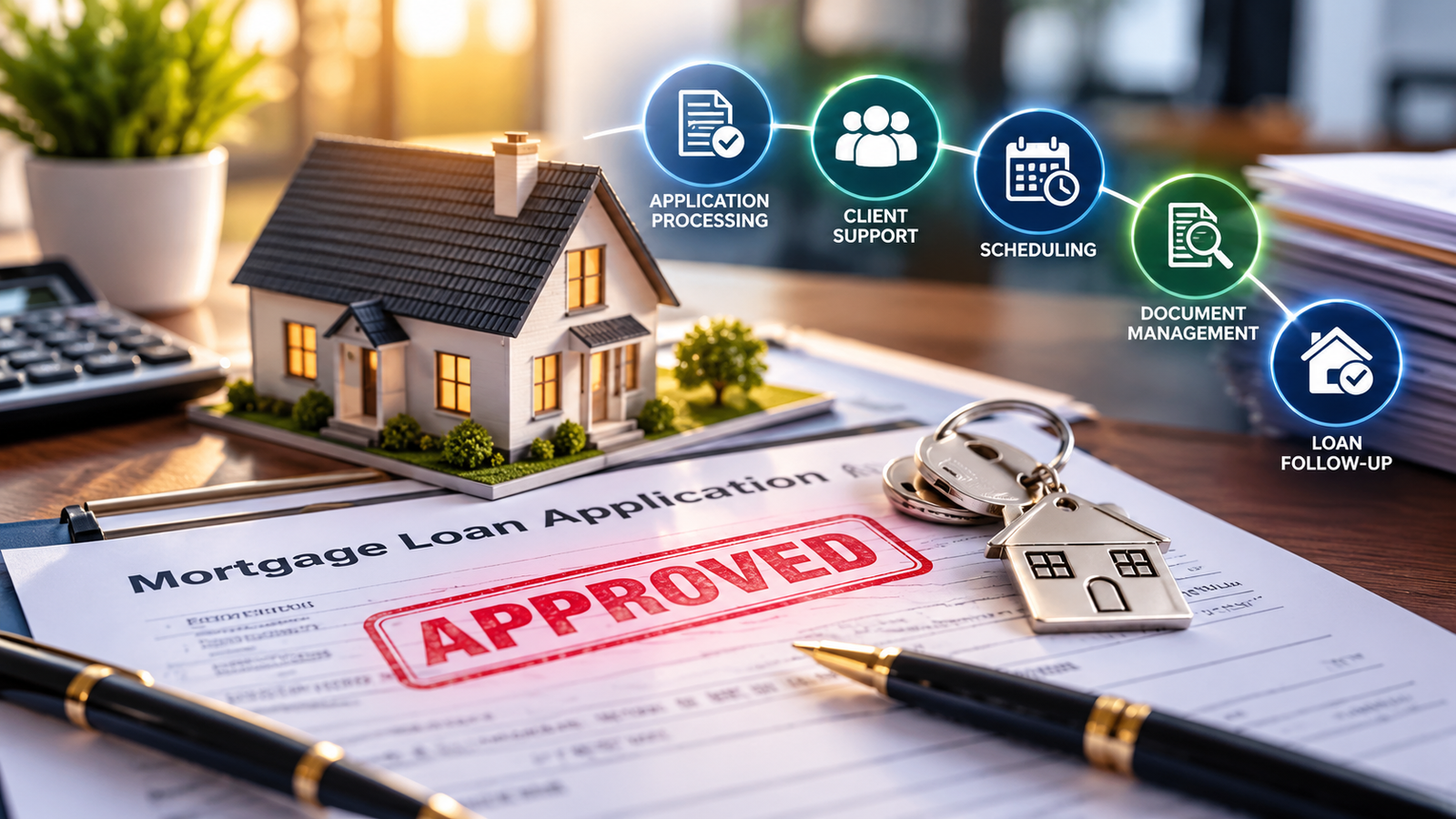
Your wealth management virtual assistant can solve one of the most expensive problems inside an RIA: poorly prepared client review meetings. When performance snapshots, planning notes, account details, and action items live in different places, advisors spend valuable hours searching instead of advising.
The cost is larger than wasted time. A scattered review meeting can leave a client confused, delay an investment or planning decision, and cause follow-up tasks to disappear. It can also force you to postpone high-value prospecting, referral conversations, and strategic planning.
Build a repeatable review cadence. Assign the preparation pipeline to a trained human VA at $8 per hour. Keep the advisor responsible for recommendations and client advice while your support team prepares the facts, files, agenda, and follow-up structure.
What Is the Client Review Meeting Engine?
Treat every review meeting as a six-stage operating cycle:
- Identify clients due for review.
- Confirm the appointment and collect updates.
- Prepare the client snapshot.
- Assemble the advisor review booklet.
- Support meeting-day logistics.
- Record decisions and track follow-up.
Use different cadences for different client segments:
- Weekly: Prepare internal priority lists, urgent client items, and pending service requests.
- Monthly: Review households with open planning tasks, cash movements, beneficiary changes, or onboarding needs.
- Quarterly: Prepare performance reports, allocation notes, meeting agendas, and action-item summaries.
- Annually: Refresh net worth, goals, risk information, estate details, tax considerations, and the current financial plan.
10 Core Tasks a Wealth Management Virtual Assistant Handles Daily
- Run CRM reports for clients due for quarterly or annual reviews.
- Confirm appointments through email, phone, or approved scheduling tools.
- Send secure questionnaires for life, income, family, and goal updates.
- Retrieve prior meeting notes from Redtail, Wealthbox, or Salesforce Financial Services Cloud.
- Gather approved portfolio and account reports from Orion, Tamarac, Addepar, or the custodian portal.
- Compare the current client file with the prior meeting version.
- Build one-page household summaries for advisor review.
- Track unfinished action items and assign due dates to the correct team member.
- Prepare meeting folders, agendas, presentation files, and secure document links.
- Draft post-meeting summaries for advisor approval and CRM entry.
How Should You Build the Review Cadence?
Start with one client segment instead of changing your entire practice at once.
Select 25 households with upcoming reviews. Document the information the advisor needs before every meeting. Define file naming rules, approval checkpoints, secure storage locations, and escalation triggers. Then give the workflow to your wealth management virtual assistant.
Use a simple status sequence:
- Not started: Client has not been contacted.
- Scheduled: Appointment is confirmed.
- Waiting on client: Questionnaire or documents remain outstanding.
- In preparation: VA is gathering reports and notes.
- Advisor review: Packet is ready for quality control.
- Meeting complete: Advisor has finished the review.
- Follow-up open: Tasks require completion or client communication.
- Closed: All approved actions are documented.
SOPs for Better Client Review Preparation
SOP 1: Identify the Review Queue
Goal: Create an accurate list of households due for service.
- Run the CRM report for the selected review period.
- Remove duplicate households and inactive records.
- Check the assigned advisor and service tier.
- Confirm the last completed review date.
- Add missing appointments to the scheduling queue.
- Send the final queue to the advisor for approval.
SOP 2: Confirm the Client Appointment
Goal: Secure attendance and collect meeting priorities early.
- Send the approved appointment invitation.
- Include the meeting format and secure-upload instructions.
- Ask what has changed since the last review.
- Record requested topics in the CRM.
- Send a reminder three business days before the meeting.
- Escalate cancellations, urgent concerns, and missing responses.
SOP 3: Build the Household Snapshot
Goal: Give the advisor a concise and current client view.
- Open the approved CRM record.
- Verify household members, employment, and key dates.
- Review goals, risk information, and planning milestones.
- Note changes reported by the client.
- Flag missing or conflicting information.
- Save the snapshot using the firm’s naming convention.
SOP 4: Assemble the Review Booklet
Goal: Place approved materials in one controlled meeting folder.
- Pull the latest approved performance reports.
- Add the prior meeting summary and open action list.
- Insert the current financial plan version.
- Check that dates and household names match.
- Add the draft agenda and advisor discussion prompts.
- Route the folder to the advisor for final review.
SOP 5: Control Plan Versions
Goal: Prevent outdated financial plans from reaching the meeting.
- Identify the latest approved plan in eMoney or the firm’s planning system.
- Compare its date with the CRM record.
- Move superseded drafts to the approved archive location.
- Note material changes for the advisor.
- Never edit recommendations or assumptions without authorization.
- Record the final version number in the meeting checklist.
SOP 6: Prepare Meeting-Day Logistics
Goal: Remove avoidable friction before the client joins.
- Confirm the video link, time zone, and meeting participants.
- Check that approved files open correctly.
- Send the final agenda through the approved channel.
- Confirm any requested documents are available.
- Place the household in the day-of review list.
- Escalate technical or document-access issues immediately.
SOP 7: Close the Follow-Up Loop
Goal: Convert meeting decisions into visible, assigned work.
- Receive the advisor’s approved meeting summary.
- Enter decisions and action items into the CRM.
- Assign each task to one accountable team member.
- Add a due date and required client document.
- Draft the follow-up email for advisor approval.
- Review open tasks weekly until closure.
Which Software Can a Wealth Management Virtual Assistant Support?
Train your VA inside the systems your firm already uses. Common support includes:
- Redtail and Wealthbox: Update contacts, log meeting notes, track review dates, and manage follow-up tasks.
- Salesforce Financial Services Cloud: Maintain household records, activity histories, service cases, and advisor task queues.
- eMoney: Organize approved plan versions, collect client information, and prepare document checklists.
- Orion, Tamarac, and Addepar: Gather approved reports and place them in the correct client folder.
- PreciseFP: Monitor questionnaire completion and identify missing information.
- DocuSign and ShareFile: Prepare approved documents, track signatures, and maintain secure file organization.
- Calendly and Microsoft Outlook: Coordinate scheduling, time zones, reminders, and meeting logistics.
A VA must not provide financial advice, change investment recommendations, interpret performance for a client, or approve regulated communications. Keep those responsibilities with the qualified advisor and compliance team.
Two Anonymized Results from the Review Cadence Model
Independent RIA in North Carolina: A five-person firm handled approximately 40 quarterly reviews each month. Advisors spent about 18 minutes per household locating reports, notes, and unfinished tasks. After a $8-per-hour wealth management virtual assistant standardized the review queue and booklet process, preparation time fell by 11 minutes per household. The firm reclaimed roughly 29 advisor hours monthly and closed 92% of follow-up tasks within five business days, compared with 64% previously.
Advisory team in Arizona: A three-advisor practice struggled with outdated plan versions and incomplete annual-review files. A VA introduced a version-control checklist, secure document index, and seven-day preparation schedule. Within 90 days, the team reduced last-minute packet corrections by 78%, raised on-time annual review completion from 71% to 96%, and recovered approximately 14 advisor hours each month.
Why Choose Virtual Nexgen Solutions for Advisor Support?
Virtual Nexgen Solutions provides human-powered administrative support tailored to your service model, client segments, technology stack, and compliance review process. Start with meeting preparation, then expand into scheduling, document organization, CRM maintenance, client onboarding, and follow-up tracking.
Use documented permissions, NDAs, secure file-sharing practices, and advisor approval checkpoints. Follow the professional expectations outlined by the CFP Board, review applicable adviser obligations through the SEC, and maintain clear personnel procedures informed by the Society for Human Resource Management. The Bureau of Labor Statistics also provides useful context on the labor market and responsibilities of personal financial advisors.
Frequently Asked Questions
What does a wealth management virtual assistant do?
A wealth management virtual assistant prepares client review materials, updates CRM records, coordinates appointments, organizes approved reports, tracks action items, and supports client communications for advisor approval.
How much does a wealth management virtual assistant cost?
Virtual Nexgen Solutions provides VA support at $8 per hour. Your total cost depends on the weekly hours, client volume, software access, and responsibilities assigned.
Can a wealth management virtual assistant prepare financial plans?
A VA can organize approved plan data, collect documents, manage version control, and prepare checklists. A qualified advisor must review assumptions, recommendations, and advice before client delivery.
Can an RIA virtual assistant update Redtail or Wealthbox?
Yes. A trained RIA virtual assistant can update contacts, log approved notes, maintain review dates, assign tasks, and manage follow-up records inside Redtail or Wealthbox.
How does a financial advisor meeting prep workflow work?
The workflow identifies due clients, confirms appointments, collects updates, gathers approved reports, prepares an agenda and booklet, supports logistics, and tracks post-meeting actions.
Is a wealth management virtual assistant allowed to contact clients?
Yes, for approved administrative communications such as scheduling, reminders, document requests, and follow-up coordination. Keep advice, recommendations, and regulated explanations with the advisor.
How can an RIA protect confidential client information?
Use role-based access, NDAs, secure file-sharing tools, documented procedures, strong passwords, limited downloads, and advisor-approved communication channels. Grant access only to the systems required for assigned work.
How many hours can a wealth management virtual assistant save an advisor?
Many firms can reclaim 10 to 30 advisor hours monthly by delegating meeting preparation, document organization, CRM updates, and follow-up tracking. Measure your baseline before setting a target.
Ready to Build a Better Client Review Process?
Partner with Virtual Nexgen Solutions for a trained wealth management virtual assistant who can support your review cadence, meeting preparation, CRM upkeep, document organization, and follow-up workflow at $8 per hour. Book a 30-minute consultation to discuss your firm’s current process and support needs.