

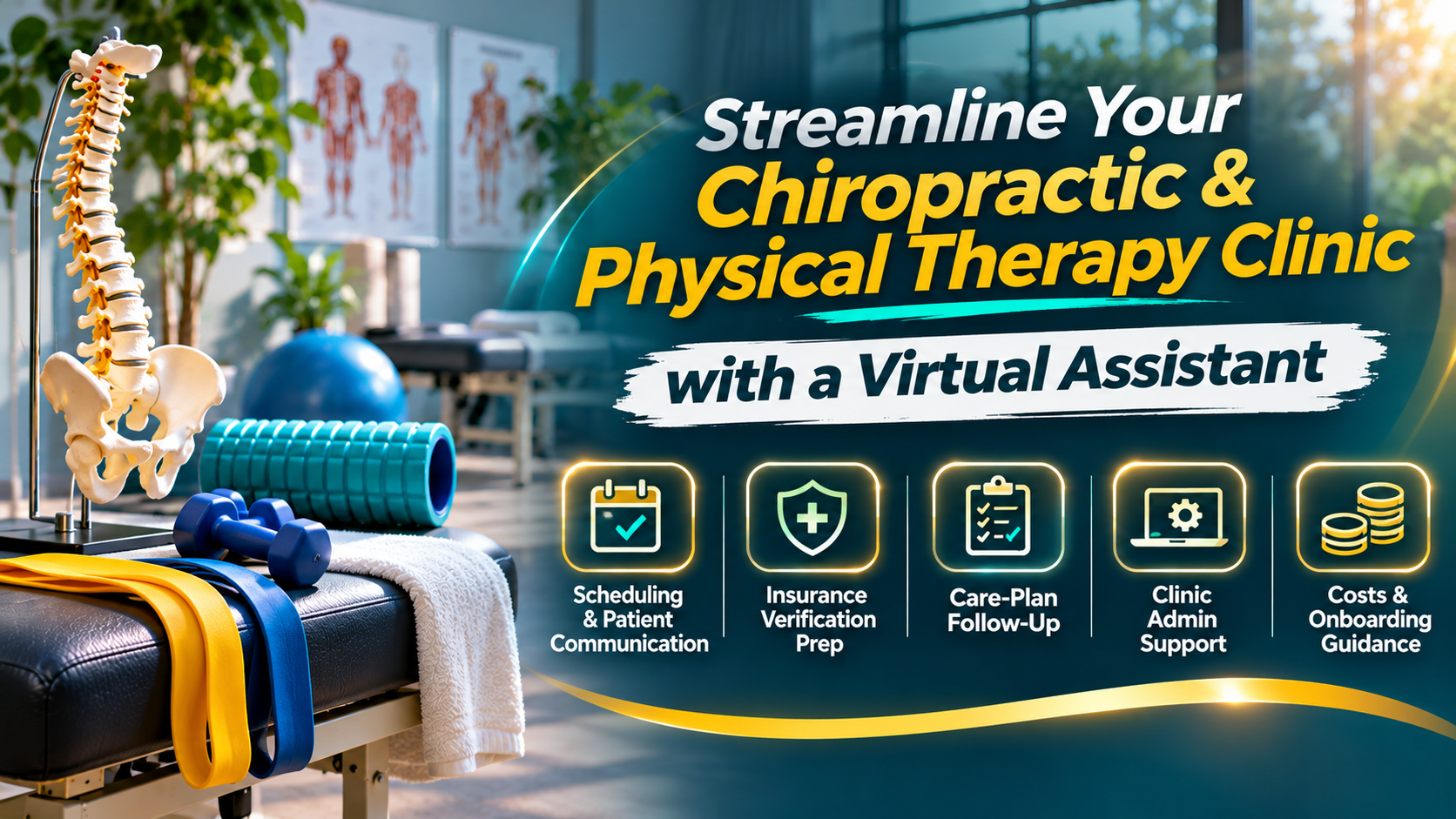
A chiropractic or physical therapy virtual assistant (VA) is a remote administrative team member who supports the clinic’s front office. They can help with appointment scheduling and confirmations, insurance verification preparation, intake paperwork follow-up, care-plan visit booking, patient communication, and routine billing support. They work from clinic-approved workflows; clinical assessment, treatment decisions, exercise prescriptions, and medical advice remain with licensed chiropractors and physical therapists.
When front-desk staff are pulled between incoming calls, check-in, schedule changes, and follow-up, routine tasks can slip. A dedicated, healthcare-trained VA can help organize that administrative queue. Virtual Nexgen Solutions’ administrative support team provides dedicated 1-on-1 support, structured onboarding, quality assurance, and privacy-first workflows designed around each client’s processes.
Why clinics are adding virtual front-desk support
Scheduling is not just a calendar task. It connects a patient’s first inquiry to an available appointment, complete intake, and future visits recommended by their clinician. When calls go unanswered or reminders are delayed, the clinic may lose an opportunity to serve a patient or fill a canceled slot.
Staffing pressure adds to the challenge. In a November 3, 2026 MGMA Stat report, about four in five medical groups reported open administrative positions, with front-office roles among the hardest to fill. This is medical-group data, not a chiropractic- or PT-specific survey. Separately, a Staffing For Doctors report published by GlobeNewswire on October 29, 2026 reported that 41% of practices in its healthcare context were seeking a virtual front desk.
These figures do not predict staffing conditions for every chiropractic or physical therapy clinic. They do point to a broader operational interest in remote front-office support. A VA is best viewed as added administrative capacity, not as a replacement for clinicians or an automatic fix for every scheduling problem.
What a chiropractic or PT virtual assistant can handle
A virtual assistant for chiropractors or physical therapy practices can work from a defined task list, approved scripts, and a clear escalation path. Start with routine, repeatable work that is currently creating delays.
- Scheduling and confirmations: Book and reschedule appointments using clinic-defined appointment types, send reminders, manage a cancellation list, and offer open slots to patients who have agreed to be contacted.
- New-patient intake follow-up: Send approved intake forms and instructions, check whether required fields are complete, and flag missing paperwork for clinic staff.
- Insurance verification preparation: Gather information using the clinic’s process, document eligibility responses, and route questions or exceptions to the designated billing or in-office lead. The VA should not promise coverage or reimbursement.
- Care-plan visit booking: Contact patients to schedule the next appointments according to instructions recorded by the treating clinician. The VA does not decide how many visits a patient needs or recommend treatment.
- No-show recovery: Follow the clinic’s rescheduling policy, make a courteous outreach attempt, and record the result. Urgent concerns or questions about symptoms should be escalated, not handled through a booking script.
- Billing and collections support: Help organize assigned billing queues, send approved balance reminders, or identify missing information. Coding decisions, appeals, refunds, and disputed balances should go to authorized billing staff.
- Review requests: Send a neutral request for feedback using the clinic’s approved process. Keep requests voluntary and avoid asking staff or contractors to influence the content of a review.
These tasks can be adapted to a chiropractic clinic’s scheduling and recall workflows or a PT clinic’s evaluation and follow-up cadence. The clinic should define which appointment types the VA can book, what information they can discuss, and when they must hand off a conversation.
Keep clinical judgment with licensed professionals
A VA can help patients navigate administrative steps. They should not interpret symptoms, assess a patient, recommend treatment, change a care plan, prescribe or progress exercises, perform or advise on manipulation, or give medical advice. Those responsibilities stay with licensed DCs and PTs.
Use a simple boundary:
- Delegate: scheduling, reminders, form delivery, document routing, and scripted non-clinical follow-up.
- Delegate with written rules and review: eligibility information, authorization tracking, balance reminders, and other tasks involving patient-specific administrative details.
- Escalate: clinical questions, new or worsening symptoms, treatment concerns, complaints, exceptions, or any request the VA cannot safely answer from an approved script.
Give the assistant a named in-clinic contact for escalations, along with clear instructions on what to do if that person is unavailable. A good handoff ends with the message documented and a responsible team member assigned to follow up.
Protect patient information in remote workflows
Before a VA accesses protected health information (PHI), determine whether the work requires a business associate relationship and put the required agreement in place. The U.S. Department of Health and Human Services explains the responsibilities of business associates and covered entities.
Set access according to the work. HHS’s minimum necessary guidance describes limiting PHI access to what is needed for the task. In practice, use individual accounts, role-based permissions, approved communication channels, and documented procedures for reporting a misdirected message or suspected security incident. Avoid shared credentials and unapproved personal email, messaging, or local downloads. Review access regularly and remove it promptly when a person no longer needs it.
Remote work does not remove the clinic’s responsibility to maintain appropriate safeguards. Confirm that your vendors, systems, training, and written procedures fit your obligations and workflows.
Hire in-house or outsource front-office support?
An in-house hire may be the better fit when you need someone physically present for check-in, room coordination, payments, or other on-site duties. Outsourced VA support may fit when the backlog is mainly phone calls, reminders, intake follow-up, waitlist outreach, or other tasks that can be completed securely from your approved systems.
You can also combine the two: keep patient-facing and exception-heavy work with in-office staff, and assign a defined remote queue to a VA. Before choosing, map the work, estimate the hours and coverage windows you need, and compare the full cost and management requirements, not just the hourly rate. Pricing varies with task scope, schedule, experience, and service arrangement.
A practical 30-day onboarding plan
A short pilot helps you test the workflow before expanding access or responsibilities.
- Days 1–5: Choose the work. List recurring tasks, identify current bottlenecks, and select a manageable starting scope, such as confirmations, cancellation follow-up, and intake completeness checks.
- Days 6–10: Set boundaries and access. Assign a workflow owner, write scripts and escalation rules, confirm privacy requirements, and provide only the system permissions needed for the pilot.
- Days 11–15: Train and rehearse. Walk through common scenarios, exceptions, documentation standards, and how to stop and ask for help rather than guess.
- Days 16–23: Run a supervised pilot. Review completed work regularly, correct process gaps, and collect feedback from the VA, front desk, and clinical team.
- Days 24–30: Evaluate and adjust. Review performance and exceptions. Keep what works, revise unclear instructions, and decide whether to expand the task list.
Virtual Nexgen’s dedicated 1-on-1, healthcare-trained VAs can be introduced through a structured five-step onboarding and quality assurance process, with workflows shaped around the clinic’s tools and oversight needs.
Measure whether support is helping
Choose a small set of measures before the pilot begins, then review them regularly. Useful operational metrics include:
- Call answer rate: the share of incoming calls answered, using a consistent definition and reporting period.
- Verification turnaround: the time between a verification task being assigned and its documented completion or escalation.
- Care-plan visit completion: the share of clinician-directed follow-up appointments that are successfully booked within the clinic’s chosen timeframe.
- No-show rate: track against the clinic’s existing definition and compare like-for-like periods.
- Hours returned: staff time redirected from the delegated tasks to other clinic responsibilities.
Interpret the measures together. For example, a faster response time is useful only if information is accurate and patient questions are escalated appropriately. Do not reward booking volume at the expense of patient choice or clinical judgment.
Frequently asked questions
What does a chiropractic virtual assistant do?
A chiropractic virtual assistant supports administrative work such as scheduling, reminders, intake follow-up, recall outreach, and selected billing tasks. The clinic defines scripts, access, and escalation rules.
Can a virtual assistant do insurance verification?
A VA may gather and document eligibility information under the clinic’s process. Coverage interpretation, exceptions, and promises about payment should remain with authorized staff.
Can a virtual assistant answer clinical questions?
No. They should not diagnose, assess symptoms, recommend treatment, change care plans, or provide medical advice. They should use an approved response and route the question to a licensed clinician.
How much does a chiropractic or PT virtual assistant cost?
Costs vary by provider, scope, schedule, and level of support. Compare the total arrangement (including onboarding, supervision, access setup, and coverage) to the work you need completed; ask providers for a quote based on your task list.
What systems do virtual assistants work in?
They may work in the clinic’s approved scheduling, practice-management, communication, and billing systems, depending on the provider’s experience and the clinic’s permissions. Confirm software familiarity, training needs, and access controls before onboarding.
How fast can a virtual assistant start?
Timing depends on task scope, system access, training, and privacy requirements. A limited pilot can start once the clinic has approved the workflow, scripts, access, and escalation owner.
Give your front desk room to focus
The right chiropractic or physical therapy virtual assistant can help keep routine follow-ups moving while in-office staff and licensed clinicians focus on the work that requires their presence and expertise. Start with a clear task queue, safe access, written boundaries, and measurable outcomes.
Learn more about Virtual Nexgen’s administrative support, or schedule a 30-minute conversation to discuss which front-office tasks may fit your clinic.
Sources
- MGMA Stat: “Not everything can be automated: 4 in 5 medical groups report open admin jobs”
- Staffing For Doctors report via GlobeNewswire, October 29, 2026
- HHS: Business Associates
- HHS: Minimum Necessary Requirement
Work With Virtual Nexgen Solutions
If your business needs dependable virtual assistant support, Virtual Nexgen Solutions can provide support around your existing workflow. Book a discovery call today.
Get in Touch Now!