

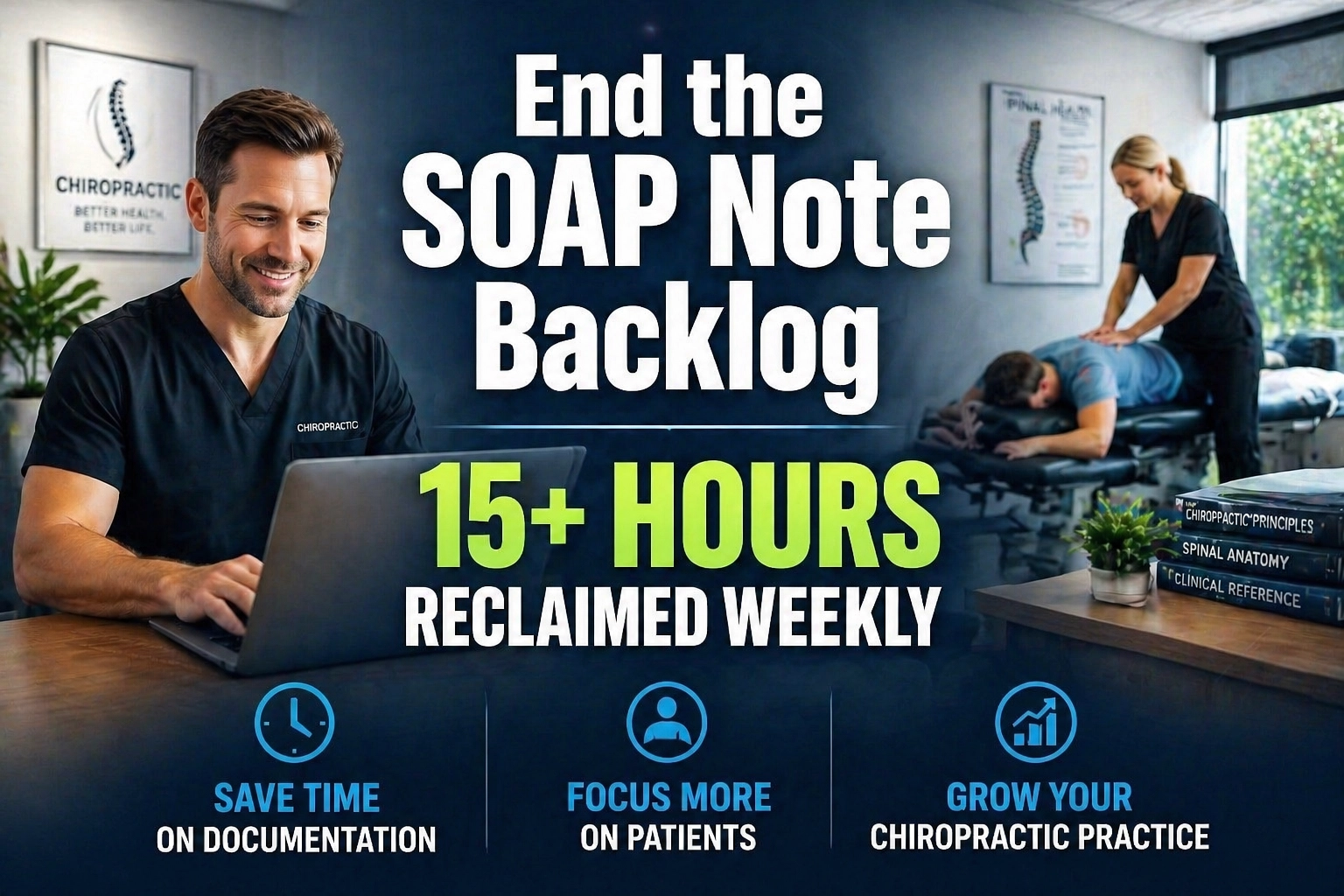
Chiropractic practices in 2026 face a paradox: while more people are seeking non-invasive wellness treatments than ever before, the administrative weight of running a clinic has become a primary driver of burnout. This weight is what we call "Administrative Debt." Much like financial debt, it accumulates interest in the form of missed follow-ups, incomplete SOAP notes, and delayed insurance reimbursements. Eventually, the debt becomes so high that the practitioner spends more time managing data than managing patients.
Administrative debt leads to profit leakage, the silent drainage of revenue caused by operational inefficiencies. When a doctor who could be earning $200 per hour is instead spending that hour on insurance verification or rescheduling no-shows, the practice loses significant capital. By delegating these high-volume, low-complexity tasks to a specialized Chiropractic Virtual Assistant (VA), practices can shift from reactive survival to proactive scaling.
The Financial Reality: In-House Admin vs. Virtual Nexgen Solutions
Running a physical front desk in a competitive market typically requires an in-house administrator with a salary of approximately $60,000 per year, once benefits, taxes, and overhead are factored in. This creates a high fixed cost that many growing clinics struggle to sustain. Conversely, a specialized Chiropractic Virtual Assistant from Virtual Nexgen Solutions operates at a standard rate of $8 per hour. This allows a clinic to secure full-time administrative coverage for a fraction of the cost, redirecting those saved funds into marketing, equipment upgrades, or clinical expansion.
6 Daily Pain Points for the Modern Chiropractor
Every clinic owner recognizes the friction points that prevent a smooth patient experience and a healthy bottom line. If these six issues persist, your practice is losing money:
- The SOAP Note Backlog: Staying late at the office to finish documentation because the workday was consumed by patient volume.
- Insurance Verification Bottlenecks: Patients arriving for appointments only to find their coverage has lapsed or requires a new authorization.
- Patient No-Shows and Cancellations: Empty slots in the schedule that represent unrecoverable revenue.
- Denied Claims and Billing Errors: Revenue cycles that stretch to 60 or 90 days because of minor administrative mistakes.
- Reactivation Failure: A growing list of "inactive" patients who haven't been contacted for a follow-up in months.
- Front Desk Overload: A physical receptionist who is too busy answering phones to provide a warm, welcoming environment for patients in the lobby.
How a Specialized Chiropractic VA Solves the Crisis
A human Virtual Assistant acts as the administrative engine of your practice. Unlike generalized assistants, a Chiropractic VA understands the specific terminology of the industry, terms like subluxation, cervical adjustments, and the intricacies of ICD-10 coding for musculoskeletal issues. They work within your existing Practice Management Software (PMS) to ensure every workflow is standardized and every patient interaction is professional.
10 Essential Tasks for a Chiropractic Virtual Assistant
- Insurance Eligibility Verification: Confirming patient benefits 48 hours before every appointment.
- Patient Scheduling and Rescheduling: Managing the calendar to maximize provider density and minimize gaps.
- SOAP Note Drafting: Preparing the administrative sections of daily notes so the doctor only needs to review and sign.
- Denial Management: Calling insurance companies to resolve rejected claims and resubmit them immediately.
- New Patient Intake: Remotely guiding patients through digital intake forms and ensuring all data is entered into the EHR.
- Reactivation Campaigns: Systematically calling and emailing patients who haven't visited in 30, 60, or 90 days.
- Review Management: Following up with satisfied patients to request Google reviews, boosting local SEO.
- Supply and Inventory Management: Tracking supplement and clinical supply levels and placing orders as needed.
- Telehealth Coordination: Setting up and managing virtual consultation rooms for initial assessments or follow-up results.
- Medical Records Processing: Managing incoming and outgoing records requests from attorneys or other healthcare providers.
The 2026 Playbook: 12 Tactical SOPs for Chiropractic Success
To eliminate administrative debt, you must move away from "adhoc" work and toward standardized operating procedures. Here are 12 essential SOPs your Virtual Assistant from Virtual Nexgen Solutions will execute to streamline your clinic.
SOP 1: Pre-Appointment Insurance Verification
Confirm every patient’s coverage before they step foot in the office.
- Access the schedule 48 hours in advance.
- Log into the specific insurance provider portals (e.g., UnitedHealthcare, BlueCross).
- Verify active status, deductible remaining, and co-pay amounts.
- Update the patient's file in the PMS and flag any "Inactives" for the front desk.
- Notify patients immediately if their insurance requires a new authorization or has lapsed.
SOP 2: The "Empty Slot" Reactivation Protocol
Never allow a same-day cancellation to remain an empty hole in your revenue.
- Identify a cancellation in the digital calendar.
- Filter the patient database for "local patients" who are due for a visit but have no appointment booked.
- Call the top 5 candidates immediately to offer the newly opened time slot.
- Offer a specific incentive if the slot is within the next two hours.
- Confirm the booking and update the schedule.
SOP 3: Standardizing SOAP Note Drafts
Reduce the doctor's documentation time by 50% through administrative pre-filling.
- Open the patient’s chart for the day's visit.
- Pre-populate the "Subjective" section based on the patient's intake form or prior visit notes.
- Review the previous "Plan" to ensure the current note reflects the treatment sequence.
- Save the note as a draft for the provider to complete the "Objective" and "Assessment" portions.
- Audit all signed notes at the end of the day for missing ICD-10 or CPT codes.
SOP 4: Daily Denial Resolution
Stop letting unpaid claims sit on the aging report.
- Generate the "Claims Denied" report every morning.
- Categorize denials by reason (e.g., missing modifier, incorrect ID number).
- Call the payer's provider line to obtain the specific reason for rejection.
- Correct the error in the PMS and resubmit the claim electronically.
- Log the interaction in the billing notes for future reference.
SOP 5: New Patient "White Glove" Onboarding
Ensure the first impression of your clinic is flawless.
- Email the digital intake packet immediately upon the first phone call.
- Track form completion through the portal.
- Call the patient 24 hours before the visit if forms are incomplete to assist them over the phone.
- Verify that the patient knows the clinic location and parking instructions.
- Ensure all previous medical records from the patient's GP are uploaded to the file.
SOP 6: The 90-Day Patient Recall System
Systematize the process of bringing back lapsed wellness patients.
- Extract a list of patients who have not had an adjustment in 90 days.
- Send a personalized "Wellness Check" email through the clinic's CRM.
- Follow up with a phone call 3 days later to discuss continuing their care plan.
- Schedule the appointment and update the reactivation status.
- Keep a log of why patients stopped coming (e.g., moved, cost, feeling better) to improve clinic services.
SOP 7: Professional Referral Tracking
Maintain the relationships that drive your practice.
- Identify the referring source for every new patient.
- Send a formal "Thank You" letter or digital message to the referring physician or attorney.
- Update the referral database to track which sources provide the highest quality patients.
- Notify the doctor if a specific referral source has not sent a patient in over a month.
- Coordinate the sharing of progress notes with the referring doctor as required.
SOP 8: Supplement Inventory and Sales Support
Maximize your retail revenue without lifting a finger.
- Conduct a weekly digital inventory check of all supplements and braces.
- Compare physical stock (reported by on-site staff) with the sales log.
- Draft a purchase order for the doctor's approval when stock hits the reorder point.
- Update the online store or patient portal with current stock levels.
- Email patients who are due for a refill on their prescribed supplements.
SOP 9: Records Release and Legal Liaison
Handle attorney requests with speed and accuracy to ensure prompt payment.
- Receive and log all medical records requests (subpoenas or authorizations).
- Verify the validity of the patient's signature on the release form.
- Compile the requested EHR notes, imaging reports, and billing ledgers.
- Send the digital file via a secure, HIPAA-compliant portal.
- Invoice the requesting party for the administrative fee associated with the record pull.
SOP 10: Social Media and Local Presence
Build your authority in the local community while you sleep.
- Post two educational pieces of content daily (e.g., stretching tips, ergonomics).
- Respond to comments and direct messages on Facebook and Instagram.
- Monitor Google My Business for new questions or reviews.
- Share "Patient Success Stories" (with signed HIPAA consent).
- Cross-link content to relevant industry topics like AI automation for business intelligence.
SOP 11: Daily Billing Reconciliation
Ensure the numbers in your bank account match the numbers in your software.
- Download the daily merchant processing report (e.g., Stripe, Square).
- Match every transaction to the patient ledger in the PMS.
- Identify any missed co-pays or failed transactions.
- Contact patients with failed payments to update their card on file.
- Submit the daily reconciliation report to the doctor for final review.
SOP 12: Telehealth Session Management
Coordinate virtual care to reach patients who cannot travel.
- Send the secure video link to the patient 15 minutes before the session.
- Perform a "tech check" with the patient to ensure their audio and video are working.
- Remain on the call to take administrative notes while the doctor performs the consultation.
- Process the payment and schedule the follow-up visit immediately after the session ends.
- Ensure the telehealth encounter is coded correctly for insurance reimbursement.
Software Competencies for the 2026 Virtual Assistant
A Virtual Nexgen Solutions VA is proficient in the leading tools of the trade. They don't need training on the basics; they arrive ready to integrate into your stack:
- Jane App: For seamless scheduling and integrated charting.
- ChiroTouch: Navigating the industry's most robust EHR and billing platform.
- WebExercises: Managing patient home-care protocols.
- NexHealth: Powering patient communication and digital intake.
- AdvancedMD: Handling complex multi-site medical billing.
- Microsoft Power BI: Utilizing Power BI for clinic performance tracking.
The Risk of Staying the Same
Choosing to ignore administrative debt doesn't just result in more paperwork. It results in a lower standard of care. When you are rushed and stressed, the patient feels it. When billing is messy, the patient loses trust. When follow-ups are missed, the patient seeks care elsewhere.
The cost of inaction is high. A clinic losing just three patients a month to poor follow-up and two insurance claims a week to denial errors can see a profit leakage of over $40,000 annually. By contrast, a $8/hr Virtual Assistant provides a 24/7 administrative safety net that pays for itself through a single saved claim or reactivated patient.
Take Control of Your Practice Today
Eliminating administrative debt is the first step toward building a practice that serves your life rather than consuming it. By systematizing your documentation, insurance, and patient outreach, you reclaim your most valuable asset: time.
If you are ready to scale your chiropractic clinic without adding the overhead of a $60,000/year employee, it is time to look at specialized virtual support. Let Virtual Nexgen Solutions provide the administrative engine you need to thrive in 2026.
Ready to see how a VA can transform your workflow? Book a 30-minute consultation with Virtual Nexgen Solutions today.
Frequently Asked Questions
Is a Chiropractic Virtual Assistant HIPAA-compliant?
rnYes. All Virtual Assistants at Virtual Nexgen Solutions are trained in HIPAA regulations and use secure, encrypted connections to access your Practice Management Software. We ensure all data handling protocols meet or exceed healthcare privacy standards.
How does a VA access my existing software like ChiroTouch?
rnYour VA accesses your software via secure remote login or through a dedicated user account you create for them. This allows them to perform tasks directly in your system, ensuring that all records are updated in real-time without the need for manual data transfer.
Can a VA handle phone calls for my clinic?
rnAbsolutely. Specialized Chiropractic VAs can manage inbound calls, handle new patient inquiries, and perform outbound reactivation calls. They use cloud-based VOIP systems that display your clinic's local phone number to maintain a professional, local feel.
What is the difference between a VA and a billing service?
rnA billing service typically only handles claims. A Virtual Nexgen Solutions VA is a multi-disciplinary team member who handles billing, scheduling, SOAP note drafting, and patient communication. You get a comprehensive administrative partner rather than just a specialized vendor.
How much does a Chiropractic Virtual Assistant cost?
rnVirtual Nexgen Solutions offers specialized medical administrative support starting at $8 per hour. This is a flat rate with no hidden fees, providing a massive cost saving compared to the $60,000+ total cost of an in-house employee.
Do I need to train the VA on chiropractic terminology?
rnOur VAs come with a foundation in healthcare administration. While every clinic has its unique nuances, they are already familiar with standard chiropractic terms, ICD-10 coding, and the general flow of a chiropractic patient journey.
How do I track what the VA is doing each day?
rnWe provide detailed daily reports and utilize time-tracking software that logs active work. You will have full visibility into completed SOPs, claims processed, and patients contacted, ensuring complete accountability.
What happens if I need to change my VA's tasks?
rnOur services are highly flexible. As your clinic grows, you can update your SOPs and redirect your VA to focus on different areas, such as marketing or specific insurance follow-up projects, to suit your changing needs.
Work With Virtual Nexgen Solutions
If your business needs dependable virtual assistant support, Virtual Nexgen Solutions can provide support around your existing workflow. Book a discovery call today.
Get in Touch Now!