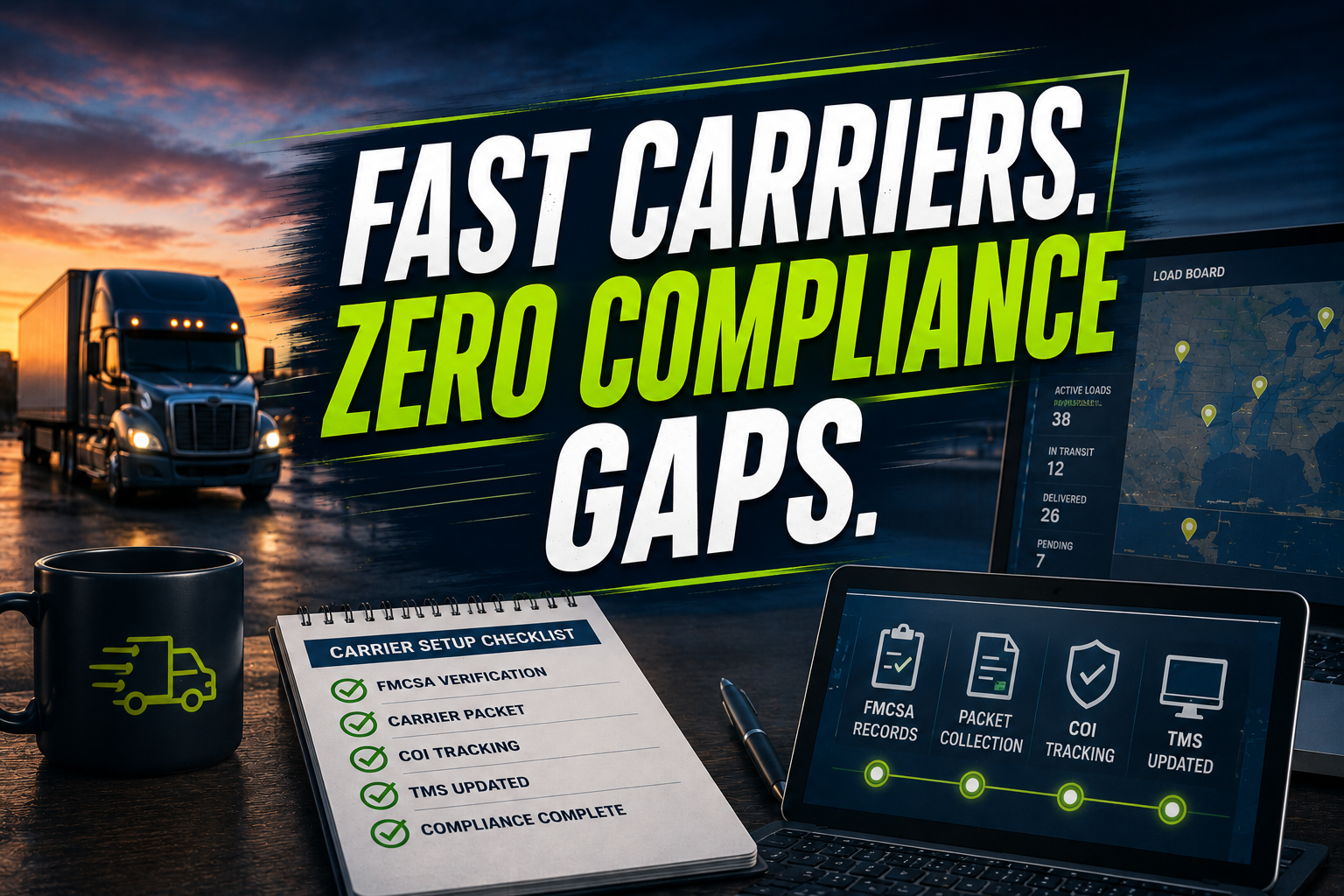
A load is ready. The shipper is waiting. Your customer expects a truck today. Then your team discovers that the carrier packet is incomplete, the COI has expired, or the MC number does not match the legal business name. The load goes back to the search queue, and your margin starts leaking.
A freight broker virtual assistant can run the carrier onboarding and compliance verification desk behind your brokerage. That means faster packet collection, documented FMCSA checks, cleaner TMS records, and fewer last-minute surprises.
When onboarding takes too long, reliable carriers move on to another broker. When onboarding happens carelessly, you expose your brokerage to operational, payment, and liability problems. Treat carrier setup as a revenue-protection function, not simple data entry.
10 Core Tasks a Freight Broker Virtual Assistant Handles Daily
- Collect MC and USDOT numbers, legal names, DBAs, addresses, and equipment details.
- Review carrier packets for missing W-9s, agreements, authority documents, and payment forms.
- Check carrier records through FMCSA SAFER, registration systems, and QCMobile where applicable.
- Confirm operating authority status and escalate inactive, revoked, or mismatched records.
- Review certificates of insurance for auto liability, cargo coverage, limits, dates, and certificate-holder details.
- Request updated COIs directly from insurance agents when broker policy requires it.
- Route broker-carrier agreements through DocuSign and track unsigned documents.
- Enter approved carrier profiles into McLeod, Turvo, Rose Rocket, or AscendTMS.
- Record factoring, ACH, quick-pay, and remittance information for accounting review.
- Monitor insurance expirations, follow up with carriers, and update compliance notes.
SOPs to Strengthen Carrier Onboarding
Capture the Carrier Intake
Goal: Create one accurate carrier record before document collection.
- Record the legal name, DBA, MC number, USDOT number, address, phone, and dispatch email.
- Capture equipment type, service area, preferred lanes, and commodity restrictions.
- Compare the application against the carrier’s email signature and website.
- Flag duplicate MC numbers or inconsistent contact details.
- Assign the carrier a pending status in the tracking queue.
- Send the approved packet checklist.
Verify FMCSA Authority
Confirm that the carrier can legally provide the requested transportation service.
- Search the carrier by MC or USDOT number.
- Compare the FMCSA legal name and address with the submitted packet.
- Confirm authority status and applicable carrier type.
- Review safety, inspection, crash, and out-of-service information through SAFER.
- Save the verification date and source in the TMS.
- Escalate exceptions to the broker’s compliance lead.
FMCSA explains that SAFER provides company identification, inspection, crash, out-of-service, and safety-rating information. Use the FMCSA company safety records resource as the reference point for your workflow.
Validate Insurance Documents
Goal: Prevent expired or insufficient coverage from entering the approved-carrier list.
- Check policy numbers, effective dates, expiration dates, and coverage limits.
- Match the named insured to the FMCSA and W-9 records.
- Confirm auto liability and cargo coverage meet your written policy.
- Check commodity-specific requirements, such as reefer breakdown coverage.
- Request agent-issued confirmation when risk rules require it.
- Record expiration dates and create follow-up reminders.
Reconcile the Evidence Three Ways
Goal: Catch identity and payment mismatches before tendering a load.
- Compare FMCSA data with the signed broker-carrier agreement.
- Compare the W-9 and COI with the carrier’s legal entity.
- Compare factoring or ACH details with the approved payment name.
- Highlight differences instead of correcting them silently.
- Request written clarification from the carrier.
- Obtain broker approval before changing the carrier status.
Complete the Compliance Desk Review
Goal: Apply the brokerage’s qualification standards consistently.
Use five evidence groups:
- Identity and business information
- FMCSA authority and safety records
- Insurance and coverage limits
- Signed contractual documents
- Payment and factoring instructions
Mark each group as complete, pending, or exception. Keep a clear audit trail. Do not approve a carrier based on a verbal explanation alone.
Enter the Approved Carrier in the TMS
Goal: Make the carrier bookable without creating duplicate or inaccurate records.
- Create or update the carrier profile in McLeod, Turvo, Rose Rocket, or AscendTMS.
- Enter authority, insurance, equipment, contacts, and payment terms.
- Upload packet documents to the correct folders.
- Add lane preferences and operational notes.
- Check the profile against the source packet.
- Change the status only after compliance approval.
Run the 30-Day Rollout
Goal: Launch a controlled onboarding desk without disrupting live operations.
- Days 1–5: Map your packet, approval rules, escalation paths, and TMS fields.
- Days 6–10: Train the VA on three sample carriers and review every entry.
- Days 11–15: Move low-risk new carriers into the managed queue.
- Days 16–20: Add COI monitoring, DocuSign tracking, and payment setup.
- Days 21–25: Audit rejected, pending, and duplicate records.
- Days 26–30: Measure turnaround time, exception rate, and approved-carrier volume.
Assign responsibility clearly: the VA collects and verifies evidence; the compliance lead decides exceptions; the carrier sales team manages relationship communication; the operations manager owns the final policy.
Industry Software Supported by Our Virtual Assistants
- McLeod, Turvo, Rose Rocket, and AscendTMS: Carrier profiles, document uploads, status updates, notes, and TMS data entry.
- FMCSA SAFER and QCMobile: Authority, identity, safety, inspection, and status checks.
- HubSpot and Salesforce: Carrier prospect follow-up, onboarding pipeline stages, and communication history.
- DocuSign: Broker-carrier agreement routing, signature tracking, and completed-document filing.
- QuickBooks: Factoring details, payment records, invoice support, and remittance updates.
An anonymized example from a Midwest 3PL shows the operational value. The brokerage had 86 pending carrier packets and an average setup time of 31 hours. After assigning the desk to a Virtual Nexgen Solutions VA, the team reduced the queue to 24 packets in six weeks and brought average review time down to 11 hours. The brokerage’s carrier sales staff regained time for relationship building instead of chasing documents.
A second anonymized example involved a Texas freight broker with 410 active carrier records. The team had no consistent COI reminder process, and 37 records required manual cleanup. Over 60 days, the VA standardized expiration tracking, corrected 29 duplicate profiles, and created a documented escalation queue for the remaining exceptions. The broker retained decision authority while gaining a cleaner operating record.
A freight broker virtual assistant costs $8/hour through Virtual Nexgen Solutions. By contrast, an in-house broker operations assistant may cost approximately $45,000 to $60,000 per year before payroll taxes, benefits, recruiting, training, and paid time off. Compare the cost against the hours your team spends collecting documents, correcting TMS records, and chasing expired COIs.
Review your last 30 carrier setups. Count missing documents, delayed approvals, duplicate profiles, and insurance follow-ups. That simple audit will show whether onboarding is supporting capacity or quietly restricting it.
Need a dedicated carrier onboarding desk? Virtual Nexgen Solutions provides freight brokerage and trucking virtual assistants at $8/hour to support carrier packet collection, FMCSA checks, COI tracking, DocuSign follow-up, TMS data entry, and administrative back-office workflows. Book a 30-minute consultation.
FAQ
What does a freight broker virtual assistant do?
A freight broker virtual assistant supports carrier onboarding, compliance verification, document collection, TMS data entry, COI tracking, payment setup, and carrier communication. The VA follows your written qualification rules, records evidence, and escalates exceptions while your compliance team retains approval authority.
How does a virtual assistant verify a trucking carrier?
A virtual assistant verifies a trucking carrier by checking the MC or USDOT number through FMCSA resources, comparing legal names and addresses, reviewing authority status, checking safety information, validating insurance documents, and matching the W-9 and payment details before the carrier enters the approved list.
What documents are included in a freight carrier packet?
A freight carrier packet commonly includes a signed broker-carrier agreement, W-9, operating authority information, certificate of insurance, carrier profile, equipment details, contact information, and payment or factoring instructions. Your brokerage should define the required packet and escalation rules before onboarding begins.
Can a VA perform FMCSA carrier checks?
Yes, a trained VA can perform administrative FMCSA carrier checks through SAFER and related registration resources. The VA can record authority, identity, safety, and status information, but your designated compliance or operations leader should make final decisions on exceptions and carrier approval.
Which TMS platforms can a freight brokerage VA support?
A freight brokerage VA can support TMS platforms such as McLeod, Turvo, Rose Rocket, and AscendTMS. Typical work includes carrier profile creation, document uploads, insurance dates, equipment information, payment notes, status changes, duplicate checks, and operational comments.
How much does a freight broker virtual assistant cost?
Virtual Nexgen Solutions provides freight brokerage virtual assistant support at $8 per hour. An in-house broker operations assistant may cost approximately $45,000 to $60,000 per year before benefits, payroll taxes, recruitment, training, paid leave, and office overhead.
How long does carrier onboarding take?
Carrier onboarding time depends on document completeness, insurance response time, FMCSA status, and your internal approval rules. A structured desk can reduce avoidable delays by using a standard checklist, clear exception queue, documented follow-ups, and same-day TMS updates for approved carriers.
Can a virtual assistant monitor carrier insurance expirations?
Yes, a virtual assistant can track policy expiration dates, maintain a renewal queue, request updated certificates, document follow-ups, and flag carriers that require review. Your compliance leader should define the reminder schedule and determine whether a carrier remains eligible while updated documents are pending.