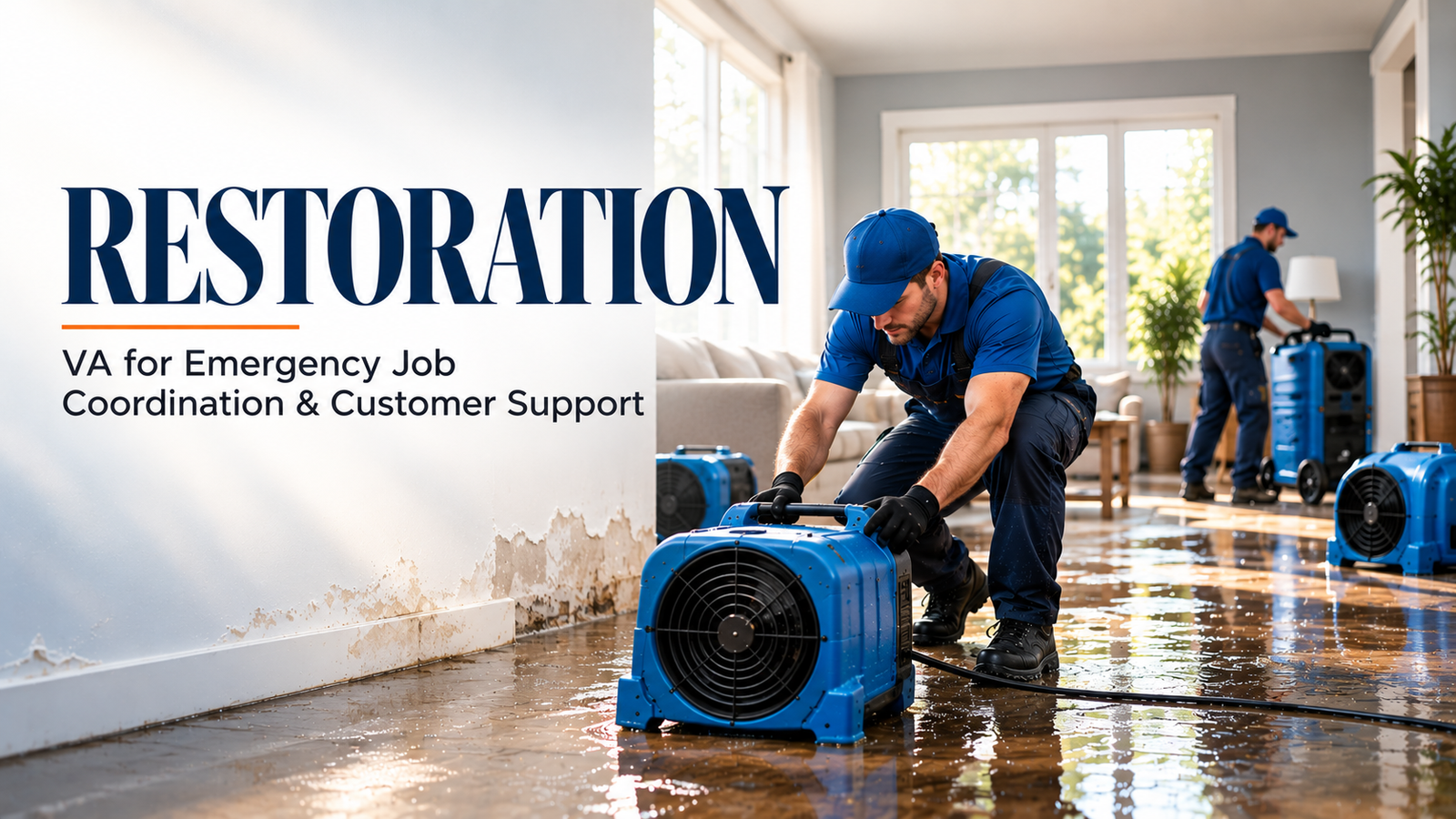
An HVAC owner loses after-hours no-heat calls while the crew is already stretched thin. Across town, a plumbing owner has $80,000 in open estimates sitting untouched in the CRM. Different trades. The same operational leak.
If you are searching for an HVAC virtual assistant or plumbing virtual assistant, you probably need more than a generic receptionist. You need trained back-office support that answers, schedules, follows up, updates records, and protects cash flow.
This combined guide explains where a VA fits, what stays with your service manager, which platforms they can support, and how to go live in 7–10 days without disrupting your operation.
Why HVAC and Plumbing Owners Search for a Virtual Assistant
HVAC and plumbing companies hit the same growth ceiling: the owner becomes the dispatcher, receptionist, estimator, collections clerk, and emergency coordinator.
Missed calls become lost jobs. Unfollowed estimates go cold. Dirty CRM records make technicians arrive without the right information. Local hiring adds payroll, benefits, training, and coverage problems.
A virtual assistant for HVAC companies or a virtual assistant for plumbing business operations gives you trained administrative capacity without adding another full-time office position. Use that capacity to protect leads, improve customer communication, and keep technicians focused on billable work.
What a Virtual Assistant Does for an HVAC or Plumbing Company
A home services virtual assistant can support the full service lifecycle:
- Capture caller details, equipment information, issue descriptions, property access notes, and preferred appointment times.
- Identify potential emergencies using your approved call script.
- Coordinate scheduling, confirmations, cancellations, and rescheduling.
- Support dispatch updates without making final technician assignments.
- Send estimates and follow up with homeowners who have not responded.
- Track permits, inspection dates, warranty documents, and rebate paperwork.
- Maintain maintenance agreements, memberships, renewal reminders, and tune-up campaigns.
- Prepare invoices, check payment status, and follow up on aging balances.
- Request genuine reviews after completed work and route complaints to management.
- Prepare weekly reports on answer rate, booked calls, open estimates, and invoice aging.
Suppose a plumbing company has 40 open estimates worth $80,000. A VA contacts each customer, records the outcome, schedules approved work, and flags objections for the owner. The business can measure recovered opportunities without claiming every estimate will convert.
The Emergency Call: Where Both Trades Win or Lose
The 2 a.m. no-heat call and the burst-pipe call carry urgency, emotion, and revenue risk. Handle them with a defined intake process.
Have the VA:
- Confirm the caller’s name, phone number, service address, and access instructions.
- Capture the symptom without diagnosing the issue.
- Ask approved safety questions, such as whether there is flooding, gas odor, fire risk, or electrical danger.
- Apply your emergency category: urgent, same-day, or routine.
- Check the approved on-call rotation and service-area rules.
- Collect the dispatch fee only when your policy allows it.
- Escalate safety concerns and priority decisions to the owner or service manager.
Keep emergency priority judgment with the service manager. Never ask a VA to diagnose equipment, make safety decisions, promise arrival times outside policy, or override the on-call rotation.
What Stays With the Owner and Service Manager
Set role boundaries before the first live call. The owner or service manager retains:
- Final pricing and discounts.
- Technical diagnosis and repair recommendations.
- Emergency priority judgment.
- Technician assignment and skill matching.
- Safety decisions.
- Warranty exceptions and customer credits.
- Final approval of estimates, refunds, and disputed invoices.
The VA coordinates the information around those decisions. The VA does not replace trade expertise.
Software an HVAC & Plumbing VA Can Support
Train the VA inside the systems you already use. Common platforms include:
- ServiceTitan: customer records, call notes, booking support, estimate follow-up, membership tracking, and reporting.
- Housecall Pro: job creation, appointment updates, customer messages, invoices, and review requests.
- Jobber: client records, quote follow-up, scheduling, job notes, and payment status.
- Workiz, FieldEdge, and BuildOps: intake, dispatch coordination, job updates, and administrative reporting.
- QuickBooks: invoice status, payment follow-up, and document organization.
- Google Workspace: shared inboxes, calendars, spreadsheets, templates, and operating checklists.
- DocuSign and CompanyCam: document routing, photo organization, and customer file updates.
- Google Local Services Ads and review platforms: lead tracking, response monitoring, and reputation support.
Use individual logins, role-based permissions, an NDA, and a documented escalation path.
How the Transition From In-House to Remote Works
Do not remove your local CSR on day one and hope the handoff works. Document the current routine first.
Map the call flow. Record screen walkthroughs. List exception cases. Define what requires owner approval. Then run a parallel pilot on one workflow, such as estimate follow-up or appointment confirmations.
Move one workflow at a time:
- Start with shared inbox and CRM updates.
- Add routine scheduling and confirmations.
- Add estimate follow-up.
- Add permit, warranty, review, and collections support.
- Review performance weekly and expand only after the process is stable.
Virtual Nexgen Solutions can help organize this transition and target a 7–10 day go-live based on access, scope, and training readiness.
How Much a Virtual Assistant for HVAC or Plumbing Costs
Virtual Nexgen Solutions charges $8 per hour for VA support.
Using 4.33 weeks per month, 10 hours per week costs about $346.40 per month. Twenty hours per week costs about $692.80 per month. Forty hours per week costs about $1,385.60 per month.
Compare scope, not just headline price. Some competitors advertise HVAC or plumbing VA packages from $1,200 per month, while an in-house CSR may earn $20–$25 per hour before benefits, payroll taxes, recruiting, office space, and paid time off.
The True Cost of an In-House CSR or Dispatcher
The Bureau of Labor Statistics wage data for customer service representatives reported a national median of $20.59 per hour in May 2024. That equals roughly $42,827 in base annual wages at 2,080 hours.
Benefits and employment overhead can push the total cost much higher. For some businesses, a fully loaded office role can approach $60,000 annually, depending on location and benefits.
SHRM’s 2025 benchmarking release reports an average nonexecutive cost per hire of $5,475. Treat that as a broad hiring benchmark, not a specific HVAC or plumbing forecast.
How to Choose a Home-Services VA Provider
Check these eight points before signing:
- Require HVAC or plumbing workflow experience.
- Confirm ServiceTitan, Housecall Pro, or Jobber fluency.
- Test emergency intake and escalation knowledge.
- Review spoken and written English quality.
- Require an NDA, secure access, and individual user accounts.
- Ask who handles urgent escalations after hours.
- Start with a defined pilot workflow.
- Require weekly reporting tied to your business KPIs.
Red Flags to Avoid
Avoid providers that guarantee revenue or bookings. Reject any provider that offers no NDA, shared logins, no time tracking, or no escalation process.
Treat “handles everything” as a warning sign. A reliable VA provider defines scope, permissions, training, service hours, and approval boundaries.
How to Measure Success
Track your baseline before the VA starts. Review results at 30, 60, and 90 days.
Measure answer rate, emergency-call capture, booking rate, estimate follow-up completion, no-show rate, dispatch exception closure, permit-status updates, review velocity, and invoice aging.
Illustrative case study: not a client result: Suppose an HVAC company records 42 after-hours inquiries during a July week and finds that 12 received no documented follow-up. A VA can create a complete call log, route urgent calls, and report unresolved inquiries. The owner can then compare future weeks without assuming a guaranteed revenue increase.
Go Live in 7–10 Days
Days 1–2: Define scope and access
Choose the first workflow. Create user accounts. Share approved scripts, pricing boundaries, service areas, and escalation contacts.
Days 3–5: Train on software and emergency calls
Use sample calls. Practice no-heat, burst-pipe, reschedule, warranty, estimate, and payment scenarios. Test documentation quality.
Days 6–8: Run a live pilot
Start with intake, confirmations, or estimate follow-up. Keep the service manager available for escalations.
Days 9–10: Review and expand
Check call notes, response quality, booking accuracy, and unresolved exceptions. Add the next workflow only after approval.
Frequently Asked Questions
What does a virtual assistant do for HVAC and plumbing companies?
A VA handles call intake, scheduling support, CRM updates, estimate follow-up, permit tracking, warranty administration, invoice follow-up, maintenance-plan support, and review requests.
Can a virtual assistant handle emergency HVAC and plumbing calls?
Yes. A trained VA can capture details, apply your approved urgency script, check the on-call rotation, and escalate safely. The service manager retains emergency priority decisions.
Can a virtual assistant use ServiceTitan, Housecall Pro, or Jobber?
Yes. A VA can work inside these platforms after receiving role-specific training, permissions, and documented workflows.
How much does an HVAC or plumbing virtual assistant cost?
Virtual Nexgen Solutions charges $8 per hour. Monthly cost depends on scheduled hours, using 4.33 weeks per month for planning.
Can a virtual assistant dispatch HVAC or plumbing technicians?
A VA can support dispatch coordination, schedule updates, confirmations, and exception tracking. The owner or service manager should retain final technician assignment authority.
Can a virtual assistant follow up on HVAC and plumbing estimates?
Yes. A VA can send approved messages, record customer responses, schedule follow-up dates, and escalate objections to the estimator or owner.
Can a virtual assistant manage permits, inspections, and warranties?
Yes. A VA can track application status, inspection dates, documents, warranty information, and next actions. Local code and technical decisions remain with qualified staff.
How fast can an HVAC or plumbing virtual assistant start?
A focused program can target go-live in 7–10 days when access, scripts, software training, and escalation contacts are ready.
What should an HVAC or plumbing virtual assistant not do?
A VA should not diagnose equipment, make safety decisions, change approved pricing, promise unauthorized arrival times, assign technicians without approval, or approve warranty exceptions.
How is a virtual assistant different from an AI answering service?
A human VA can interpret context, update multiple systems, manage exceptions, follow your escalation rules, and coordinate tasks across the service operation. An answering service usually focuses on call capture and message delivery.
Why Choose Virtual Nexgen Solutions
Virtual Nexgen Solutions has supported businesses since 2016 with tailored administrative and customer-support services. Give your VA a clear scope, practical trade workflows, and the software access needed to work as an extension of your office.
Use the administrative support service for structured back-office help. Review the HVAC and plumbing scaling guide for additional workflow ideas, then start with one measurable process.
Book a 30-minute conversation with Virtual Nexgen Solutions to identify the first HVAC or plumbing workflow to delegate, define the approval boundaries, and plan your 7–10 day go-live.