
When service calls stack up, dispatchers can spend more time chasing updates than keeping jobs moving. Delayed callbacks, incomplete job notes, and preventable schedule conflicts put pressure on customers and technicians alike.
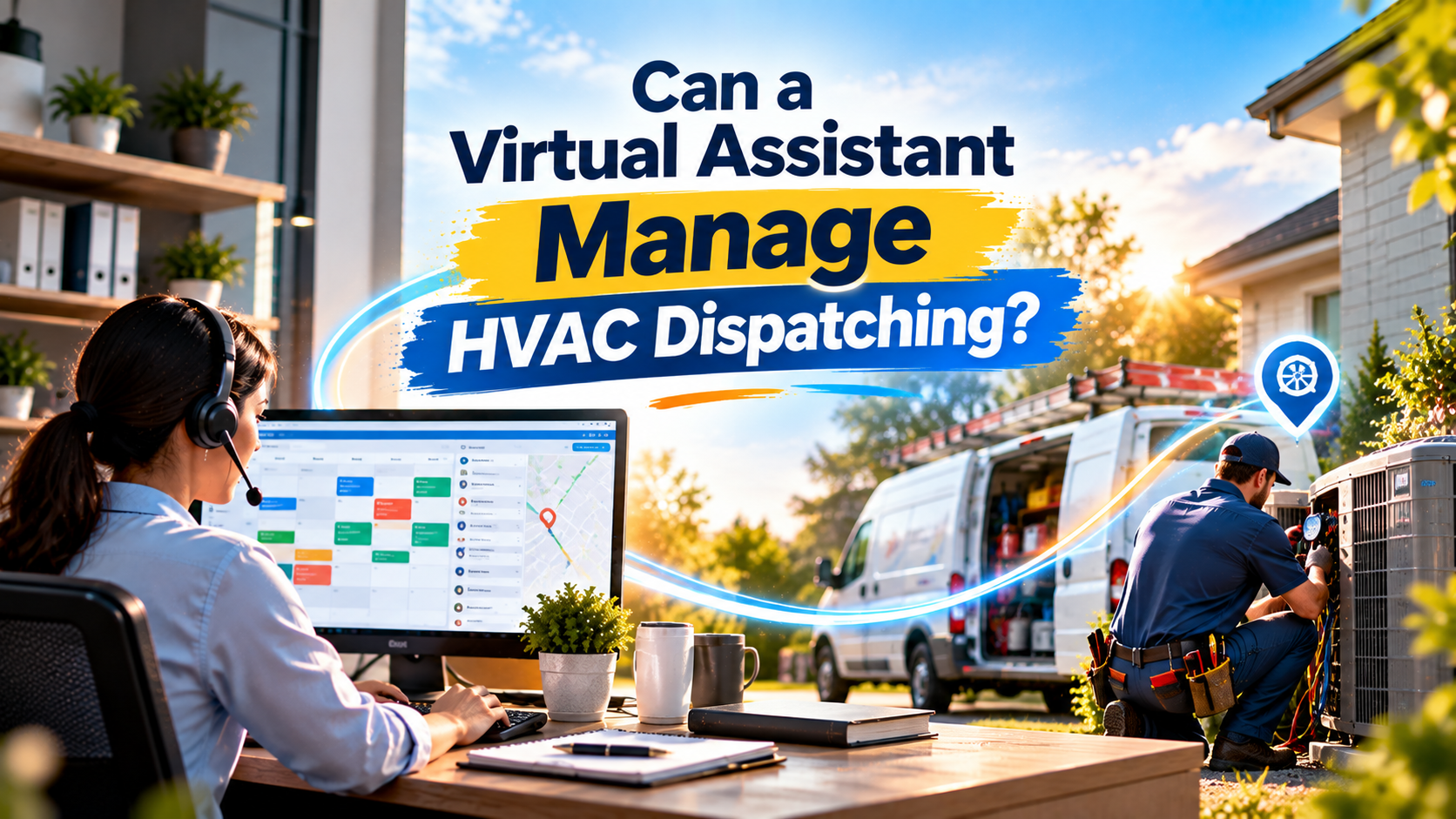
Yes, a virtual assistant can manage much of HVAC dispatching, when the role is built around coordination, clear rules, and timely escalation. An HVAC virtual assistant can handle scheduling administration, customer updates, dispatch-board maintenance, and job documentation. Decisions that require technical judgment, safety assessment, or an exception to your operating rules should stay with a qualified dispatcher, manager, or technician.
What does HVAC dispatching actually involve?
HVAC dispatching connects a customer’s service request with the right appointment, technician, and next step. It is more than filling calendar slots. Someone has to keep the schedule accurate as job durations shift, customers reschedule, parts are unavailable, and urgent calls come in.
Typical dispatch work includes:
- Receiving service and maintenance requests and recording the details
- Scheduling technicians around availability, service areas, job types, and appointment windows
- Checking job notes, equipment history, access instructions, and parts information
- Updating customers when arrival windows or schedules change
- Monitoring job statuses and flagging delays or possible conflicts
- Handling callbacks and after-hours messages according to company procedures
Emergency calls add another layer. A no-heat call, a routine tune-up, and a report of a possible gas leak should not be handled as interchangeable calendar entries. Your team needs a defined process for identifying urgent reports and escalating them to the right person.
What can an HVAC virtual assistant manage?
A virtual assistant can own repeatable dispatch tasks that follow your established process. That can include collecting information, making approved appointments, maintaining records, and keeping customers informed.
For example, when a customer calls about an air conditioner that is not cooling, the VA can record the customer’s own description, address, contact information, equipment details if known, and appointment preferences. They can check the approved booking rules, enter the request into your system, and send a confirmation. They should not diagnose the equipment, promise a repair outcome, or decide that the issue is safe to defer.
A well-scoped virtual assistant HVAC dispatch role may cover:
- Booking routine maintenance and service appointments within approved windows
- Updating calendars and dispatch boards after authorized schedule changes
- Sending appointment confirmations, reminders, and approved delay updates
- Recording technician notes, customer responses, and job-status changes
- Flagging missing information, schedule conflicts, possible callbacks, and unassigned jobs
- Routing technical questions and urgent reports to the designated human contact
- Tracking parts or access information and alerting the team when a job may be affected
The goal is not to replace your dispatcher’s judgment. It is to give that person fewer routine updates to chase and a clearer view of the exceptions that need attention.
What should stay with your dispatcher or qualified staff?
A VA should not make independent decisions that depend on technical knowledge, safety judgment, or authority they have not been given. Keep these responsibilities with the appropriate person on your team:
- Diagnosing equipment or advising a customer to troubleshoot it
- Deciding whether a condition is technically safe or an emergency
- Assigning work that requires a specific license, certification, or skill unless your rules clearly authorize the assignment
- Overriding service-area, capacity, on-call, or other scheduling restrictions
- Making unapproved commitments about arrival times, prices, or repair outcomes
- Directing field work or deciding how a technician should handle a hazard
If a caller reports an immediate safety concern (such as a carbon monoxide alarm, gas odor, smoke, or suspected electrical danger) the VA should follow your approved emergency protocol and escalate promptly. They should not attempt to diagnose the situation or substitute a technician appointment for emergency assistance. The U.S. Consumer Product Safety Commission’s carbon monoxide guidance is one reference for why these reports require careful handling; adapt your protocol to your location and have it reviewed by qualified personnel.
A useful operating rule is: the VA records and routes; qualified staff decide and authorize exceptions.
How does the work split in practice?
Consider a day when a maintenance visit is running late and a customer calls to ask about a new arrival time. The VA can check the current job status, contact the assigned technician or dispatcher through your approved channel, and send the customer an update once a revised window is confirmed. If the delay affects the rest of the route, the dispatcher decides how to adjust the schedule.
The same division applies to a new emergency request. The VA captures the caller’s words and follows the written escalation process. The designated human decides the priority and whether a technician should be assigned.
Can a VA work in HVAC dispatch software?
Often, yes, provided they receive training and the access permissions needed for their tasks. Common platforms include ServiceTitan, Housecall Pro, Jobber, and Workiz.
These platforms offer scheduling or dispatch tools, but available features vary by product, plan, and configuration. Software can help show calendars, job information, or route considerations; it does not replace your company’s rules or the judgment needed to handle exceptions.
Start with restricted permissions. Let the VA make routine updates and bookings, while limiting who can change technician skills, override scheduling constraints, or alter other operational settings. Keep a record of material changes and review exceptions with your dispatcher.
How do you set up a VA for dispatching?
A good handoff makes the role useful without asking the assistant to guess. Document the process before transferring responsibility.
- Map the current workflow. Show how a call becomes a job, who reviews it, and how changes reach customers and technicians.
- Write service-area and scheduling rules. Define which locations you serve, approved appointment windows, job types, technician availability, and any assignment limits.
- Create a call-intake checklist. Specify what details to capture, including the customer’s description in their own words, address, contact information, access notes, and relevant service history.
- Define escalation paths. Name the person responsible for technical questions, safety reports, schedule conflicts, after-hours calls, and customer complaints. Include backup contacts and what to do if nobody responds.
- Provide secure, task-specific access. Use individual accounts and the minimum permissions needed. Explain how to handle customer information, call recordings, and messages in line with your privacy and retention policies.
- Train, test, and review. Start with routine calls and appointments. Review a sample of updates and escalations, clarify gaps, and expand the VA’s scope only when the workflow is working reliably.
How can you tell whether dispatch support is working?
Track a small set of measures that reflect service quality and operational control:
- Response time: How quickly are new inquiries and customer updates acknowledged?
- Scheduling first-call resolution: How often can routine booking or rescheduling requests be completed without a second contact?
- Callback handling: Are callbacks recorded, assigned, and followed up within your stated process?
- Dispatch-board accuracy: Are job statuses, notes, and appointment changes current and complete?
- Truck-roll efficiency support: Are technicians receiving usable job details, and are preventable repeat visits or wasted trips being flagged for review?
- Escalation quality: Are urgent or out-of-policy situations reaching the right person promptly, with enough information to act?
These measures help identify process gaps; results depend on your call volume, staffing, service area, and how consistently the team follows its procedures.
Is an HVAC virtual assistant a good fit for your business?
If your dispatcher is tied up with confirmations, routine scheduling, customer callbacks, and data entry, a VA may be able to take on those repeatable tasks. If your dispatch process relies on unwritten judgment for nearly every call, document the rules first and keep exception decisions with your experienced staff.
Virtual Nexgen Solutions provides dedicated, 1-on-1 industry-trained virtual assistants, supported by structured onboarding and privacy-first workflows. A VA can learn your systems and communication standards, then support the coordination work already handled by your office. The company’s stated targets, reducing administrative workload by up to 60% and increasing operational capacity up to 3x, are goals, not guaranteed outcomes; actual results depend on your workflow and implementation.
Want to see what could be delegated in your dispatch process? Book a consultation or contact Virtual Nexgen Solutions to discuss your call volume, software, and escalation needs.
Frequently asked questions
Can a virtual assistant schedule HVAC technicians?
Yes. A VA can book appointments and update schedules within the service-area, availability, skill, and approval rules your company defines. Keep exceptions and technical assignment decisions with qualified staff.
Can a VA handle HVAC emergency calls after hours?
A VA can answer, record information, and follow a documented escalation process. They should not independently assess hazards, diagnose equipment, or decide that an emergency can wait. Your protocol should identify the human contact or emergency resource for each type of report.
Does an HVAC VA need prior experience with my dispatch software?
Prior experience can help, but training on your specific setup is still necessary. Provide role-appropriate access, written procedures, and supervised practice before the VA handles live dispatch updates independently.
Will a VA replace my dispatcher?
Not necessarily. A VA can take on routine coordination and administration, while your dispatcher or service manager retains control over operational judgment, schedule exceptions, and technician direction.
Work With Virtual Nexgen Solutions
If your business needs dependable virtual assistant support, Virtual Nexgen Solutions can provide support around your existing workflow. Book a discovery call today.
Get in Touch Now!