
It’s Monday morning, the weather has turned, and calls are coming in faster than your office can answer them. Your dispatcher is coordinating technicians, your team is handling customers already on the schedule, and a new caller reaches voicemail. They may try again, or they may call another contractor.
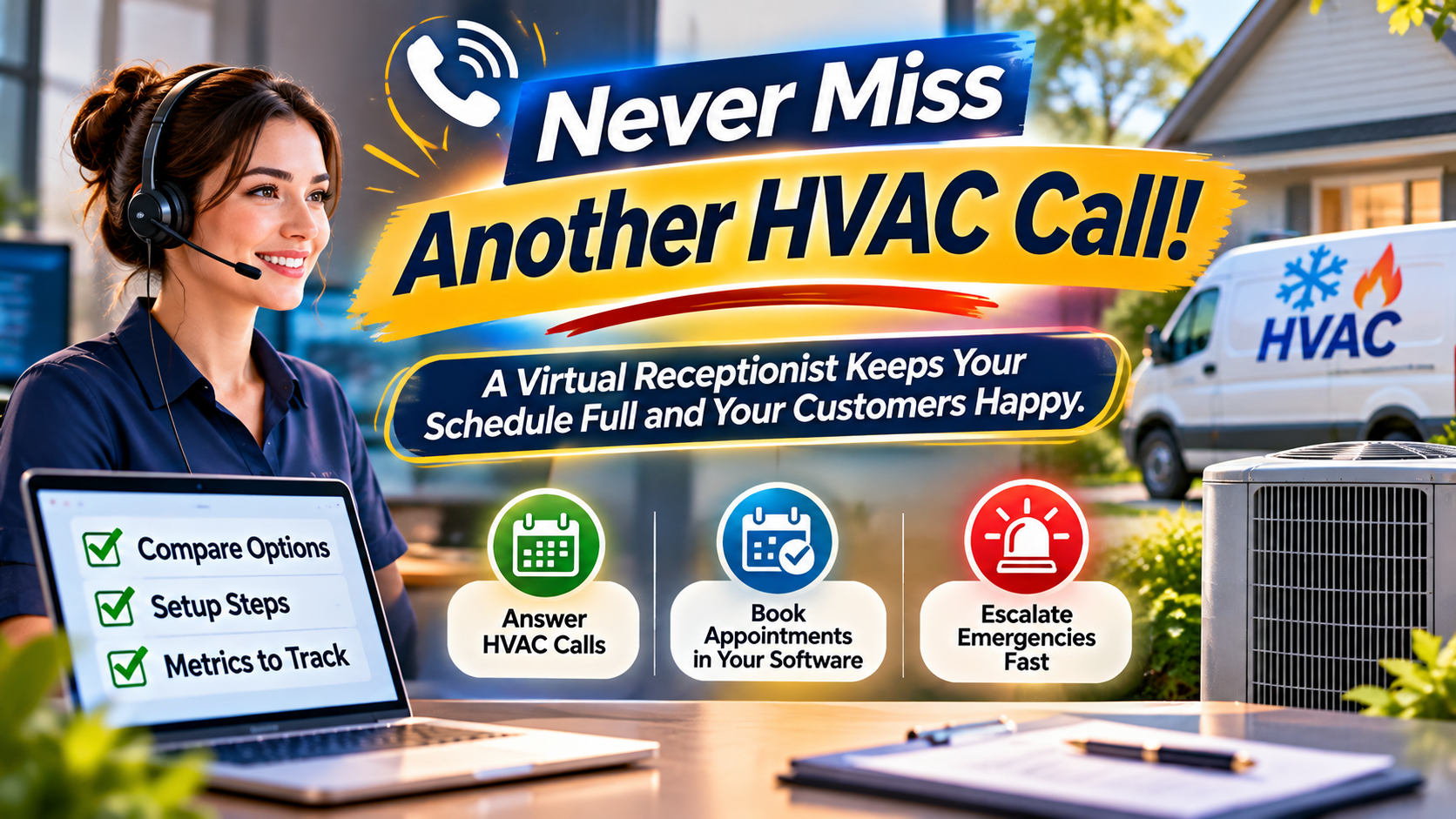
An HVAC virtual receptionist can help close that phone-coverage gap by answering calls, capturing the right details, and booking routine appointments using your company’s rules. Virtual Nexgen Solutions’ HVAC virtual assistants provide dedicated, industry-trained support for customer calls, scheduling, and follow-up, alongside the rest of your office workflow.
What is an HVAC virtual receptionist?
An HVAC virtual receptionist is a remote person who serves as your company’s front line for calls and, where agreed, texts. They can greet customers under your business name, follow your call scripts, record service requests, schedule appointments, and route issues to the right person.
The key distinction is that a virtual receptionist is a person, not necessarily an automated phone system. They can listen to a caller’s explanation, ask follow-up questions, and apply the procedures you provide. They do not replace a technician or make technical judgments.
An automated answering system or phone bot uses software to respond to callers and may collect information or direct them through a menu. That can help with basic routing, but its ability to manage unusual questions depends on the system and setup.
An HVAC answering service may use a call-center team to answer calls for multiple businesses. Depending on the provider and arrangement, it might take messages, transfer urgent calls, or offer appointment booking. A dedicated virtual receptionist, by contrast, can be trained on your specific scripts and workflows and may take action in your scheduling or customer-management software.
The right fit depends on your call volume, coverage needs, and how much of the process you want handled, not just the calls answered.
Why missed calls become an operations problem
Phone coverage is difficult to maintain consistently in a busy HVAC business. Call volume can climb during seasonal demand, after normal office hours, or when several customers need updates at once. Meanwhile, technicians are on jobs and dispatchers are often coordinating schedule changes.
A missed call does not automatically mean a lost job. But every unanswered inquiry creates another follow-up task, and a delay can make it harder to book a customer before they contact someone else. Incomplete messages can also lead to repeated calls, unclear priorities, and avoidable interruptions for your field team.
Think of these missed handoffs as phone-to-job gaps: the caller has a need, but the details or next step do not reach the person who can act. A receptionist can help by capturing the request clearly and connecting it to a booking, callback, or escalation workflow.
What an HVAC virtual receptionist can handle
With approved scripts, software access, and clear boundaries, a virtual receptionist can support much of the routine work between a customer’s first call and a confirmed next step.
Answering calls and capturing intake details
A receptionist can answer using your business name and opening script, then collect information such as:
- Caller’s name and best callback number
- Service address and relevant access instructions
- Whether the caller is a new or existing customer
- Their description of the issue, recorded in their own words
- Equipment or service details they already know
- Preferred appointment times and any urgency they report
The goal is not to diagnose the problem. It is to give your team a complete, usable service request.
Booking and rescheduling appointments
A trained receptionist can schedule routine service, maintenance, estimates, or installation appointments within the hours, locations, appointment types, and availability you approve. They can also reschedule existing visits and send confirmations.
Depending on your setup and permissions, they may enter requests directly into software such as ServiceTitan, Housecall Pro, or Jobber. Access and responsibilities should be configured for your specific account; the software’s available features depend on your plan and settings.
A receptionist should not promise a time until the appointment is actually confirmed in your system. If the schedule is full or an exception is needed, they can route the request to your dispatcher or manager.
Handling after-hours calls and urgent escalations
After-hours support can capture messages and follow a written escalation tree. That tree should identify which calls can wait for a callback, which go to the on-call contact, and what happens if the primary contact does not respond.
Safety reports need a separate, explicit procedure. If a caller mentions a gas smell, carbon monoxide (CO) alarm, smoke, or another immediate danger, the receptionist should not troubleshoot or treat the report as a standard HVAC appointment. They should follow your locally reviewed emergency script. For example, official guidance from Massachusetts on what to do if you smell gas advises leaving the area and contacting emergency services from a safe location. For a CO alarm or suspected exposure, direct the caller to leave for fresh air and contact local emergency services; they should not re-enter until the appropriate authorities say it is safe. Procedures vary by location, so adapt scripts for the communities you serve.
The receptionist’s role is to capture key details and escalate promptly, not to diagnose a hazard, determine whether a home is safe, or replace emergency responders.
Answering approved service and pricing questions
A receptionist can explain your service area, hours, appointment process, and the types of work your company offers. If you provide approved pricing ranges or standard fees, they can share them using your exact language and conditions.
If a caller asks for a firm quote, technical advice, or an exception to your pricing policy, the receptionist should transfer the call or arrange a callback from the right person.
Coordinating callbacks, updates, and follow-ups
When a call cannot be resolved immediately, a receptionist can assign a callback task, pass along the caller’s details, and track whether the next step was completed. They can also make approved quote follow-up calls and send customer updates, such as confirming an appointment or relaying a schedule change already authorized by your team.
This work complements dispatching but is not the same as running the dispatch board. For the broader coordination role, see our guide to what an HVAC virtual assistant can handle in dispatching.
What should stay with your qualified team?
A virtual receptionist can manage communication and administration, but the following decisions should remain with your qualified staff:
- Diagnosing equipment problems or recommending repairs
- Making technical or safety assessments
- Deciding whether a technician should enter a potentially unsafe situation
- Making unapproved pricing commitments or repair guarantees
- Assigning work where technician qualifications or special judgment matter
- Overriding dispatch rules or committing to an unconfirmed arrival time
A clear boundary protects the customer and your team: the receptionist records and routes; qualified staff assess and decide.
How to set up a virtual receptionist for HVAC
A good setup gives the receptionist enough information to act confidently without asking them to guess. Work through these steps before live calls are routed:
- Define the coverage. Decide which calls, texts, days, hours, and call types the receptionist will handle. Include overflow or after-hours coverage if needed.
- Write the scripts. Provide your greeting, intake questions, approved answers, pricing language, and instructions for callers who ask for a person.
- Build the escalation tree. Name the primary and backup contacts for urgent calls, safety reports, technical questions, and scheduling exceptions. Set out what to do if no one answers.
- Set up software and access. Decide whether the receptionist will book directly in your system or send requests to your office. Use individual accounts and only the permissions needed for the work.
- Test real scenarios. Practice a routine maintenance call, a reschedule, a price question, a no-cooling report, and a safety escalation. Check that each scenario reaches the correct next step.
- Review and refine. Have a manager review a sample of call records and bookings. Update scripts when policies, hours, or seasonal procedures change.
Protect customer information by following your company’s privacy and retention policies, limiting access to authorized staff, and checking local requirements for call recording and customer communications.
How to measure whether it is working
Track a few straightforward measures and review them regularly:
- Call answer rate: What share of incoming calls are answered by a person or the agreed backup process?
- Booking conversion per call: How often do eligible service inquiries become confirmed appointments?
- After-hours capture: Are after-hours requests recorded and routed according to the escalation process?
- Callback speed: How long does it take for a customer who needs a follow-up to hear back?
- Record completeness: Do requests include the contact, location, and issue details your team needs?
- Escalation quality: Are urgent calls reaching the right person with the information needed to respond?
Use the results to improve scripts, coverage hours, and handoffs. A higher answer rate alone is not enough if bookings are incomplete or urgent calls are not escalated correctly.
Is a virtual receptionist better than an HVAC answering service?
It depends on the work you need done. A message-taking service can be useful if your main need is to capture calls and pass them to your staff. A call-center-style service may provide broader coverage, but the tasks it can complete depend on the specific provider and agreement.
A virtual receptionist may be a better fit when you want someone trained on your business to do more than take a message, such as booking in your software, following your escalation rules, and coordinating callbacks. Ask any provider what they will do after answering: take a message, book a confirmed appointment, update your system, or route a request for review. Confirm how they handle urgent calls, schedule limits, privacy, and quality checks before you begin.
Support your phone coverage with Virtual Nexgen Solutions
Virtual Nexgen Solutions provides dedicated, 1-on-1 virtual assistants trained to support HVAC workflows. With structured onboarding and quality assurance, your receptionist can learn your scripts, systems, coverage expectations, and escalation process. Privacy-first workflows and task-appropriate access help support responsible handling of customer information.
The company’s stated goals include reducing administrative workload by up to 60% and increasing operational capacity up to 3x. These are goals, not guaranteed outcomes; results depend on your call volume, processes, coverage, and implementation.
If missed calls, callback delays, or scheduling requests are stretching your office team, book a consultation with Virtual Nexgen Solutions. Bring your current call flow and software setup, and discuss which reception tasks could be delegated.
Frequently asked questions
What does an HVAC virtual receptionist do?
An HVAC virtual receptionist answers calls and may handle intake, routine booking, rescheduling, approved customer questions, callback coordination, and escalation, according to your scripts and access rules.
Can a virtual receptionist book appointments in my HVAC software?
Yes, if your workflows and software permissions allow it. Train the receptionist on appointment types, service areas, availability rules, and when to send a request to a dispatcher instead of confirming it.
Can an HVAC virtual receptionist handle emergency calls?
They can capture the caller’s information and follow your written emergency escalation procedure. They should not diagnose equipment, assess safety, or substitute a technician visit for emergency services.
What is the difference between an HVAC virtual receptionist and an answering service?
An answering service may focus on answering calls and passing messages, though some offer additional tasks. A virtual receptionist can be trained for your business’s specific workflows and may take action in your scheduling or customer-management system, depending on the setup.
What should I prepare before onboarding a receptionist?
Prepare your scripts, service area, business hours, booking rules, software permissions, callback process, and escalation contacts. Test common and urgent call scenarios before directing live calls.
Work With Virtual Nexgen Solutions
If your business needs dependable virtual assistant support, Virtual Nexgen Solutions can provide support around your existing workflow. Book a discovery call today.
Get in Touch Now!