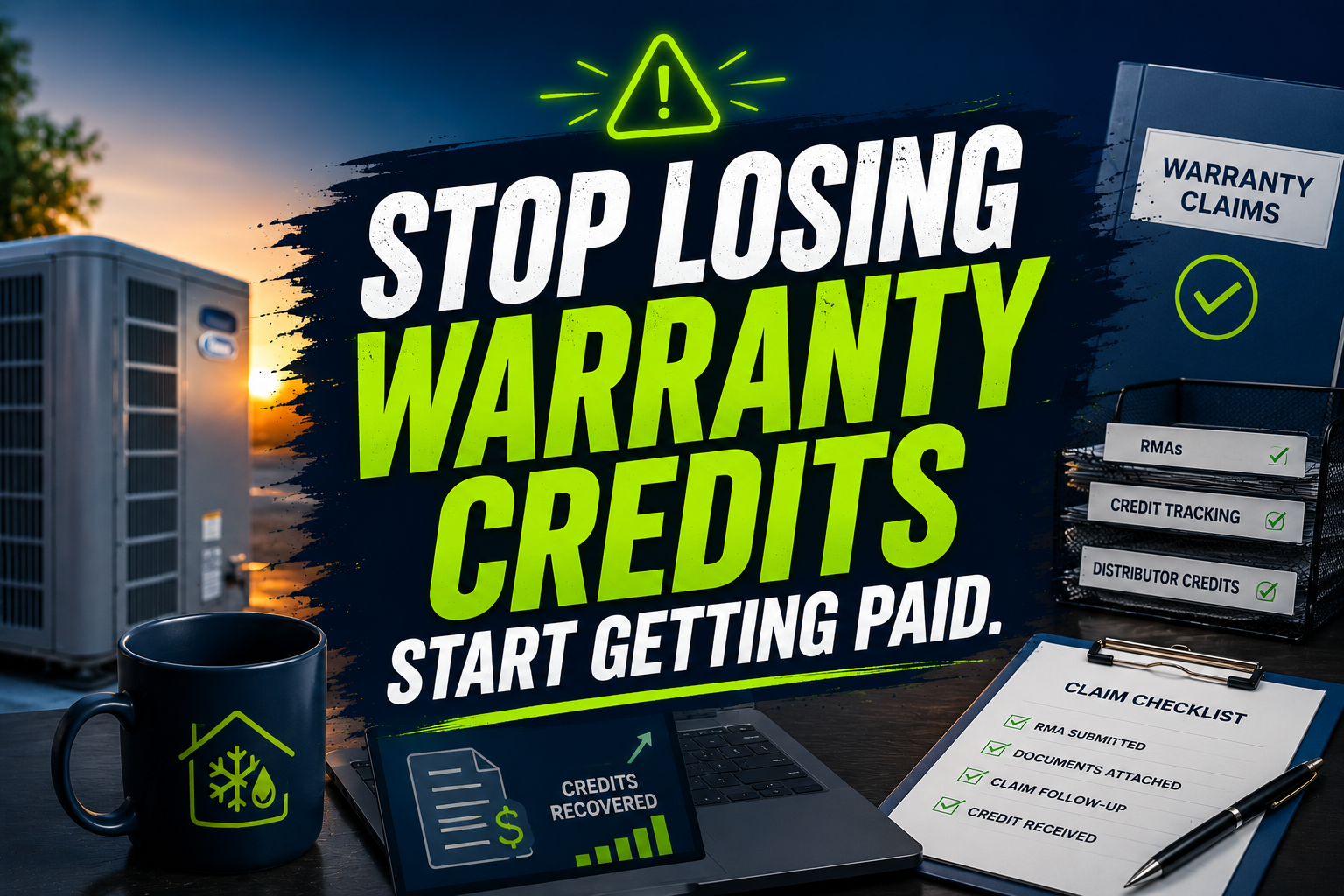
A defective compressor sits in the back of a service van. A control board waits on a warehouse shelf. A blower motor gets tossed beside old copper and forgotten.
Then the distributor’s RMA window expires.
You paid for the replacement part, absorbed the technician’s labor, and lost the manufacturer or distributor credit because nobody had time to complete the claim. One missed return is frustrating. Dozens of missed RMAs can quietly remove thousands of dollars from your annual gross margin.
A specialized HVAC virtual assistant gives you a warranty claim and parts credit recovery desk. The VA tracks defective parts from the service call through the RMA, distributor submission, credit memo, and accounting reconciliation.
10 Core Tasks an HVAC Virtual Assistant Handles Daily
- Review completed ServiceTitan, Housecall Pro, Jobber, and FieldEdge work orders for warranty-related parts.
- Check model numbers, serial numbers, installation dates, and warranty status.
- Confirm that technicians uploaded failure notes and required photos.
- Match replacement-part invoices to the correct customer job.
- Prepare warranty claim forms for Goodman, Carrier, Trane, Lennox, and local distributors.
- Request and record RMA numbers from supply houses.
- Tag returned compressors, motors, coils, and control boards with job and RMA details.
- Track submission, return, approval, denial, and credit status.
- Reconcile distributor credit memos against QuickBooks and vendor statements.
- Escalate missing documents, disputed credits, and approaching deadlines.
The Technical Fixer: 7 SOPs to Recover HVAC Warranty Credits
Identify Every Warranty Candidate
Goal: Find defective parts before they disappear into general shop inventory.
- Pull completed repair orders each morning.
- Filter for compressors, motors, boards, coils, and covered components.
- Compare part invoices with technician notes.
- Flag missing model or serial numbers.
- Create a warranty task in the work-order system.
- Escalate unclear diagnoses to the service manager.
Build the Claim Package
Goal: Submit complete documentation the first time.
- Gather the work order, invoice, model, and serial number.
- Add installation and repair dates.
- Attach failure photos and diagnostic notes.
- Confirm the replacement part and distributor invoice.
- Add maintenance records when required.
- Save the package under one consistent naming format.
Request the RMA
Secure a return authorization before the distributor deadline.
- Identify the correct distributor or manufacturer channel.
- Submit the claim through the approved portal, email, or form.
- Record the claim number and RMA number.
- Enter the return deadline in the tracking queue.
- Print or send the return label.
- Notify the warehouse or technician responsible for the part.
Control Physical Part Returns
Connect every returned part to its financial claim.
- Tag the failed part with the job number.
- Add the RMA and claim numbers.
- Photograph the tagged part before shipment.
- Record the carrier and tracking number.
- Confirm distributor receipt.
- Store proof of delivery with the claim package.
Follow Up on Pending Claims
Goal: Prevent approved credits from becoming forgotten credits.
- Review open claims twice each week.
- Sort claims by deadline and dollar value.
- Contact the distributor for aging claims.
- Record every response and promised action.
- Escalate denials to the service manager.
- Close the task only after written resolution.
Reconcile Distributor Credits
Goal: Verify that every approved claim reaches your books.
- Download distributor statements.
- Match credit memos to claim numbers.
- Compare credit amounts with replacement invoices.
- Post or route credits for QuickBooks entry.
- Flag partial credits and unexplained deductions.
- Report monthly recovery totals to ownership.
Prevent Manufacturer Chargebacks
Goal: Stop incomplete records from becoming unexpected costs.
- Review chargeback notices immediately.
- Identify missing photos, forms, or return proof.
- Reopen the claim file and gather evidence.
- Submit a correction within the allowed window.
- Track the manufacturer’s decision.
- Update the internal checklist to prevent repetition.
Industry Software Mastered by Our Virtual Assistants
Our VAs support workflows across ServiceTitan, Housecall Pro, Jobber, FieldEdge, and QuickBooks. They update job tags, attach photos, record RMA numbers, match invoices, prepare distributor follow-ups, and maintain credit-aging reports.
They can also work within manufacturer and distributor portal tools for Carrier, Trane, Goodman, and Lennox, following your permissions and approval rules. Keep diagnosis, technical decisions, and final claim approvals with your qualified HVAC team. Assign the documentation, tracking, and reconciliation work to the VA.
ACCA’s quality standards emphasize consistent procedures for HVAC design, installation, maintenance, repair, and verification. Apply that same discipline to warranty administration with a documented desk owned by one accountable person.
Why HVAC Contractors Choose Virtual Nexgen Solutions
Virtual Nexgen Solutions designs support around your actual workflow. Start with warranty candidates in ServiceTitan, add your distributor requirements, define who approves claims, and create a clear handoff between technicians, warehouse staff, office personnel, and accounting.
One anonymized residential HVAC contractor in Texas reviewed six months of open work orders and found 47 unsubmitted warranty candidates. A VA recovered 31 eligible claims, secured $18,640 in distributor credits, and reduced the open-claim backlog from 47 files to 9 within 60 days.
An anonymized commercial HVAC contractor in Ohio had recurring issues with returned motors and control boards. The parts were reaching the distributor, but tracking numbers and credit memos were not connected to job records. After a VA introduced RMA tags and weekly statement reconciliation, the contractor matched 96% of returned parts to credits within one quarter and identified $7,420 in previously unresolved credits.
At $8 per hour, Virtual Nexgen Solutions provides a focused recovery function without the full cost of another in-house warranty administrator. A full-time employee can cost approximately $50,000 to $60,000 per year before payroll taxes, benefits, equipment, training, and paid time off. Choose support that fits your claim volume and expand it when your workload requires more coverage.
Frequently Asked Questions
What is an HVAC virtual assistant?
An HVAC virtual assistant is a remote operations professional who handles administrative work for HVAC contractors. That work can include warranty claim preparation, RMA tracking, distributor follow-up, parts-credit reconciliation, data entry, invoice matching, and reporting inside platforms such as ServiceTitan and QuickBooks.
How much does an HVAC virtual assistant cost?
Virtual Nexgen Solutions provides HVAC virtual assistant support at $8 per hour. Your total cost depends on claim volume, software access, documentation requirements, and weekly coverage. Compare that flexible expense with the approximately $50,000–$60,000 annual cost of an in-house warranty administrator.
Can an HVAC virtual assistant file warranty claims?
Yes. An HVAC virtual assistant can prepare and submit administrative warranty claim packages when you provide the required access and approval rules. The VA can collect work orders, photos, invoices, and serial numbers, while your technician or service manager remains responsible for diagnosis and technical authorization.
How do HVAC contractors track parts credits?
Track parts credits by linking every defective component to a work order, replacement invoice, RMA number, distributor, return tracking number, claim status, and credit memo. Review open claims weekly and reconcile distributor statements against QuickBooks before closing the file.
What software can an HVAC virtual assistant use?
An HVAC virtual assistant can support ServiceTitan, Housecall Pro, Jobber, FieldEdge, QuickBooks, shared drives, email, spreadsheets, and approved Carrier, Trane, Goodman, and Lennox portal tools. Configure role-based access and document the exact steps your team wants followed.
How long do HVAC warranty claims take?
HVAC warranty claim timelines vary by manufacturer and distributor. Some distributors require submission within 30 days of an invoice or repair, while credit issuance may take longer after review and part return. Record every deadline and follow up until the credit posts.
Can a virtual assistant manage RMA returns?
Yes. A virtual assistant can request RMA numbers, prepare labels, tag defective parts, record shipment details, confirm receipt, and maintain proof of delivery. Give the VA a written escalation rule for damaged parts, missing labels, disputed returns, and denied claims.
Is it safe to outsource HVAC warranty administration?
Yes, when you use controlled access, confidentiality agreements, defined permissions, and documented approval rules. Limit access to the systems and records required for the task. Keep technical diagnosis, pricing decisions, customer disputes, and final financial approvals with your authorized HVAC staff.
Recover the credits your vans are carrying. Book a focused warranty-claim desk consultation with Virtual Nexgen Solutions and explore dedicated HVAC back-office support at $8 per hour.