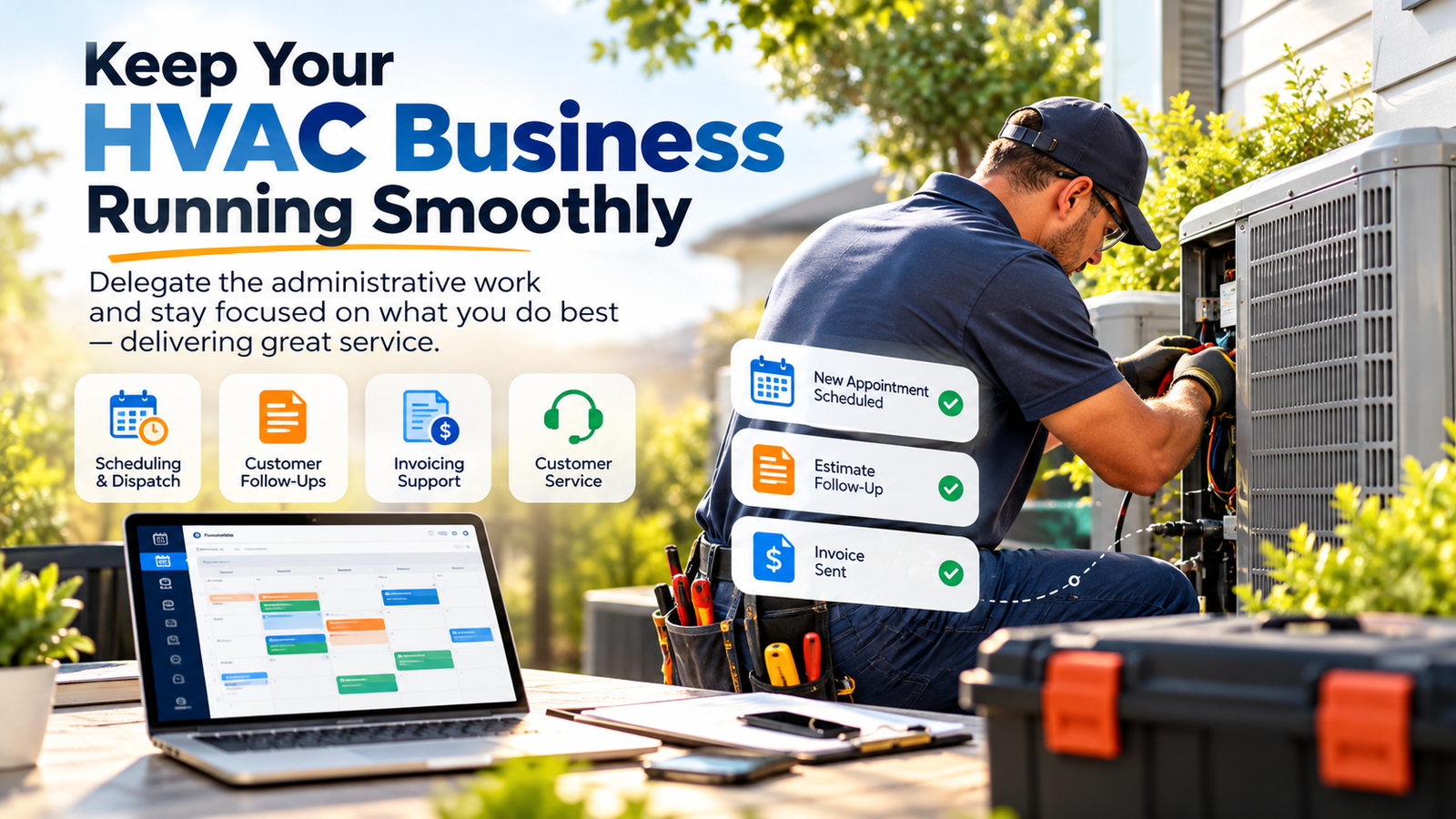
You didn’t start an HVAC, plumbing, or landscaping business because you had a burning passion for data entry. You started it to build something, to lead a crew, and, let's be honest, to make a profit. Then you bought Jobber. It’s a fantastic piece of software, often hailed as the "brain" of a modern service business. But here is the reality: a brain without a body to execute the work is just a collection of thoughts.
In the home service industry, Jobber is your engine. It’s powerful, sleek, and capable of high speeds. But if you are the one stuck in the cockpit every night until 10:00 PM clicking "Convert to Invoice" and "Schedule Follow-up," you aren’t the CEO, you’re the flight mechanic. To truly scale, your software needs a pilot.
At Virtual Nexgen Solutions, we’ve seen brilliant service pros drowning in their own success because they couldn't keep up with the "Jobber Juggling Act." Here is how a dedicated, human Virtual Assistant (VA) can take the controls for just $8 per hour, allowing you to get back to the job site (or the golf course).
The Request-to-Invoice Leak
Every home service business has a "leaky bucket." For some, it’s the leads that come in through Jobber’s Request forms that don't get a response for six hours. In 2026, a six-hour delay is an eternity. Your customer has already called three other contractors.
For others, the leak is at the end of the funnel. The job is done, the crew is gone, but the invoice sits in "Draft" status because the owner is too tired to finalize the line items. This is where a Jobber software virtual assistant becomes the highest ROI investment you can make.
While Jobber offers automation, it lacks the intuition to handle a customer who says, "I love the quote, but can we wait until Friday to start?" That is where human touch meets software power.
6 Daily Pain Points of the Modern Service Pro
If you find yourself nodding to more than two of these, your "juggling act" is about to drop a ball:
- The "Lead Limbo": Requests from your website or Google Local Services sit unanswered while you’re mid-repair, leading to lost revenue.
- The Quote Graveyard: You’ve sent out $20,000 in quotes this week, but you haven't had time to follow up on a single one.
- The Scheduling Tetris: Technicians are calling you because their next job is 40 miles away and they’re running low on fuel, all because the route wasn't optimized.
- The Unpaid Invoice Anxiety: Your dashboard shows $15k in "Past Due," but the thought of calling customers to ask for money makes your skin crawl.
- The Information Gap: Crews arrive at a site and don't have the gate code or the specific photos attached to the Jobber file.
- The Review Drought: You do great work, but you forget to ask for the Google review, allowing your competitors to outrank you with more social proof.
Why a Human VA Outperforms Pure Automation
Jobber’s "Co-Pilot" and automated triggers are great, but they are rigid. A virtual assistant from Virtual Nexgen Solutions acts as an extension of your brain. They don't just "send an email"; they look at the client’s history, check the technician's notes, and provide a personalized touch that closes deals.
When you hire a specialized VA for $8/hour, you aren't just buying time; you are buying an administrative engine that prevents the "plateau" many small businesses hit when they can't handle any more paperwork. You can read more about how to break the growth plateau here.
10 Essential Tasks Your Jobber VA Can Handle
- Request Triage: Instantly responding to new job requests and booking on-site assessments.
- Pricebook Management: Keeping your material costs and labor rates updated within Jobber so your margins stay healthy.
- Quote Follow-ups: Calling or texting prospects 24 and 48 hours after a quote is sent to overcome objections.
- Route Optimization: Using Jobber’s map view to ensure your trucks aren't zig-zagging across the city.
- Client Hub Management: Answering questions sent through the Jobber portal about appointments or billing.
- Payment Processing: Moving invoices from "Sent" to "Paid" and managing credit card failures.
- Job Documentation: Ensuring crews upload photos and signatures before a job is marked as complete.
- QuickBooks Syncing: Auditing the Jobber-to-QuickBooks sync to ensure your CPA doesn't have a heart attack at tax time.
- Lead Management: Handling intake from Thumbtack, Angi, and Google Local Services and inputting them directly into Jobber.
- Review Acquisition: Manually following up with happy customers to ensure that 5-star review actually hits your profile.
Specialized SOPs: Giving Your Pilot the Manual
To ensure your $8/hour VA hits the ground running, we utilize specific Standard Operating Procedures (SOPs). Here are five critical workflows our VAs master for the home service industry.
1. The "Fast-Track" Request Intake
Goal: Convert a digital request into a scheduled quote in under 15 minutes.
- MONITOR the Jobber notification panel and email inbox continuously.
- REVIEW the request details for completeness (address, service type, urgency).
- CALL the prospect immediately to verify details and build rapport.
- SCHEDULE the assessment using the "Map View" to fit into an existing route.
- SEND a confirmation text via Jobber with the technician’s name and photo.
2. The "Dead Quote" Resurrection
Goal: Capture the 30% of revenue that usually falls through the cracks.
- FILTER Jobber for quotes sent more than 3 days ago that are still "Awaiting Response."
- EXECUTE a "Soft Touch" follow-up via the Client Hub asking if they have questions about the scope of work.
- OFFER a limited-time incentive if the job is booked for an "off-peak" day.
- UPDATE the quote if the client needs to scale back the project to fit their budget.
- CONVERT to a Job immediately once verbal approval is received.
3. The "Zero-Gap" Dispatching Workflow
Goal: Maximize "Wrench Time" for your technicians.
- AUDIT the schedule for the next day at 3:00 PM.
- CONFIRM all parts needed for the jobs are marked as "In Stock" in Jobber notes.
- NOTIFY customers of their 2-hour arrival window via automated SMS.
- ADJUST the schedule in real-time if a technician finishes early or runs late.
- COMMUNICATE roadblocks directly to the field crew so they never have to call the office.
4. The "Cash Flow" Invoicing Sprint
Goal: Get paid the same day the work is done.
- VERIFY that the "Job Form" is completed by the technician, including "Before and After" photos.
- REVIEW the line items against the original quote for any "Change Orders."
- GENERATE the invoice and send it via email and text through Jobber.
- FOLLOW UP on any "Seen" but "Unpaid" invoices after 24 hours.
- RECORD payments manually if the client pays via check or cash on-site.
5. The Reputation Engine
Goal: Dominate local search results through consistent reviews.
- IDENTIFY jobs marked "Closed" in the last 24 hours.
- CHECK technician notes for a "Happy Client" indicator.
- SEND a personalized "Thank You" message via Jobber with a direct link to the Google Review page.
- REPLY to all incoming reviews (positive or negative) to show business activity.
Software Competency: The Tech Stack
A Virtual Nexgen VA isn't just a Jobber expert. They are fluent in the ecosystem that makes your business run. They regularly work with:
- Jobber: Expert-level navigation and feature utilization.
- QuickBooks Online: For seamless financial syncing.
- ServiceTitan : For those scaling into larger or diversified sectors.
- Google Workspace: For professional communication and calendar management.
- CompanyCam: For visual proof of work and insurance documentation.
- Slack/Discord: For instant communication with your field crews.
The Risk of Inaction: The "Burnout" Threshold
If you continue to be the "Pilot" of your own Jobber software, you will hit a ceiling. There are only so many hours in a day. Eventually, you will stop answering requests, you will stop following up on quotes, and your reputation will suffer.
Worse, you are paying yourself "CEO wages" to do $8/hour administrative work. That is a recipe for a business that survives but never thrives. By bringing on a specialized VA, you shift your focus from working for your software to making your software work for you.
Whether you are in HVAC, plumbing, or landscaping, the path to $1M+ in revenue isn't through working harder, it's through delegating the "Juggling Act."
Ready to hand over the controls?
Stop drowning in Jobber notifications. At Virtual Nexgen Solutions, we provide the elite, pre-trained talent you need to streamline your operations for just $8 per hour. No payroll taxes, no office space, no headaches.
Schedule your free 30-minute strategy call here and let’s see how many hours we can give you back this week.
Frequently Asked Questions (FAQs)
1. Does my VA need their own Jobber license?
Yes, typically you would add your VA as an "Admin" or "Office Staff" user in your Jobber account. This allows you to track their activity and ensure they have the permissions necessary to manage your schedule and billing.
2. Can a VA handle dispatching for a crew they’ve never met?
Absolutely. Through Jobber’s Map View and clear internal notes, our VAs can see exactly where your crews are. Combined with a communication tool like Slack, they can coordinate with your team as if they were in the same office.
3. How do I know the VA is actually working?
We use transparent tracking and reporting. Furthermore, the proof is in the Jobber dashboard: you’ll see quotes being sent, requests being answered, and invoices being paid in real-time.
4. Is it safe to give a VA access to my QuickBooks and Jobber payments?
We take security seriously. Our VAs follow strict protocols, and we recommend using Jobber’s permission settings to limit access to only what is necessary for their role. You can read about our commitment to security in our HIPAA compliance guide.
5. What if I use a different software like ServiceTitan or Housecall Pro?
While this post focuses on Jobber, our VAs are highly adaptable and trained across multiple field service management (FSM) platforms. The principles of the "Pilot" remain the same.
6. Can the VA handle my incoming phone calls too?
Yes! Many of our clients use a VOIP system (like RingCentral or Dialpad) to route calls to their VA, ensuring that every "Request" is handled by a live human being.
7. Does it really only cost $8 per hour?
Yes. At Virtual Nexgen Solutions, we believe in transparent, flat-rate pricing. You get elite, specialized administrative support for your US-based business without the "US-based price tag."
8. How long does it take to get a VA started?
We pride ourselves on speed. Once we understand your specific workflow and Jobber setup, we can typically have your "Pilot" in the cockpit within a few business days.