

At 6:45 a.m., the phones have already started. One technician is delayed, two customers need confirmation, and yesterday’s completed jobs still include three unbilled invoices.
This is where a ServiceTitan virtual assistant becomes useful. Not as a replacement for your operations manager, dispatcher, or field supervisor, but as the person who keeps the administrative work moving before small delays become expensive problems.
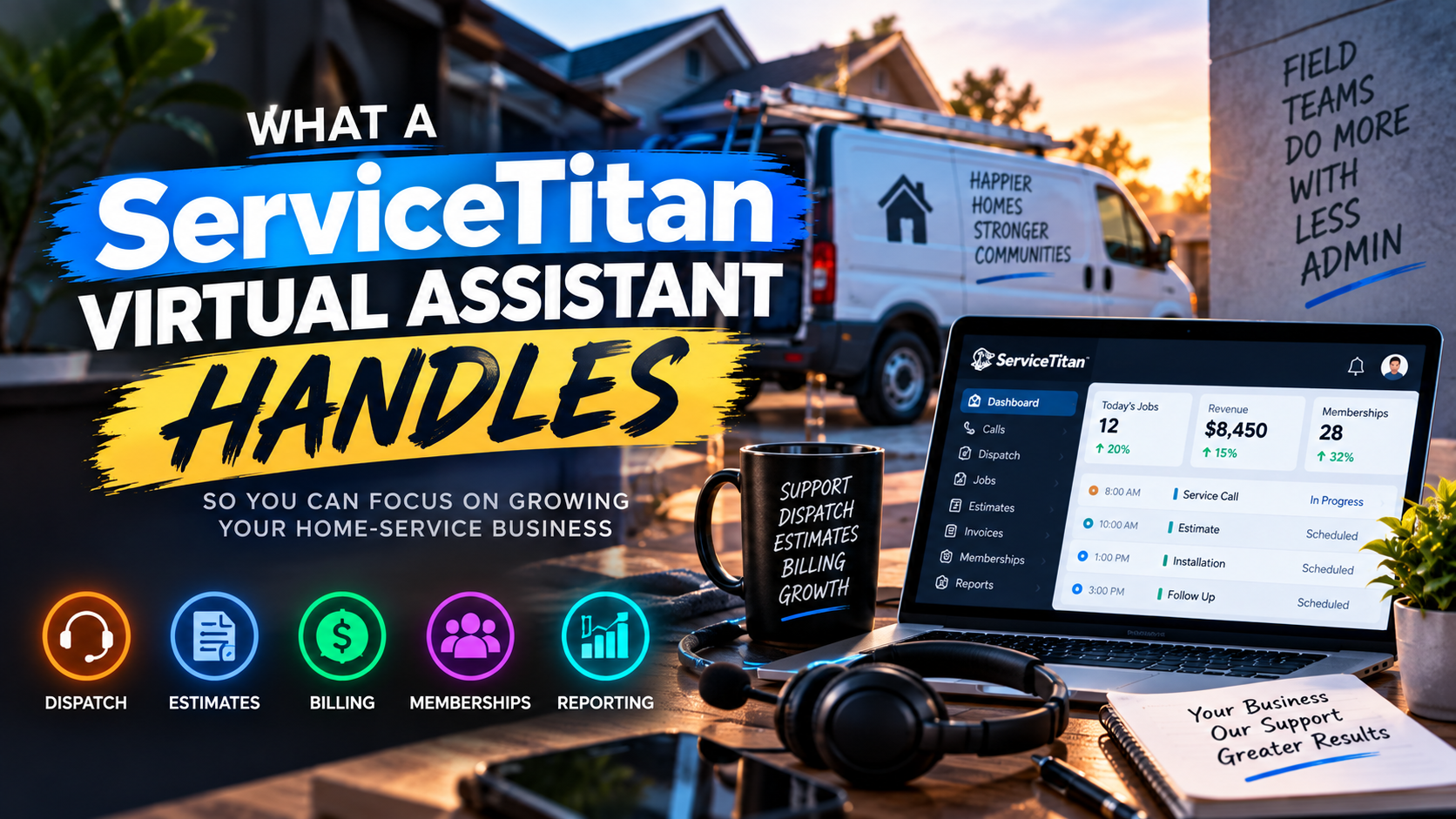
A ServiceTitan virtual assistant manages repeatable work inside ServiceTitan, including call booking, appointment confirmations, dispatch-board updates, estimate follow-up, pricebook maintenance, membership renewals, invoice checks, and reporting preparation. The VA follows your rules, uses secure individual access, and escalates decisions that require technical, financial, or management judgment.
A ServiceTitan virtual assistant, from open to close
The following day-in-the-life interview is an illustrative example. It shows how a VA can support an HVAC, plumbing, electrical, or cooling company using ServiceTitan. Workflows vary by trade, location, staffing model, and software configuration.
Participants
- Maya: Operations lead for a growing home-service company
- Jordan: ServiceTitan virtual assistant supporting the office team
6:45 AM , “What happens before the first call?”
Maya: What do you check first?
Jordan: I start with the dispatch board. I review today’s appointments, unassigned jobs, open time windows, technician statuses, customer notes, and overnight messages.
I do not make final assignment decisions without your rules. I check whether the appointment requires a specific skill, equipment type, license, territory, or priority level. If the job involves a safety risk, unusual scope, or technician judgment, I escalate it.
My first checklist includes:
- Confirming appointment windows
- Reviewing unassigned or delayed jobs
- Identifying route conflicts
- Checking technician availability
- Flagging missing job notes
- Preparing a list of decisions for the dispatcher
The goal is simple: give your operations manager a clean starting point instead of another pile of questions.
ServiceTitan describes its dispatch board as a live workspace for viewing appointments, technician status, open time, and scheduling activity. A VA works inside that structure while following your internal policies. Review the official ServiceTitan dispatch resources for platform-specific capabilities.
7:30 AM , “Who handles confirmations and call booking?”
Maya: Can a VA answer calls and schedule work?
Jordan: Yes, when you provide approved scripts and scheduling rules.
I can capture the customer’s name, address, contact details, service issue, equipment information, preferred time, and urgency. I can create or update the customer record, book an appointment, send a confirmation, and add clear notes for the technician.
For existing customers, I review the service history before booking. That helps prevent duplicate profiles and gives the technician useful context.
I never diagnose a dangerous condition, promise a technical outcome, or override your emergency policy. I document the issue and route anything outside the script to the correct manager.
This is where a virtual assistant for ServiceTitan creates leverage. Your dispatcher can focus on live exceptions while the VA handles clean data capture and routine customer communication.
9:15 AM , “What happens to the estimate that almost got away?”
Maya: Our technicians create estimates, but follow-up gets delayed. Can you own that queue?
Jordan: I can manage the follow-up process without making the sales decision.
I review open estimates by age, service category, customer response, and assigned salesperson or technician. I send approved reminders, place follow-up calls, answer basic process questions, and record every interaction in ServiceTitan.
If the customer asks for a discount, financing advice, scope change, or technical explanation, I escalate it. I do not negotiate final pricing.
A practical follow-up sequence may look like this:
- Review open estimates after the company-approved waiting period.
- Confirm that the estimate contains the correct customer and job details.
- Send the approved email or text message.
- Call customers who need a personal response.
- Record objections and requested follow-up dates.
- Escalate high-value or technically complex opportunities.
Keep the language helpful, not pushy. “Do you have any questions about the proposal?” works better than treating every call like a collections notice.
11:00 AM , “Can you maintain the pricebook?”
Maya: Our pricebook has outdated items and inconsistent descriptions. What can you change?
Jordan: I can perform ServiceTitan pricebook cleanup under a written approval process.
That may include checking item names, descriptions, categories, images, supplier costs, labor components, and duplicate entries. I can prepare proposed updates, compare supplier files, and maintain a change log.
I do not independently decide your markup, retail price, warranty policy, or margin target. Those decisions belong to the owner, financial manager, or approved pricing lead.
Use a two-step review:
- Preparation: The VA identifies errors, duplicates, missing fields, and supplier changes.
- Approval: An authorized manager approves pricing or margin changes before publication.
This protects your business from a small data-entry mistake becoming a company-wide quoting problem.
1:30 PM , “What about invoicing and accounts receivable?”
Maya: Completed jobs often sit in the system after the technician leaves. Can you help?
Jordan: Yes. I can review completed jobs for missing signatures, notes, photos, purchase details, payment status, and invoice readiness.
I can also prepare an accounts receivable queue by aging category, customer type, balance, and prior contact. I can send approved reminders, record payment promises, and escalate disputes.
I never waive a balance, alter an invoice amount, approve a refund, or make a collections decision without written authority.
If you use QuickBooks with ServiceTitan, I can support reconciliation checks and exception reporting. I do not replace your bookkeeper or accountant.
The Bureau of Labor Statistics’ customer service representative information provides useful context on the work involved in customer communication and record handling. Your cost model should account for wages, benefits, payroll taxes, training, supervision, turnover, and workspace: not salary alone.
3:00 PM : “Can you protect membership revenue?”
Maya: Membership renewals are easy to overlook. How would you manage them?
Jordan: I review upcoming expirations, failed payment issues, missed tune-ups, and customers who have not scheduled their included service.
I can contact members using approved scripts, update notes, schedule eligible visits, and report unresolved accounts. I can also flag records with missing agreement details or conflicting customer information.
I do not invent membership benefits, approve discounts, or change agreement terms. I use the policy your company provides.
4:30 PM : “What does reporting support look like?”
Maya: Which reports should I expect?
Jordan: I prepare reporting support around the measures you choose. Common examples include:
- Dispatch exceptions
- Booking rate
- Appointment confirmation completion
- Estimate follow-up completion
- Invoice aging
- Pricebook accuracy
- Membership renewal activity
- Unassigned job count
- Missing job documentation
- Customer record duplicates
ServiceTitan includes reporting and business-management features, but clean output depends on clean input. A ServiceTitan reporting VA can identify missing fields, inconsistent statuses, and unresolved records before your manager reviews the numbers.
5:30 PM : “What does a VA never do?”
Maya: Give me the boundaries in plain English.
Jordan: A VA never:
- Make final pricing or markup decisions
- Decide whether a job is safe to perform
- Override technician judgment
- Change the approved scope of work
- Diagnose equipment failures
- Promise a completion time the team has not approved
- Approve refunds, credits, or disputed balances
- Assign technicians when the decision requires technical or safety judgment
- Share login credentials
- Work from a shared, untracked account
Use individual ServiceTitan logins, role-based permissions, written SOPs, an NDA, and a clear escalation path. Remove access when responsibilities change.
Two case studies: where the hours go
Case study: HVAC company in Texas
A growing HVAC contractor had a dispatcher handling live calls, estimate follow-up, membership renewals, and invoice checks. The scenario assumes a starting backlog of 38 open estimates, 24 upcoming membership expirations, and 17 completed jobs awaiting review.
A VA could spend the first 30 days creating a baseline, then track:
- Open estimates contacted
- Follow-ups completed on schedule
- Memberships reached before expiration
- Completed jobs cleared for billing
- Dispatch exceptions escalated
The result should be measured from the company’s own starting data, not a promised percentage. Use the numbers to identify whether the VA is reducing queue age and improving consistency.
Case study: plumbing company in Florida
A multi-crew plumbing company needed help with call booking, customer record cleanup, and accounts receivable follow-up. The scenario assumes 12 duplicate customer records, 31 invoices over 30 days old, and inconsistent service notes across several completed jobs.
The VA could clean records, prepare the AR contact queue, verify documentation, and escalate payment disputes. At day 30, 60, and 90, management could compare record accuracy, invoice aging, booking completion, and unresolved exceptions against the initial baseline.
“What does it cost?”
At Virtual Nexgen Solutions’ rate of $8 per hour, the monthly math is straightforward when using 4.33 weeks:
- 10 hours per week: $346.40 per month
- 20 hours per week: $692.80 per month
- 40 hours per week: $1,385.60 per month
These figures exclude your ServiceTitan user-license costs and any third-party software fees. An in-house administrative hire can cost about $60,000 per year after considering broader employment costs. Treat that comparison as planning guidance, not a guaranteed savings claim.
Read the ServiceTitan virtual assistant pricing guide and review Virtual Nexgen Solutions’ administrative support for additional context.
The 7–10 day go-live conversation
Maya: How quickly can this start?
Jordan: A practical go-live can take 7–10 days when your team provides access and documentation promptly.
Days 1–2: Map responsibilities, collect SOPs, identify escalation contacts, and confirm working hours.
Days 3–4: Create individual access, review permissions, study scripts, and learn your service areas.
Days 5–6: Practice customer records, dispatch notes, estimate follow-up, and invoice checks in a controlled workflow.
Days 7–8: Begin supervised production work and review exceptions daily.
Days 9–10: Confirm the reporting rhythm, refine the queue, and move approved tasks into regular coverage.
Watch for red flags. Avoid providers that promise technical decisions without trade knowledge, use shared credentials, refuse documentation, hide their escalation process, or guarantee revenue results without reviewing your baseline.
Frequently Asked Questions
What does a ServiceTitan virtual assistant do?
A ServiceTitan virtual assistant supports dispatch administration, call booking, appointment confirmations, ServiceTitan data entry, estimate follow-up, pricebook cleanup, invoice review, membership renewals, and reporting preparation.
Can a VA securely access ServiceTitan?
Yes. Use an individual login, limited permissions, an NDA, strong access controls, documented procedures, and regular permission reviews. Never share a manager’s credentials.
Can a VA dispatch technicians in ServiceTitan?
A VA can update schedules and support dispatch workflows when your rules are clear. A dispatcher or manager should make final decisions involving technician skill, safety, job complexity, or unusual scope.
How much does a ServiceTitan virtual assistant cost?
Virtual Nexgen Solutions charges $8 per hour. At 10, 20, and 40 hours per week, the illustrative monthly totals are $346.40, $692.80, and $1,385.60 using 4.33 weeks.
How fast can a ServiceTitan virtual assistant start?
A 7–10 day go-live is practical when the company provides access, SOPs, scripts, escalation contacts, and training materials without delay.
What should a VA never do?
A VA should never make final pricing decisions, diagnose equipment, approve safety-sensitive work, change scope, authorize refunds, or override technician and management judgment.
Can a ServiceTitan VA handle estimate follow-up?
Yes. A VA can review open estimates, contact customers using approved scripts, record objections, send reminders, and escalate pricing or technical questions.
Can a ServiceTitan VA help with QuickBooks?
A VA can prepare invoice checks, organize exceptions, support reconciliation workflows, and maintain records. Your bookkeeper or accountant should approve accounting decisions and financial adjustments.
Ready to clear the dispatch board?
Protect your dispatcher’s attention, keep your ServiceTitan records current, and give every estimate, invoice, membership, and customer follow-up a clear owner. Schedule a 30-minute consultation with Virtual Nexgen Solutions to discuss your workflow, access requirements, and 7–10 day go-live plan.
Work With Virtual Nexgen Solutions
If your business needs dependable virtual assistant support, Virtual Nexgen Solutions can provide support around your existing workflow. Book a discovery call today.
Get in Touch Now!