Peak season exposes every weak point in an HVAC office. Calls stack up, technicians wait for clearer job details, invoices sit unfinished, parts credits go unclaimed, and the owner becomes the dispatcher, bookkeeper, receptionist, and compliance clerk.
That chaos creates more than stress. It creates missed bookings, delayed cash flow, incomplete records, and trucks that cannot work at full capacity.
HVAC business back office support provides the administrative engine behind every truck, from call intake and scheduling to invoicing, parts coordination, EPA 608 records, memberships, estimates, and reporting. A trained Virtual Nexgen Solutions VA handles repeatable office workflows inside your existing systems while your owner or service manager keeps technical and operational authority.
What Is HVAC Business Back Office Support?
HVAC business back office support covers the work that keeps field technicians productive after the phone rings and before the payment clears.
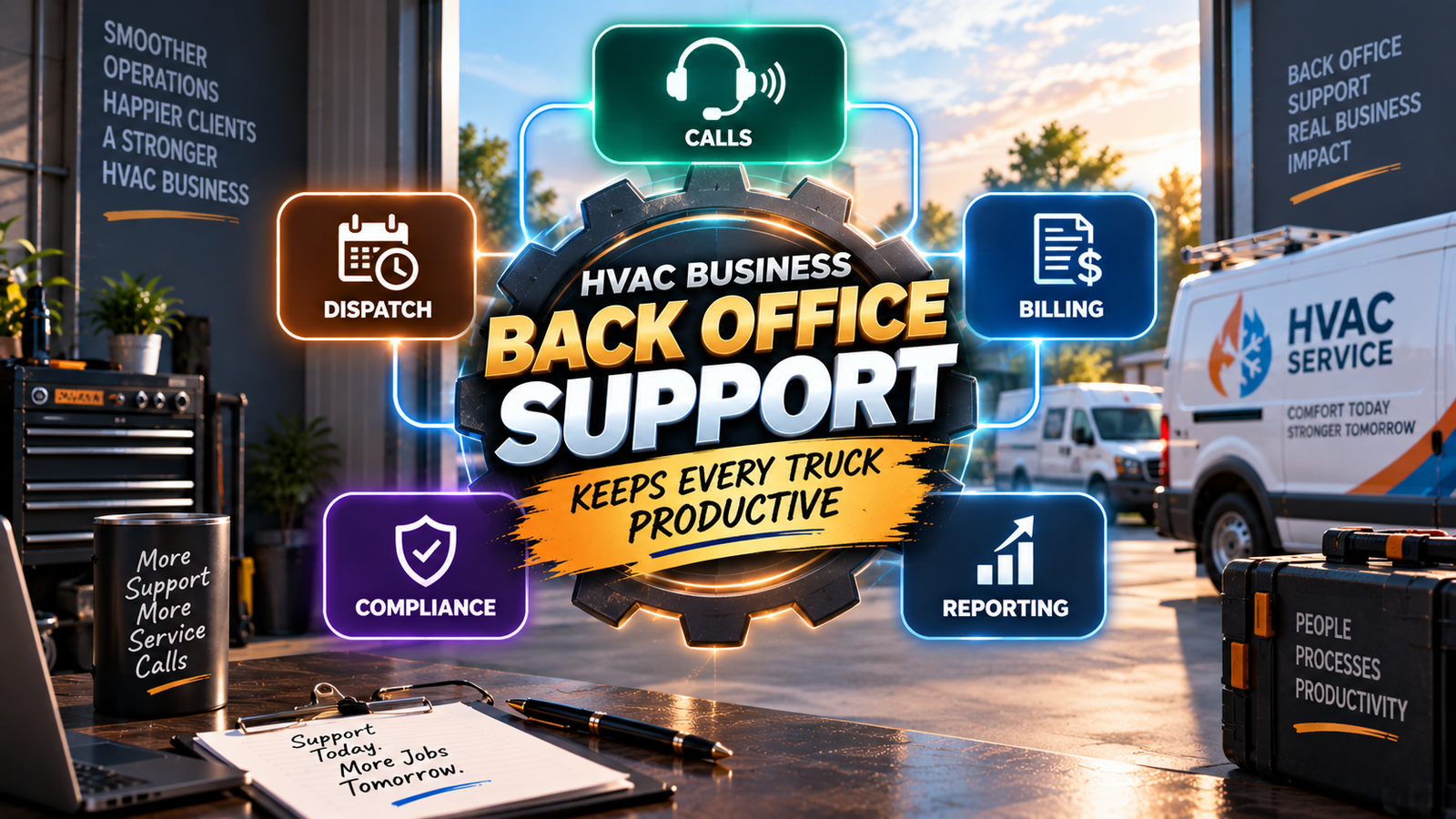
That support connects:
- Front office activity: Calls, customer records, appointment scheduling, and confirmations
- Dispatch coordination: Board updates, route information, technician status, and exception flags
- Billing and accounts receivable: Ticket review, invoice preparation, payment reminders, and aging follow-up
- Parts and warranty credits: RMA tracking, documentation, and credit reconciliation
- Compliance records: EPA Section 608 documentation and audit-ready files
- Estimates and proposals: Follow-up, signature tracking, and closeout support
- Memberships: Renewal reminders, tune-up scheduling, and customer records
- Reporting: Daily and weekly operational metrics
The goal is simple: keep administrative work moving so every truck can keep producing revenue.
The Peak-Season Back Office Crush
Summer demand turns small delays into expensive bottlenecks. A missed call can become a lost replacement job. A technician who lacks clear job notes can lose valuable time. An invoice delayed by several days can push cash collection into the next billing cycle.
Owners often respond by taking the office work back themselves. That creates the owner-as-office-manager trap. You may spend the morning returning calls, the afternoon checking invoices, and the evening reviewing technician notes instead of selling replacement systems, training your team, or improving margins.
Case study: A three-truck HVAC contractor in Arizona receives a heavy seasonal call volume but has no dedicated back-office coordinator. The owner tracks 28 open jobs, 17 pending invoices, 11 estimate follow-ups, and 9 maintenance renewals across email, spreadsheets, and the field service platform. A back-office support model would separate those queues, assign ownership, and create a daily review rhythm. These figures illustrate a workflow design, not a client result or testimonial.
The Complete Back Office Scope
Front office support
Capture every inquiry with the customer’s name, address, equipment concern, preferred appointment window, urgency, and service history.
A VA can:
- Answer or return non-technical customer calls
- Enter service requests into your field service platform
- Schedule approved appointment windows
- Send confirmations and reminders
- Update customer contact information
- Flag emergency, repeat, or unclear requests for the service manager
Keep diagnosis, safety decisions, and emergency prioritization with qualified HVAC leadership.
Dispatch coordination
Support the dispatch board without taking over technician judgment.
A VA can:
- Confirm that jobs contain complete notes and access details
- Update technician status from field messages
- Add customer instructions to work orders
- Flag schedule conflicts and overdue status updates
- Send approved arrival-window messages
- Escalate route exceptions to the owner or service manager
Let the service manager decide which technician handles a job and how urgent that job is.
Invoicing and accounts receivable
Turn completed work into clean, timely billing.
A VA can:
- Review completed tickets for missing notes, photos, signatures, or materials
- Prepare invoices for approval
- Send invoices through approved channels
- Track unpaid balances
- Send polite payment reminders
- Maintain an accounts-receivable follow-up queue
- Flag disputed charges or incomplete documentation
Keep refunds, write-offs, credit decisions, and accounting approvals with authorized management.
Parts and warranty credits
Protect margin after the technician leaves the property.
A VA can:
- Collect model, serial, invoice, and installation details
- Track return-material authorization status
- Organize receipts, photos, and manufacturer correspondence
- Maintain an open-credit tracker
- Reconcile received credits against expected credits
- Escalate missing documentation or delayed claims
Compliance records
Administrative staff can organize records without making technical compliance decisions.
Support may include:
- Filing EPA 608-related service documentation
- Organizing refrigerant logs and equipment records
- Tracking missing signatures or required fields
- Maintaining technician certification files supplied by management
- Preparing folders for internal review
Use the EPA Section 608 resource for official refrigerant-management requirements. Consult qualified professionals for compliance interpretation.
Estimates, proposals, and memberships
Follow up before opportunities disappear.
A VA can:
- Track open estimates by age and status
- Send approved proposal reminders
- Monitor DocuSign completion
- Flag proposals that need owner review
- Schedule approved maintenance visits
- Send renewal reminders
- Maintain tune-up windows and membership notes
Reporting
Create a consistent view of daily operations.
Review:
- Answer rate
- Booking rate
- Open jobs
- Completed jobs awaiting invoices
- Invoice submission time
- Accounts-receivable aging
- Parts credits pending
- Estimates awaiting follow-up
- Membership renewals due
- Compliance records missing required information
Software an HVAC Back Office VA Works In
Virtual Nexgen Solutions VAs can work inside your existing software with individual logins, an NDA, and role-based permissions.
- ServiceTitan: Update call records, prepare booking information, review job status, organize invoice queues, track memberships, and prepare operational reports.
- Housecall Pro: Manage requests, schedule approved appointments, send customer messages, review estimates, monitor invoices, and organize job photos.
- Jobber: Track requests, prepare quotes for approval, update client records, monitor job progress, and follow up on open work.
- Workiz: Maintain lead records, update schedules, coordinate customer messages, and monitor payment status.
- FieldEdge: Support dispatch-board updates, service-agreement records, invoice review, and management reporting.
- QuickBooks: Review invoice synchronization, match payment information supplied by management, and maintain accounts-receivable follow-up lists.
- Google Workspace: Manage shared inboxes, calendars, SOP files, reporting sheets, and internal task queues.
- DocuSign: Send approved proposals, track signatures, and flag incomplete agreements.
- CompanyCam: Organize job photos and connect documentation to the appropriate customer or work order.
Review the ACCA standards and contractor resources to keep administrative workflows aligned with professional HVAC operations. Do not give a remote assistant access beyond the information needed for assigned duties.
What Stays With the Owner and Service Manager
Keep technical and high-risk decisions with your qualified team.
The owner or service manager should retain responsibility for:
- Equipment diagnosis
- Safety decisions
- Emergency priority
- Technician assignment
- Pricing approval
- Scope-of-work approval
- Refunds and write-offs
- Compliance interpretation
- Customer disputes requiring technical judgment
- Hiring, coaching, and field performance decisions
Your VA coordinates information and moves approved work forward. Your leadership team makes the decisions that require trade knowledge, authority, or professional judgment.
How Fast Can You Go Live?
Follow a focused 7–10 day launch plan.
- Days 1–2: Define the scope, assign owners, provide access, document escalation rules, and identify the first workflow.
- Days 3–5: Train the VA on your software, terminology, customer categories, invoice rules, membership process, and sample tickets.
- Days 6–8: Pilot one workflow, such as invoice review, call intake, estimate follow-up, or maintenance scheduling.
- Days 9–10: Review quality, correct access or SOP gaps, confirm reporting, and expand into the next approved queue.
Start with one measurable workflow. Expand after the process becomes consistent.
What Does HVAC Business Back Office Support Cost?
Virtual Nexgen Solutions provides VA support at $8 per hour.
Using 4.33 weeks per month:
- 10 hours per week: $346.40 per month
- 20 hours per week: $692.80 per month
- 40 hours per week: $1,385.60 per month
Compare that structure with the full cost of an in-house CSR or dispatcher, including wages, payroll taxes, benefits, recruiting, training, equipment, and coverage gaps. The Bureau of Labor Statistics customer service representative data provides useful labor-market context, but your actual employment cost will depend on location, experience, schedule, and benefits.
How to Measure Success in 30, 60, and 90 Days
First 30 days: Establish control
Record baseline performance before changing the workflow. Measure answer rate, booking rate, open invoices, invoice submission time, estimate follow-up volume, and missing documentation.
By 60 days: Improve consistency
Review whether calls receive timely responses, completed tickets move into billing faster, estimates have clear next actions, and membership renewals remain visible. Audit a sample of records each week.
By 90 days: Evaluate operational value
Compare the original baseline with current performance. Review accounts-receivable aging, parts-credit recovery, compliance-record completion, renewal activity, and owner hours spent on administrative work.
Case study: A 12-truck HVAC contractor in Georgia creates a 90-day scorecard covering 8 metrics: answer rate, booking rate, invoice submission time, aged receivables, open estimates, parts credits, membership renewals, and missing records. The company assigns a VA to maintain the queues while the service manager approves exceptions. The scorecard is an illustrative measurement model, not a reported client outcome.
Frequently Asked Questions
What is HVAC business back office support?
HVAC business back office support is administrative assistance that keeps calls, scheduling, dispatch coordination, billing, parts, compliance records, estimates, memberships, and reporting organized behind the field operation.
What tasks can an HVAC back office VA do?
An HVAC back office VA can manage call intake, appointment scheduling, customer updates, invoice preparation, payment follow-up, estimate tracking, warranty documentation, membership reminders, records organization, and operational reports.
Can a VA use ServiceTitan or Housecall Pro?
Yes. A trained VA can work inside ServiceTitan, Housecall Pro, Jobber, Workiz, FieldEdge, QuickBooks, Google Workspace, DocuSign, and CompanyCam when you provide individual access, clear permissions, and documented escalation rules.
How much does HVAC business back office support cost?
Virtual Nexgen Solutions’ VA support costs $8 per hour. Monthly support depends on the approved schedule, with examples ranging from $346.40 for 10 hours per week to $1,385.60 for 40 hours per week.
How fast can HVAC business back office support go live?
A focused workflow can go live in 7–10 days after scope, access, training, pilot testing, and quality review are completed.
Keep your technicians in the field and your office queues moving. Schedule a 30-minute consultation with Virtual Nexgen Solutions to identify the first HVAC back-office workflow to delegate.