Up to 79% of online promotional product orders may require manual correction, according to an unverified industry figure that should be treated as a working risk signal until the original source is confirmed. Artwork delays, missing product details, incorrect quantities, and supplier miscommunication can push delivery dates back before production even begins.
That pressure compounds when margins are already tight. Your team may win more orders while losing profit through rework, rush freight, missed credits, and invoice mismatches.
What Is a Promotional Products Virtual Assistant?
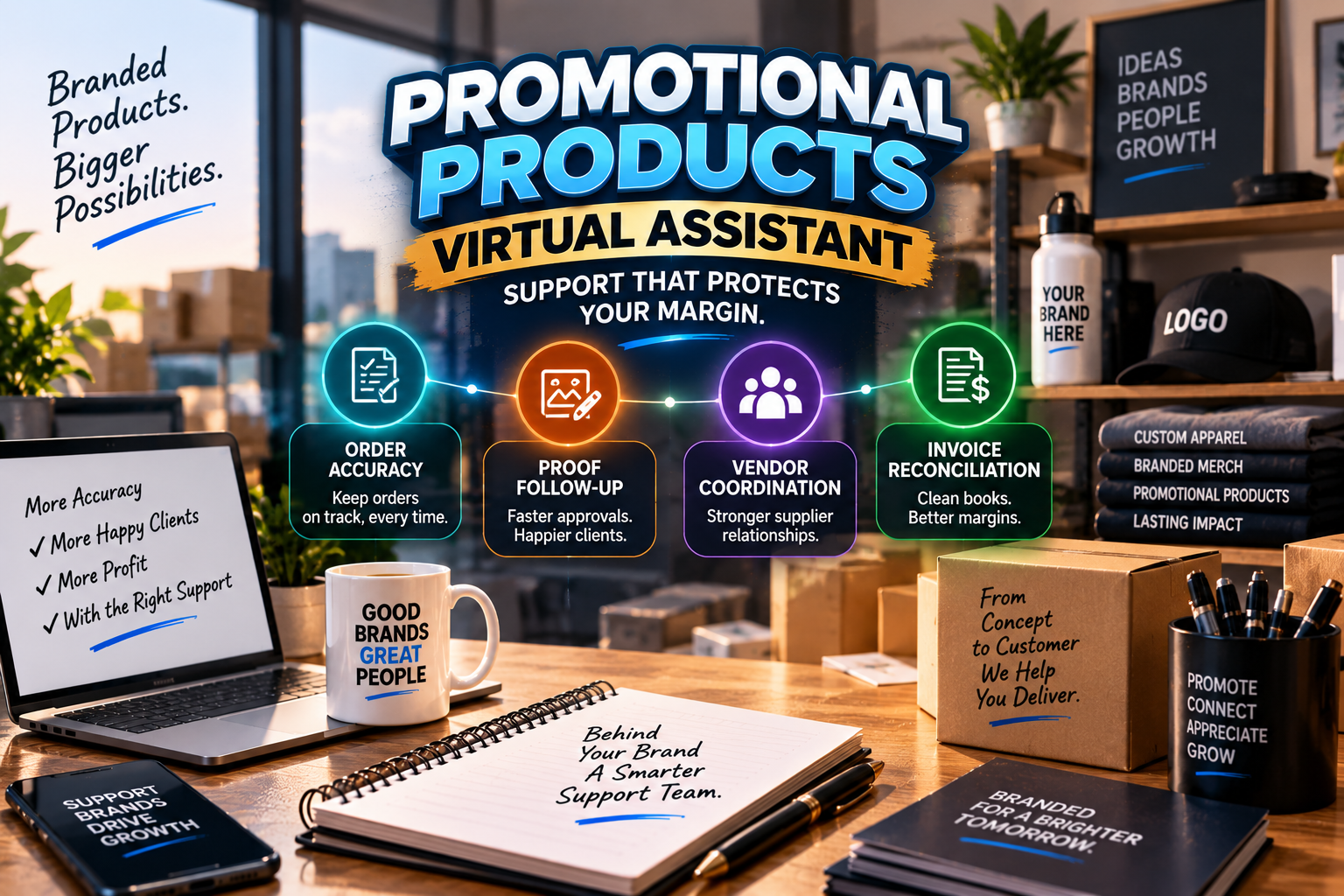
A promotional products virtual assistant is a trained remote operations specialist who supports the full order-to-profit workflow. The role can cover order entry, proof coordination, supplier communication, production tracking, customer updates, and invoice reconciliation while you retain control of pricing, creative decisions, supplier selection, and final approvals.
The Promo Industry’s Margin Problem
The U.S. promotional products industry reached approximately $27.1 billion in distributor sales in 2025, according to PPAI’s 2025 U.S. Distributor Sales Volume Estimate. Online sales accounted for about $7.1 billion, or 26.3% of total sales.
That growth does not guarantee healthier margins. PPAI reported that tariffs, freight costs, compliance expenses, and tighter client budgets placed pressure on profitability. The report also noted that many distributors sold more but made less.
A commonly cited figure says 22% of distributors identify profitability as a leading concern. Mark this statistic [VNS to confirm] until the original ASI or Counselor source is verified. The underlying business problem is clear: a small order-entry mistake can consume the profit from an otherwise successful job.
Protect your margin by controlling the administrative handoffs that happen between the sale and the shipment.
Why Orders Go Wrong Before They Ship
A promotional products order can contain dozens of details:
- Product style, color, size, and quantity
- Decoration method and imprint location
- PMS color requirements
- Artwork file type and revision status
- Customer approval date
- Supplier cost and freight
- Ship-to address and in-hands date
- Rush requirements and special packaging
One missing field can create a chain reaction. A supplier may quote the wrong decoration method. A customer may approve an outdated proof. A purchase order may show an incorrect quantity. Accounting may then reconcile an invoice against the wrong cost.
Artwork approval creates another common delay. Sales teams often forward files without a naming convention, proof tracker, or defined escalation process. Production waits. The customer assumes the order is moving. Your team discovers the delay when the in-hands date is already at risk.
Use a promotional products virtual assistant to keep every handoff visible and accountable.
The Order-to-Profit Rhythm: What a Promo VA Handles
A strong workflow does not treat order entry, artwork, vendors, and accounting as separate tasks. It connects them into one operating rhythm.
Order Entry and Confirmation Accuracy
Have your VA review every approved order against the quote, email thread, and customer purchase order.
The VA can:
- Confirm product numbers, quantities, sizes, colors, and decoration details
- Enter ship-to information and in-hands dates
- Check that setup fees, rush charges, and freight are documented
- Compare customer details with supplier requirements
- Create an internal order checklist
- Send an order acknowledgment for your approval
Keep pricing authority with the owner or sales lead. Give the VA responsibility for completeness and consistency.
Artwork Proof Coordination
Assign the VA to manage the proof queue without giving them creative approval authority.
The VA can:
- Collect vector and raster files
- Confirm file naming and version control
- Route artwork to the correct supplier or decorator
- Track imprint areas, bleed, PMS colors, and decoration methods
- Record proof delivery dates
- Chase missing customer approvals
- Escalate unreviewed proofs before they threaten production
- Archive the approved proof with the order record
Require the customer, designer, or authorized sales lead to make the final creative decision.
Vendor Communication and Purchase Orders
Make supplier follow-up a scheduled responsibility instead of an interruption.
Your VA can confirm:
- Purchase order receipt
- Item availability and current lead times
- Decoration pricing
- Expected ship date
- Freight details
- Backorders or substitutions
- Supplier acknowledgment accuracy
Require the VA to compare the supplier acknowledgment with the original order. Escalate discrepancies instead of allowing them to move silently into production.
Inventory and Production Status Follow-Up
Create a status cadence for open orders. For example, require checks at order acknowledgment, proof approval, production start, shipment, and delivery.
The VA can update your internal system, flag stalled orders, and prepare concise exception summaries. This gives your sales team enough information to update customers without searching through multiple email threads.
Invoice and Credit Reconciliation
Protect margin after the product ships.
Your VA can compare:
- Customer invoice against the approved quote
- Supplier invoice against the purchase order
- Freight against the quoted amount
- Decoration charges against the acknowledgment
- Credits, returns, and shortages against supporting documents
Escalate differences to the owner, sales manager, or bookkeeper. Keep payment approvals and financial decisions with authorized personnel.
Margin and Job-Cost Review Support
Ask the VA to prepare a job-cost review rather than make pricing decisions.
The review can show:
- Quoted revenue
- Product cost
- Decoration cost
- Freight
- Rush charges
- Supplier credits
- Invoice adjustments
- Gross margin variance
Use that information to identify where profit leaks occur. Review the pattern weekly, not only after a customer complains.
Customer Status Updates
Give customers proactive updates when the order reaches a meaningful milestone or encounters an exception.
Use short, clear messages covering:
- Current status
- Completed milestone
- Next expected milestone
- Required customer action
- Risk to the in-hands date, if applicable
Do not let customers discover production problems through silence.
Promo Software a VA Can Work In
Train your VA inside the platforms your team already uses. Provide an individual login, confidentiality agreement, and role-based permissions.
A promotional products virtual assistant may work in:
- ASI ESP or ESP+: Search products, review supplier information, compare product details, and support quote preparation. ASI describes ESP+ as a platform for sourcing and managing promotional product information.
- SAGE: Review product data, supplier details, pricing references, and order information.
- CommonSku: Maintain product information and support catalog or store operations.
- InkSoft: Track online store orders, customer details, artwork attachments, and order status.
- Printavo: Maintain job tickets, production stages, proof notes, and customer approval records.
- Shopify or Magento: Review online orders, customer information, product selections, and fulfillment status.
- QuickBooks: Prepare invoice matching, document discrepancies, and organize reconciliation support.
- DocuSign: Track approval documents and signed customer paperwork.
- Gmail and Google Workspace: Manage order threads, proof approvals, vendor communication, and shared trackers.
Do not share one universal password. Limit access to the records and functions required for the assigned desk.
The Artwork Approval Loop: Where Promo Orders Die
Shorten the loop by defining ownership at every stage.
Start with an intake checklist. Require the order record to include the artwork file, product number, imprint area, decoration method, PMS requirements, and customer deadline.
Next, apply a consistent file-naming structure. Include the customer name, order number, product number, and revision number. Store the approved version in one location.
Then, track every proof in a shared queue. Record when the proof was sent, who must approve it, when a follow-up is due, and whether production can proceed.
Escalate overdue approvals before the order becomes urgent. Route the approved proof to production and attach it to the final order record.
Keep the boundary clear: the VA coordinates technical details and timing. The customer or authorized creative decision-maker approves the design.
Case Studies
Regional distributor with 35 weekly orders. The company assigned a VA to review order completeness, log proof approvals, and compare supplier acknowledgments. In a modeled workflow, the team could identify missing ship dates and proof approvals before production instead of during final-week follow-up. These are planning assumptions, not client results.
Multi-rep distributor with 120 monthly orders. The business created separate queues for order entry, artwork approvals, supplier exceptions, and invoice variances. A VA maintained the queues and prepared weekly exception reports. The model demonstrates how management can review unresolved risks in one place rather than search through individual inboxes. It is an illustrative operating scenario, not a customer testimonial.
What Stays With the Owner and Sales Team
Keep these decisions with authorized team members:
- Customer pricing and discounts
- Margin targets
- Supplier selection
- Design and creative judgment
- Credit decisions
- Substitutions that affect the customer promise
- Final proof approval
- Refunds, concessions, and write-offs
Delegate coordination, documentation, follow-up, and reconciliation. Keep judgment and accountability in the right hands.
How Fast Can You Go Live?
Use a focused 7–10 day implementation plan:
- Days 1–2: Map your current order flow, software, approval points, and exception types.
- Days 3–5: Train the VA on product terminology, decoration methods, sample orders, proof standards, and supplier communication.
- Days 6–8: Pilot one workflow, such as order entry or proof tracking.
- Days 9–10: Review errors, refine the checklist, confirm permissions, and expand the desk.
Start with one bottleneck. Add responsibilities after the VA demonstrates consistent accuracy.
What Does a Promotional Products Virtual Assistant Cost?
Virtual Nexgen Solutions provides VA support at $8 per hour.
Using 4.33 weeks per month:
- 10 hours per week: $346.40 per month
- 20 hours per week: $692.80 per month
- 40 hours per week: $1,385.60 per month
Compare that with the cost of a full-time U.S. administrative employee, which can reach approximately $60,000 per year in salary before payroll taxes, benefits, equipment, recruiting, and coverage, depending on location and role. Review BLS administrative support data for broader wage context.
Also calculate the cost of reprints, rush freight, missed credits, late deliveries, and unpaid invoices. The right comparison is not hourly labor alone. Measure the profit protected by a cleaner order-to-profit rhythm.
How to Measure Success in 30, 60, and 90 Days
Track operational signals instead of guessing:
First 30 days: Measure order-entry completeness, proof tracking coverage, vendor follow-up completion, and invoice documents matched to orders.
By 60 days: Review proof turnaround, overdue approval volume, supplier acknowledgment discrepancies, customer status-update consistency, and unresolved exceptions.
By 90 days: Analyze margin variance, credit recovery, late-delivery causes, rework frequency, and the number of orders completed without administrative escalation.
Do not invent a target before you establish a baseline. Measure the current process, improve one handoff, and compare the results.
Frequently Asked Questions
What does a promotional products virtual assistant do?
A promotional products virtual assistant handles order entry, artwork proof coordination, supplier communication, production-status follow-up, customer updates, and invoice reconciliation. The VA supports the workflow while your team retains pricing, creative, credit, and final approval decisions.
Can a promotional products virtual assistant handle artwork proofs?
Yes. A trained VA can collect files, route proofs, track revisions, monitor approvals, and confirm technical details such as imprint areas, bleed, PMS colors, and vector or raster formats. The VA should coordinate the process but should not make final creative decisions.
What software do promotional products virtual assistants work in?
They can work in ASI ESP or ESP+, SAGE, CommonSku, InkSoft, Printavo, Shopify, Magento, QuickBooks, DocuSign, Gmail, and Google Workspace. Provide individual accounts and role-based permissions.
How much does a promotional products virtual assistant cost?
Virtual Nexgen Solutions’ VA rate is $8 per hour. Monthly cost depends on the number of hours assigned, the software involved, and the complexity of your order, artwork, supplier, and reconciliation workflows.
How fast can a promotional products virtual assistant start?
A focused implementation can go live in 7–10 days. Use the first two days for workflow mapping, the next three for training, the following three for a pilot, and the final two for review and expansion.
Protect your margin before the next order exposes another weak handoff. Discuss your promotional products back-office workflow with Virtual Nexgen Solutions.