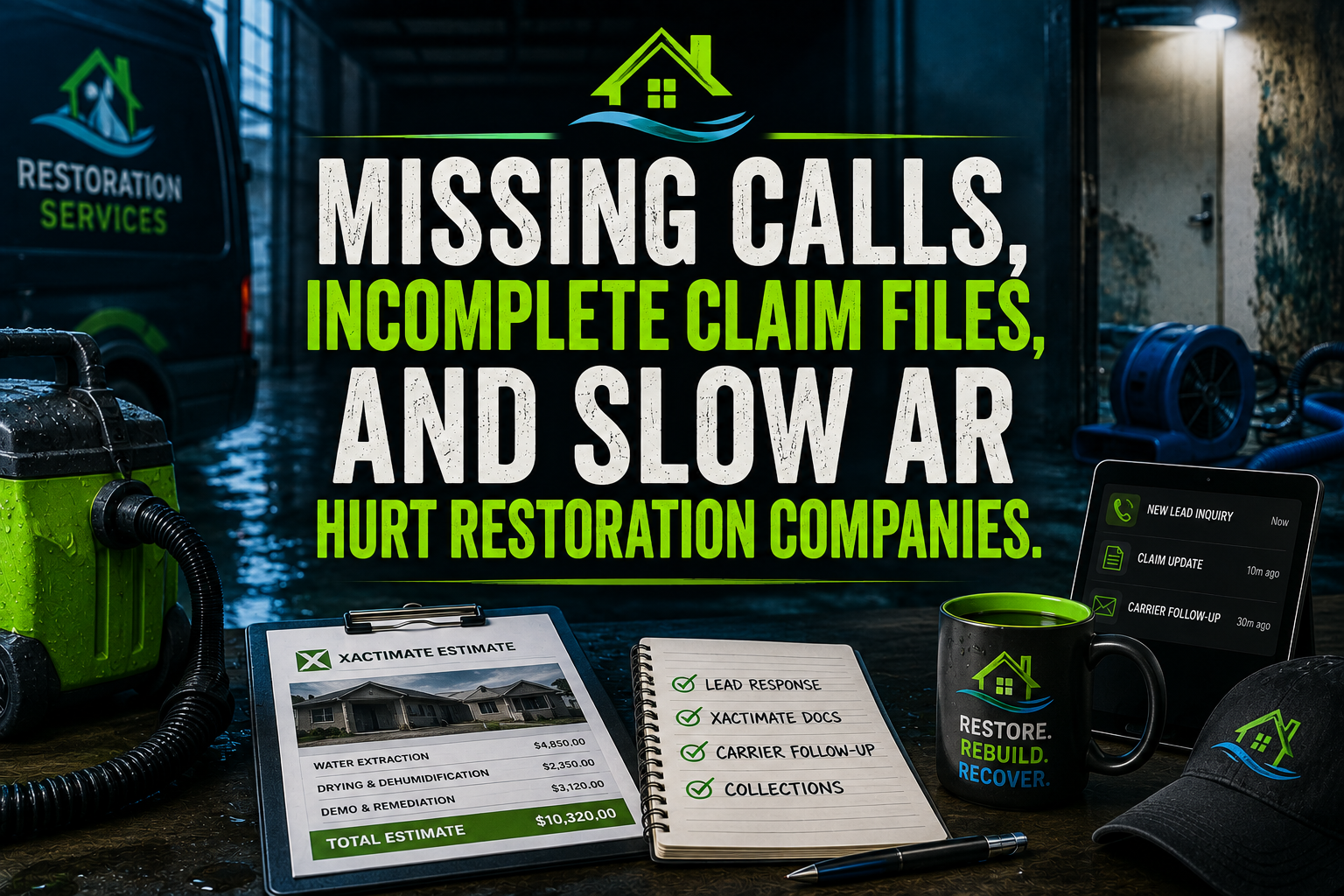
A restoration virtual assistant helps protect revenue across the entire claim-to-cash process. That matters because one missed emergency call can send a homeowner to a competitor, while one incomplete claim packet can delay payment for weeks.
Picture a 2 a.m. water loss in Dallas. Your technician arrives, extracts water, places air movers, and begins documenting the property. The work is strong. The claim packet is not. The carrier later asks for missing photos, authorization, drying logs, or scope details. Payment stalls.
Now picture the same call going to voicemail. By sunrise, another water damage restoration company has the signed authorization and the job.
Your field team should focus on mitigation, safety, and customer care. Your back office should keep every handoff moving.
The Restoration Claim Lifecycle, From First Call to Final Payment
Emergency Call and Lead Response
Start by capturing the caller’s name, property address, loss type, severity, access details, insurance information, and immediate safety concerns. Route urgent calls to the correct escalation path.
A VA can monitor phone, web, text, and referral leads. They can record the loss details, notify the on-call manager, and confirm that the customer received a clear next step. Protect response speed without asking an unlicensed coordinator to diagnose damage.
Job Authorization and Scope
Collect signed work authorizations, emergency service agreements, homeowner details, adjuster information, and access permissions. Keep every document attached to the correct customer and job record.
Revenue leaks when crews mobilize before the office confirms who authorized the work, where documents belong, or which parties require updates.
Mitigation and Documentation
During mitigation, organize technician uploads, moisture maps, equipment records, before-and-after photos, psychrometric readings, daily notes, and customer communications.
The IICRC standards library provides authoritative industry resources. Use it to guide your internal documentation expectations, but keep technical judgments with qualified restoration professionals.
Supplement and Carrier Review
Track estimates, supplements, adjuster questions, carrier requests, TPA portals, and approval status. A VA can create follow-up tasks, identify missing attachments, and maintain a clean communication timeline.
Do not ask a VA to negotiate technical scope or make coverage decisions. Ask them to prepare the file, track the request, and escalate unresolved issues.
Contents and Pack-Out
Contents work creates its own documentation burden. Organize room-by-room inventories, box numbers, photographs, condition notes, storage records, cleaning status, and return delivery appointments.
Support this workflow with the Contents Pack-Out Claims guide.
Invoicing and Cash Collection
Close the loop by confirming that the approved scope, supplement decisions, customer responsibility, subcontractor invoices, and payment instructions are reflected in the invoice.
A restoration AR VA can monitor aging, send approved reminders, document carrier responses, and escalate accounts that need owner or project-manager review.
Review and Referral Capture
After completion and payment, request a review, document the customer’s preferred contact method, and follow up on referral opportunities. Treat the closeout experience as part of restoration company marketing, not an afterthought.
What a Restoration Virtual Assistant Actually Does
A specialized VA functions as the coordination layer between your field crew, project manager, homeowner, carrier, TPA, subcontractor, and bookkeeper.
At intake, the VA answers or returns calls, records loss details, schedules dispatch support, and tracks lead outcomes. During the job, the VA organizes documentation and checks whether required files have arrived. During carrier review, the VA tracks open questions and deadlines. During closeout, the VA supports invoicing, AR follow-up, review requests, and referral records.
This is the practical role of a virtual assistant for restoration companies: protect the handoffs that field teams do not have time to manage.
What Stays With the Restoration Professional
Keep these responsibilities with qualified professionals:
- Let IICRC-certified technicians own technical mitigation, drying judgments, safety decisions, and field conditions.
- Let project managers own scope interpretation, supplement strategy, adjuster discussions, and customer resolutions.
- Let owners approve pricing, discounts, write-offs, payment disputes, hiring decisions, and high-risk escalations.
- Let licensed or otherwise qualified professionals handle regulated work, including lead-safe requirements where applicable.
The EPA Renovation, Repair and Painting Program explains certification and training requirements for paid work that disturbs painted surfaces in many pre-1978 homes and child-occupied facilities. Use a VA to track documents and reminders. Never use a VA as a substitute for required certification or technical supervision.
Restoration Software a VA Can Support
A restoration company back office becomes easier to manage when your VA works inside the systems you already use.
- ServiceTitan: Create and update customer records, confirm job details, coordinate schedules, check invoice status, and maintain call notes.
- Jobber: Organize requests, appointments, client communications, job forms, and payment follow-up.
- Housecall Pro: Support customer records, scheduling, estimates, invoices, and review requests.
- simPRO: Maintain job information, subcontractor records, documentation, purchase orders, and billing queues.
- RestorationManager: Organize job files, claim information, documentation, and status updates.
- Xactimate: Coordinate estimate files, required documentation, photo attachments, supplement status, and submission checklists. Keep estimate judgment with trained estimating professionals.
- Encircle: Organize field photos, room details, moisture information, and inspection documentation.
- DocuSign: Send approved authorizations and track signature status.
- QuickBooks: Prepare invoices, organize AR notes, reconcile approved records, and flag exceptions for review.
- Google Workspace: Manage shared drives, claim folders, calendars, email queues, and reporting documents.
- Google Business Profile and review platforms: Maintain approved updates, review request logs, and response drafts.
Local Reputation and Review Support
Restoration is local, urgent, and trust-sensitive. Homeowners, property managers, plumbers, insurance professionals, and facility managers often compare providers before choosing who receives the call.
Use your VA to maintain consistent Google Business Profile information, organize approved service updates, request reviews after completed work, draft responses for owner approval, and follow up with referral partners. Review the official Google Business Profile guidance before changing business information or user access.
Do not publish unapproved claims, promise coverage outcomes, or respond defensively to negative reviews. Have the owner or designated manager approve sensitive responses.
Two Illustrative ROI Scenarios
1. A water damage restoration company receives 120 job files each month. If a VA spends 12 minutes checking whether each file contains authorization, key photos, drying notes, and carrier contact details, the review requires 24 hours monthly. At $8 per hour, the direct VA labor equals $192 monthly. The value comes from identifying missing records before carrier review, not from assuming every gap becomes recovered revenue.
2. A regional restoration company has 80 open invoices. A VA maintains the aging list, records carrier and customer responses, sends approved reminders, and escalates disputed balances. If the process saves the owner 10 hours monthly and prevents five invoices from losing follow-up, the company gains operational visibility without adding a full-time office position.
What Does a Restoration Virtual Assistant Cost?
Virtual Nexgen Solutions provides VA support at $8 per hour. At 40 hours per week for 52 weeks, the hourly cost equals $16,640 before considering schedule design, supervision, or workload changes.
An in-house restoration office or project administrator may cost roughly $45,000 to $60,000 per year in salary alone. Add payroll taxes, benefits, recruiting, equipment, office space, training, and coverage for vacation or sick time.
Use the administrative support service to compare the work you need with the support model that fits your operation. Build the role around measurable queues instead of hiring a generalist and hoping the workflow improves.
A 30-Day Implementation Roadmap
Days 1–5: Map your current claim lifecycle. Identify missed calls, incomplete authorizations, delayed documentation, open supplements, unpaid invoices, and review gaps.
Days 6–10: Choose one starting queue. Begin with emergency intake, claim documentation, carrier follow-up, or AR. Define escalation rules and approval boundaries.
Days 11–15: Create secure user access, shared folder rules, naming conventions, email templates, call scripts, and daily reporting requirements.
Days 16–20: Train the VA inside your selected platforms. Start with a controlled batch of active jobs. Require the VA to log questions rather than guess.
Days 21–25: Review response time, documentation completeness, open follow-ups, invoice status, and escalations. Correct the process before adding more queues.
Days 26–30: Expand coverage, establish weekly owner reporting, and set monthly performance targets for lead response, file completeness, carrier follow-up, AR aging, and review requests.
Build the Supporting Restoration Content Cluster
Use this page as the commercial hub, then connect it to verified supporting resources:
- Claim intake and expediting desk
- Supplement recovery engine
- Fire damage claim packets
- Contents inventory and pack-out claims
- Drying log compliance desk
- Subcontractor invoice reconciliation
- TPA score support
- Xactimate support guide
- Authorization collection
- Restoration company operations guide
Add the remaining CMS-verified restoration articles as supporting links after URL and content audits confirm their records.
Why Restoration Companies Choose Virtual Nexgen Solutions
Virtual Nexgen Solutions builds support around your actual workflow. Start with one operational bottleneck, define the handoff, assign approval boundaries, and expand only after the queue performs consistently.
You receive support across administrative operations, marketing coordination, bookkeeping, documentation, customer communication, and AR follow-up. The model works for water damage restoration companies, fire and smoke contractors, mold remediation firms, contents specialists, and growing multi-location operators.
Frequently Asked Questions
What is a restoration virtual assistant?
A restoration virtual assistant is a remote professional who supports restoration company operations, including lead intake, documentation organization, carrier follow-up, invoicing, AR tracking, and review coordination.
What does a virtual assistant for restoration companies do?
A VA supports the administrative flow from emergency call through final payment. They coordinate information, maintain records, track follow-ups, and escalate decisions that require restoration expertise.
How much does a restoration virtual assistant cost?
Virtual Nexgen Solutions’ rate is $8 per hour. Your total cost depends on the hours, schedule, software access, training, and workflows assigned.
Can a restoration virtual assistant work with Xactimate?
Yes. A VA can organize Xactimate files, coordinate photos and supporting records, track supplements, and maintain submission checklists. A qualified estimator should retain technical estimate judgment.
Can a restoration virtual assistant answer calls after hours?
Yes. A VA can answer or return calls according to your approved script, capture loss details, and escalate urgent situations to your designated on-call professional.
Can a restoration virtual assistant handle insurance claim documentation?
Yes. A VA can organize authorizations, photos, drying logs, moisture records, invoices, correspondence, and carrier requests while escalating missing or disputed information.
What software can a restoration virtual assistant support?
A VA can support platforms such as ServiceTitan, Jobber, Housecall Pro, simPRO, RestorationManager, Xactimate, Encircle, DocuSign, QuickBooks, Google Workspace, and review platforms.
How do I hire a restoration virtual assistant?
Define your first workflow, identify required software, document approval boundaries, set security rules, and choose a provider that can train support around restoration operations.
Ready to protect the claim-to-cash handoff? Book a 30-minute consultation with Virtual Nexgen Solutions and identify the first restoration workflow to delegate.