
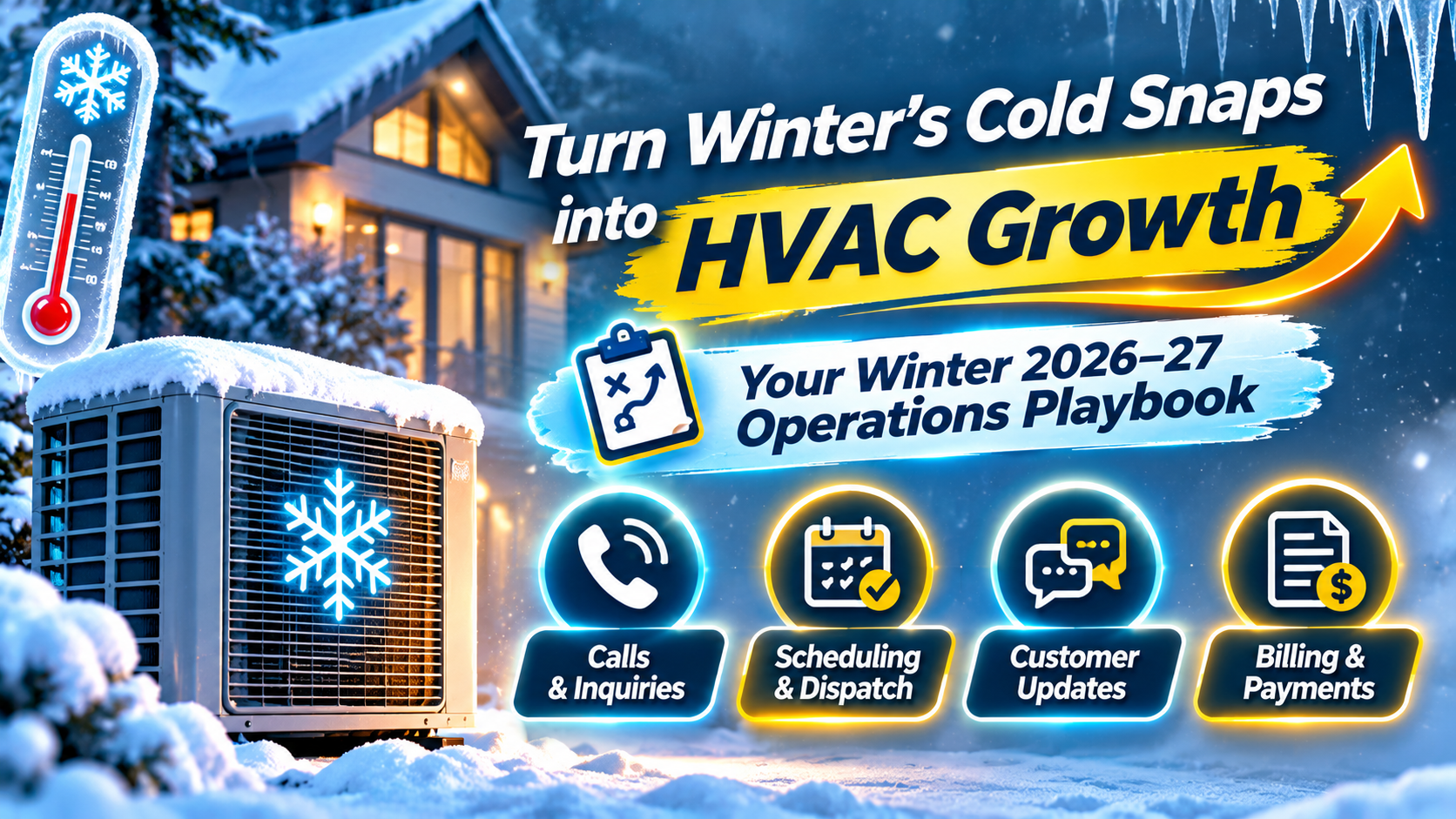
Cold snaps don’t build HVAC business gradually. A sharp temperature drop can fill the schedule in a matter of hours, and the calls your team can’t answer may go to the contractor who picks up first.
The opportunity is real, but it varies by region and weather. In a ServiceTitan analysis of three winters, cold-spell days brought about 30% more jobs booked and a 30% higher average ticket than a typical winter day. Daily revenue increased by about 70% on average, with much larger increases in some colder regions. The practical takeaway: get your office workflows ready before the forecast changes.
If calls, scheduling, and customer updates are already competing for your team’s attention, Virtual Nexgen Solutions’ HVAC virtual assistants can provide dedicated, HVAC-trained administrative support. A virtual assistant can help manage routine call intake, booking, dispatch coordination, and follow-up under your rules, while your qualified team retains technical and safety decisions.
Why the HVAC busy season starts before winter
Heating demand does not wait for December. 99Calls’ 2026 client data found that heating-related lead requests nearly doubled from September to October, rising from 49 to 96. HVAC clients on its platform averaged about 177 leads per month from October through January, compared with 80 in August.
Those figures represent that company’s client data, not a guarantee for every market. But they reinforce a useful planning point: homeowners may begin looking for heating service well before the coldest part of the season.
The 2026–27 outlook also calls for variation across the country. HomeProRadar’s winter outlook cites an El Niño pattern and an EIA forecast for heating-degree days that differs by region. Treat this as a planning signal, not a promise about local weather. A mild seasonal average can still include a short, intense cold snap.
What breaks first during a cold snap? Often, the office
When calls surge, technicians are not the only capacity constraint. Your office may be managing new service requests, schedule changes, arrival updates, paperwork, and invoices at the same time.
That can create a call-to-job gap: a customer needs service, but their request doesn’t reach the right person with enough information and a clear next step.
A remote administrative layer can help close that gap:
- Missed calls: Answer or capture inquiries, record the essentials, and book routine appointments according to your service area and availability rules.
- Dispatch pressure: Update job details and schedules, flag conflicts, and coordinate routine changes. Your dispatcher retains control of exceptions, technician assignments, and priority decisions.
- Status calls: Send approved appointment confirmations, arrival-window updates, and schedule-change messages so customers aren’t left guessing.
- Paperwork backlog: Keep job records and documentation current, and support invoice preparation and payment follow-up under your established process.
The aim is not to promise every caller a same-day visit. It is to make sure every inquiry gets a reliable response and a defined next step.
Build your winter surge plan around the office
A workable winter plan should explain what happens before demand spikes, how your team changes its response when it does, and who can authorize exceptions.
Before the first major cold snap
- Review and renew maintenance agreements before the rush.
- Run fall tune-up campaigns early enough to book work before emergency calls dominate the calendar.
- Set coverage expectations for evenings, weekends, and overflow calls.
- Define what the office can book and what must be escalated.
- Confirm that customer records, service areas, appointment types, and contact details are current.
- Review common winter parts, vendor contacts, and inventory procedures with your operations team.
HomeProRadar specifically recommends proactive equipment staging, after-hours call handling, and disciplined mid-season billing in its 2026–27 outlook. Your own parts and staffing decisions should reflect your equipment mix, local history, and budget.
Use a simple three-level coverage plan
A short written plan can prevent a busy day from turning into a series of improvised decisions.
- Normal: Follow standard call, booking, and dispatch workflows.
- Watch: When forecasts or inbound volume signal a likely surge, confirm coverage, prepare approved customer messages, and review available appointment capacity.
- Surge: When calls exceed your normal baseline, activate overflow coverage, review the schedule at set intervals, and route exceptions to the designated manager.
Set the triggers using your own data. For example, your team might move to Watch when forecasts indicate unusually low temperatures or when call volume rises beyond a chosen threshold. The right trigger depends on your service area and available technicians.
A practical 30-day plan for November
With winter 2026–27 approaching, November is a useful time to prepare the system, not just wait for the weather.
Week 1: Review the baseline. Check last winter’s answer rate, after-hours inquiries, booking conversion, agreement renewals, and invoice timing. Note when your team experienced the greatest pressure.
Week 2: Activate customer follow-up. Contact customers due for maintenance or agreement renewal. Use a clear, approved offer and make it easy for customers to book.
Week 3: Set up coverage and escalation. Confirm who handles overflow, after-hours calls, schedule exceptions, and safety-related reports. Add backup contacts and test the call flow.
Week 4: Test the workflow. Run sample calls through your process, including a routine tune-up, a no-heat request, a schedule change, and an urgent safety concern. Check that each request reaches the right next step and that records are complete.
If you already have a virtual assistant, include them in the practice runs. If you are considering one, start with a defined group of repeatable tasks rather than handing over the entire operation at once.
What a dedicated HVAC virtual assistant can, and cannot, do
A dedicated HVAC virtual assistant can support repeatable office work such as:
- Call intake and routine appointment booking
- Maintenance agreement reminders and scheduling
- Customer confirmations and approved status updates
- Dispatch-board and CRM updates
- Estimate follow-up using approved scripts
- Documentation, invoice preparation, and payment reminders
The exact scope depends on your procedures, software access, and oversight. Your HVAC virtual assistant guide explains common workflows in more detail. You can also read about virtual receptionist support and HVAC dispatch coordination.
A VA should not diagnose equipment, make technical recommendations, assess whether a home is safe, or make unapproved pricing and scheduling commitments. Technical work, including work that requires EPA Section 608 certification, must remain with appropriately qualified personnel. Create a written escalation process for reports such as gas odor, a carbon monoxide alarm, smoke, or another immediate danger. The VA’s role is to follow that process and connect the caller with the appropriate emergency resource or qualified team member, not to troubleshoot.
Measure the parts of the surge you can improve
A full calendar does not automatically mean a well-run season. Review a small set of metrics during winter and compare them with your own baseline:
- Call answer rate: What share of incoming calls are answered or captured?
- After-hours capture: Are requests recorded and routed according to plan?
- Booking conversion: How many eligible inquiries become confirmed appointments?
- Maintenance agreement renewal rate: Are renewals and due visits getting timely follow-up?
- Invoice lag: How long after a completed job is the invoice prepared and sent?
Also review customer complaints, dispatch exceptions, and callbacks. A high answer rate is useful only if callers receive accurate information and the field team gets complete job details.
Frequently asked questions
When is HVAC busy season?
It depends on your region and the weather. Heating demand commonly increases in fall and winter; 99Calls’ 2026 client data showed heating-related inquiries rising in October and remaining elevated through winter. Cold snaps can create short, sharp demand spikes even in a milder season.
How do HVAC companies handle winter surges without hiring?
Prepare before the rush: renew agreements, run seasonal maintenance outreach, set overflow call coverage, define booking and escalation rules, and keep job documentation and billing moving. A dedicated virtual assistant can support repeatable office tasks, while your team retains technical and operational decisions.
Why do HVAC calls go unanswered in winter?
Call volume often rises while office staff are already booking jobs, handling schedule changes, and updating customers. Without a clear overflow process, calls may reach voicemail or wait for a callback. Review your coverage plan and decide how each call should be answered, captured, or escalated.
Can a virtual assistant handle emergency HVAC calls?
A virtual assistant can collect caller details and follow your written escalation procedure. They should not diagnose a system, assess a hazard, or decide that a safety concern can wait. Define emergency contacts and backup steps before routing calls.
What should I prepare before winter?
Start with last season’s call and scheduling data. Then confirm maintenance outreach, coverage hours, booking rules, escalation contacts, software access, customer-message templates, and documentation workflows. Test the plan before the first major cold snap.
Keep the winter workload moving
The cold-snap opportunity is not just about getting more calls. It is about answering consistently, booking within real capacity, keeping customers informed, and preventing administrative work from trailing behind completed jobs.
Virtual Nexgen Solutions provides dedicated, 1-on-1 HVAC-trained virtual assistants and AI automation support for workflows such as after-hours call capture and customer status messages. The work is set up around your procedures, software, access controls, and escalation rules. Results depend on your call volume and implementation; support is designed to extend your team, not replace qualified HVAC staff.
Explore HVAC virtual assistant support or book a 30-minute consultation to discuss which winter workflows could be delegated.
Work With Virtual Nexgen Solutions
If your business needs dependable virtual assistant support, Virtual Nexgen Solutions can provide support around your existing workflow. Book a discovery call today.
Get in Touch Now!